

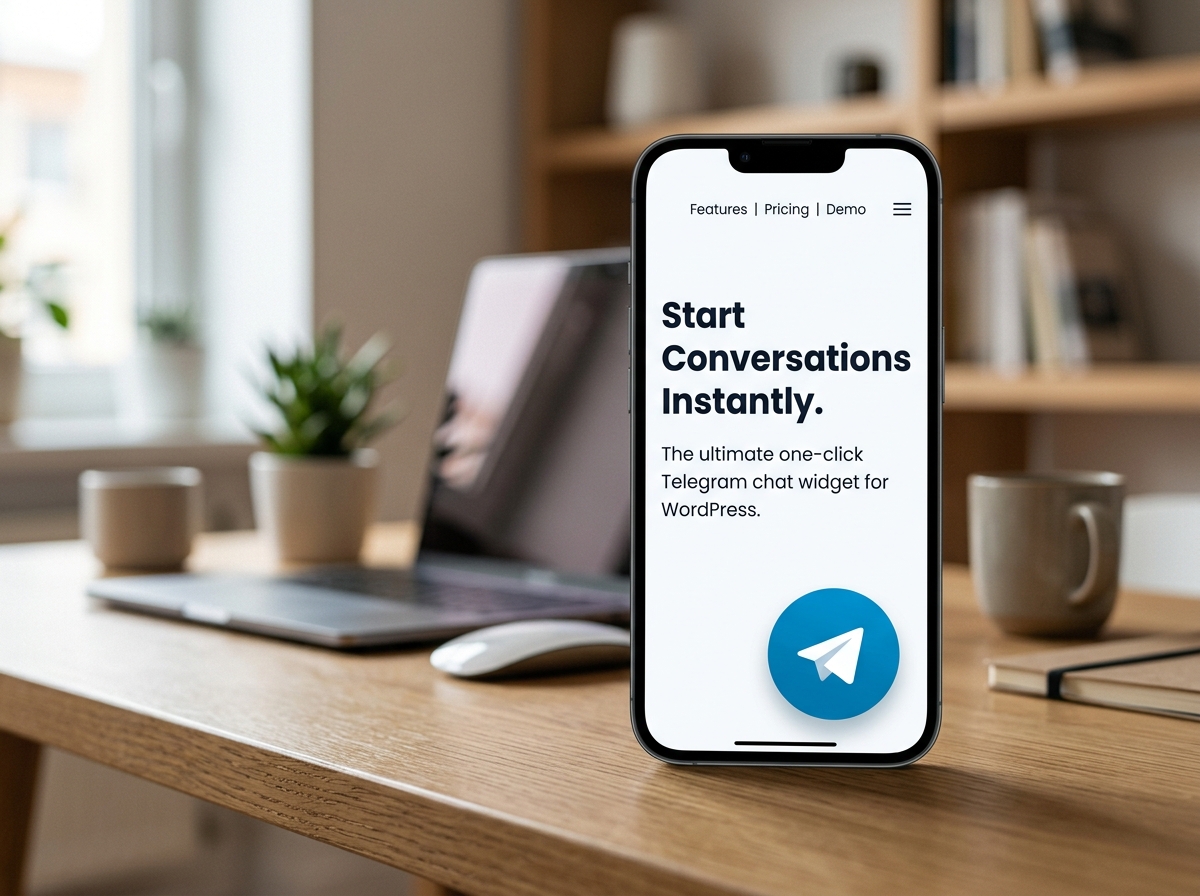


Stop letting potential leads slip away because they don’t want to fill out a complicated contact form. Telechat makes it incredibly easy for your website visitors to reach out to you directly via Telegram.
Whether you are offering customer support, answering pre-sale questions, or just building a community, giving your users a direct, familiar messaging channel builds immediate trust and dramatically increases conversion rates.
Built specifically for modern WordPress sites, Telechat focuses on doing one thing perfectly: creating a frictionless connection between you and your audience. We skipped the heavy frameworks to deliver a plugin that is fast, reliable, and incredibly easy to manage.
Q: Do I need a special Telegram Business account to use this? A: No, you can use any standard personal or business Telegram username. Telechat routes the user directly to a chat with your specified handle.
Q: Will this plugin slow down my WordPress site? A: Not at all. Telechat is built with highly optimized, lightweight code. It has zero negative impact on your page speed or Core Web Vitals.
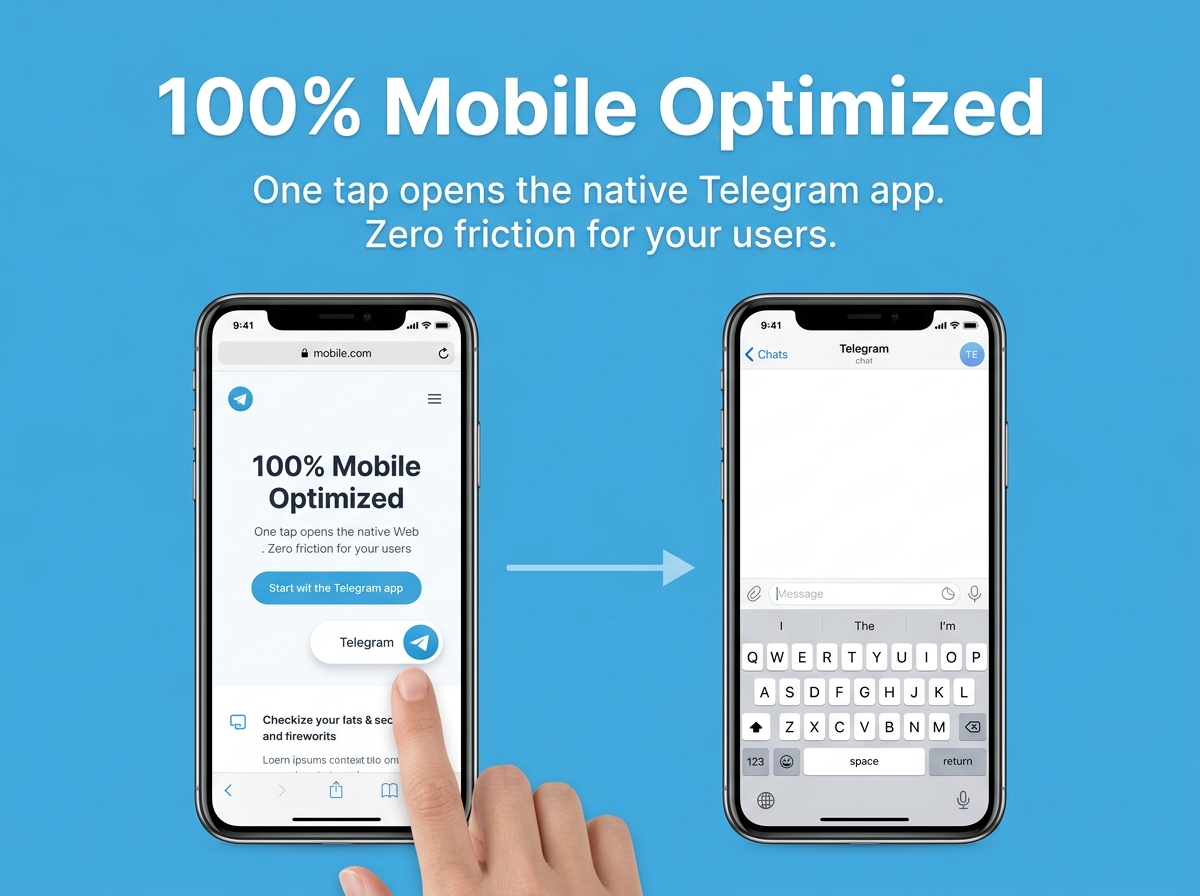
Q: Does the widget work on mobile devices? A: Yes! On smartphones, tapping the Telechat button instantly opens the user’s native Telegram app so they can start typing immediately.
Q: Do visitors need to fill out a form before chatting? A: No forms, no email captures, and no friction. One click takes them straight into the chat interface.
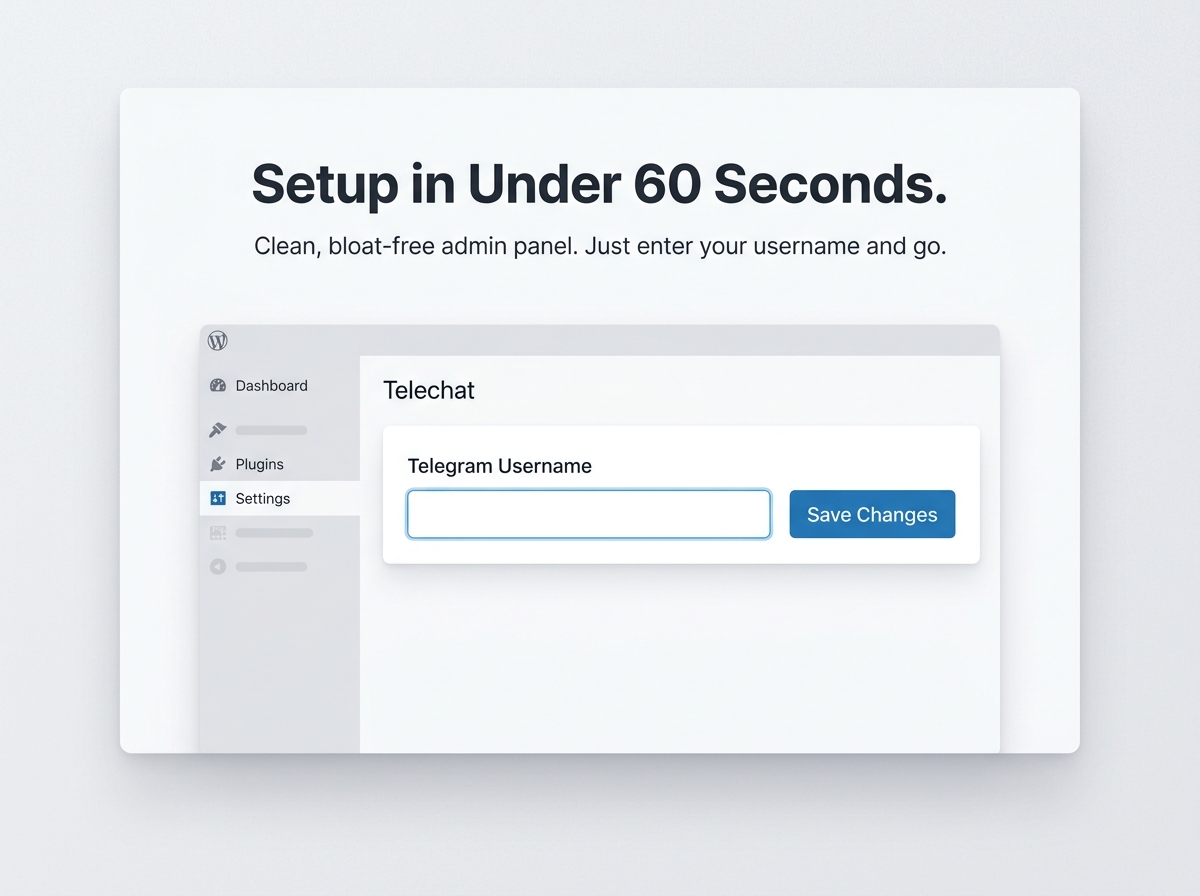
Q: How do I link my Telegram account to the button? A: It’s incredibly simple. Just navigate to the Telechat settings in your WordPress admin dashboard, type in your Telegram username, and click save.
Stop letting potential leads slip away because they don’t want to fill out a complicated contact form. Telechat makes it incredibly easy for your website visitors to reach out to you directly via Telegram.
Whether you are offering customer support, answering pre-sale questions, or just building a community, giving your users a direct, familiar messaging channel builds immediate trust and dramatically increases conversion rates.
Built specifically for modern WordPress sites, Telechat focuses on doing one thing perfectly: creating a frictionless connection between you and your audience. We skipped the heavy frameworks to deliver a plugin that is fast, reliable, and incredibly easy to manage.
Q: Do I need a special Telegram Business account to use this? A: No, you can use any standard personal or business Telegram username. Telechat routes the user directly to a chat with your specified handle.
Q: Will this plugin slow down my WordPress site? A: Not at all. Telechat is built with highly optimized, lightweight code. It has zero negative impact on your page speed or Core Web Vitals.
Q: Does the widget work on mobile devices? A: Yes! On smartphones, tapping the Telechat button instantly opens the user’s native Telegram app so they can start typing immediately.
Q: Do visitors need to fill out a form before chatting? A: No forms, no email captures, and no friction. One click takes them straight into the chat interface.
Q: How do I link my Telegram account to the button? A: It’s incredibly simple. Just navigate to the Telechat settings in your WordPress admin dashboard, type in your Telegram username, and click save.

With our extensive collection of elements, creating and customizing layouts becomes
second nature. Forget about coding and enjoy our themes.
 Discount of up to