
Never miss a due date again. Take the stress out of managing your monthly expenses with the Ultimate Bill Tracker Spreadsheet. 📅💡
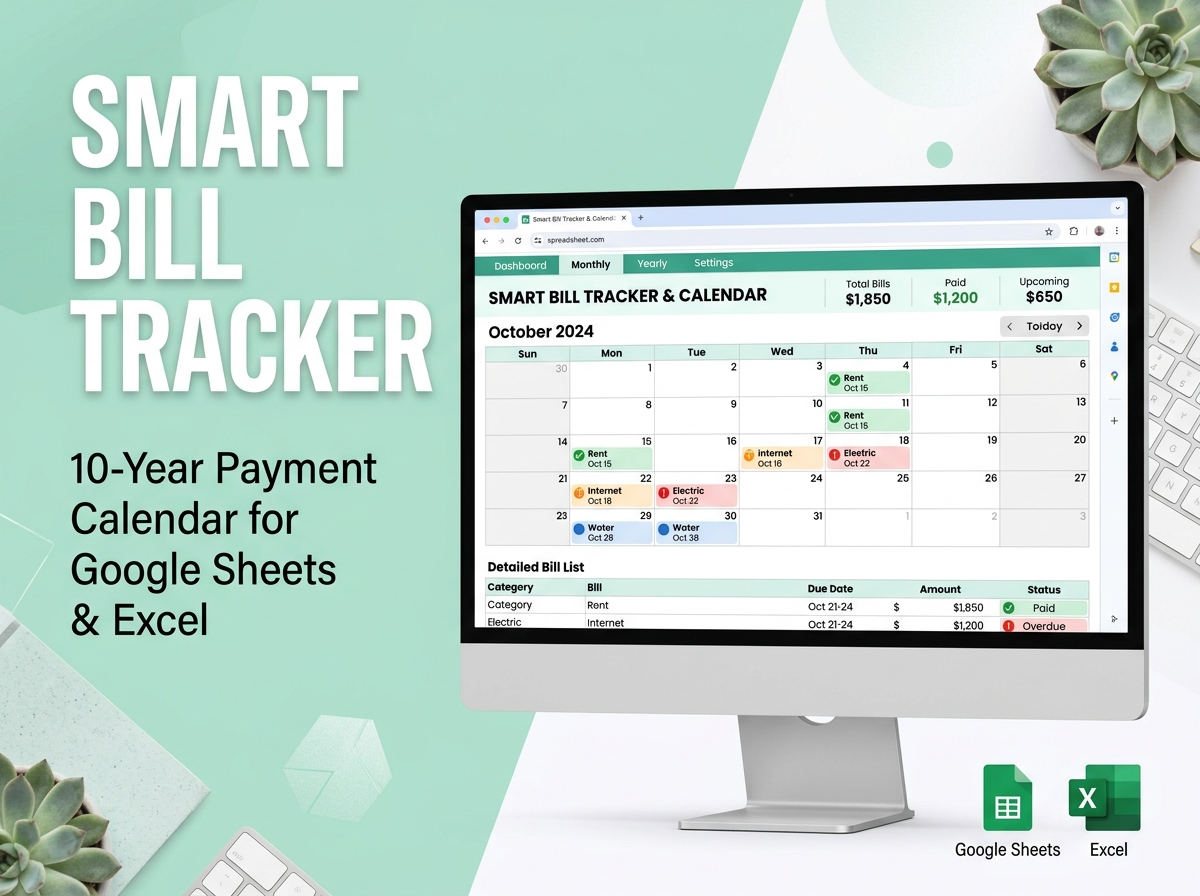
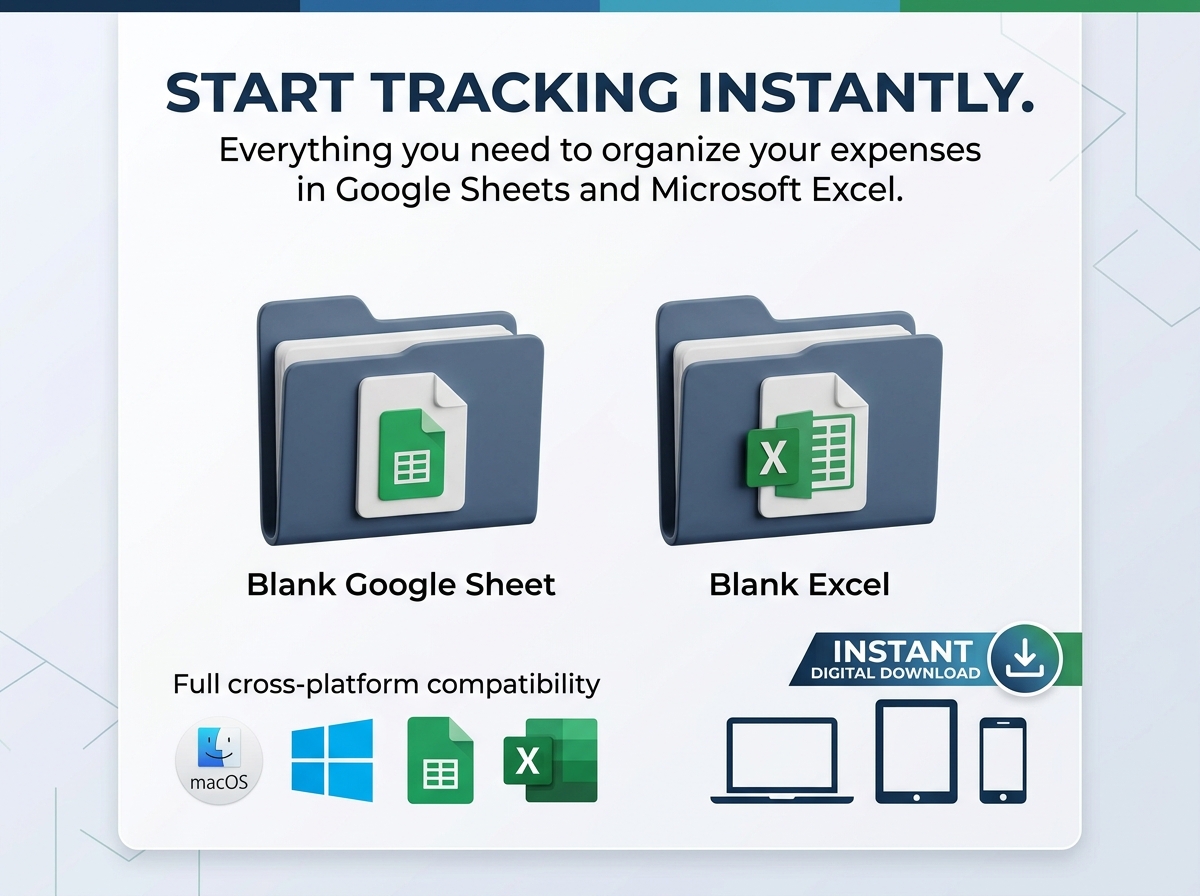
Designed for both Google Sheets and Excel, this simple yet incredibly powerful tool is your personal command center for tracking bills, due dates, and payment statuses. Whether you are managing household utilities or keeping track of small business overhead, this template provides a crystal-clear overview of your financial obligations in one perfectly organized dashboard.
🔑 Key Features:
⚡ Easy to Get Started:
📦 What’s Included?
💻 How It Works & Requirements: You Will Need:
How It Works:
⚠️ Important to Know:
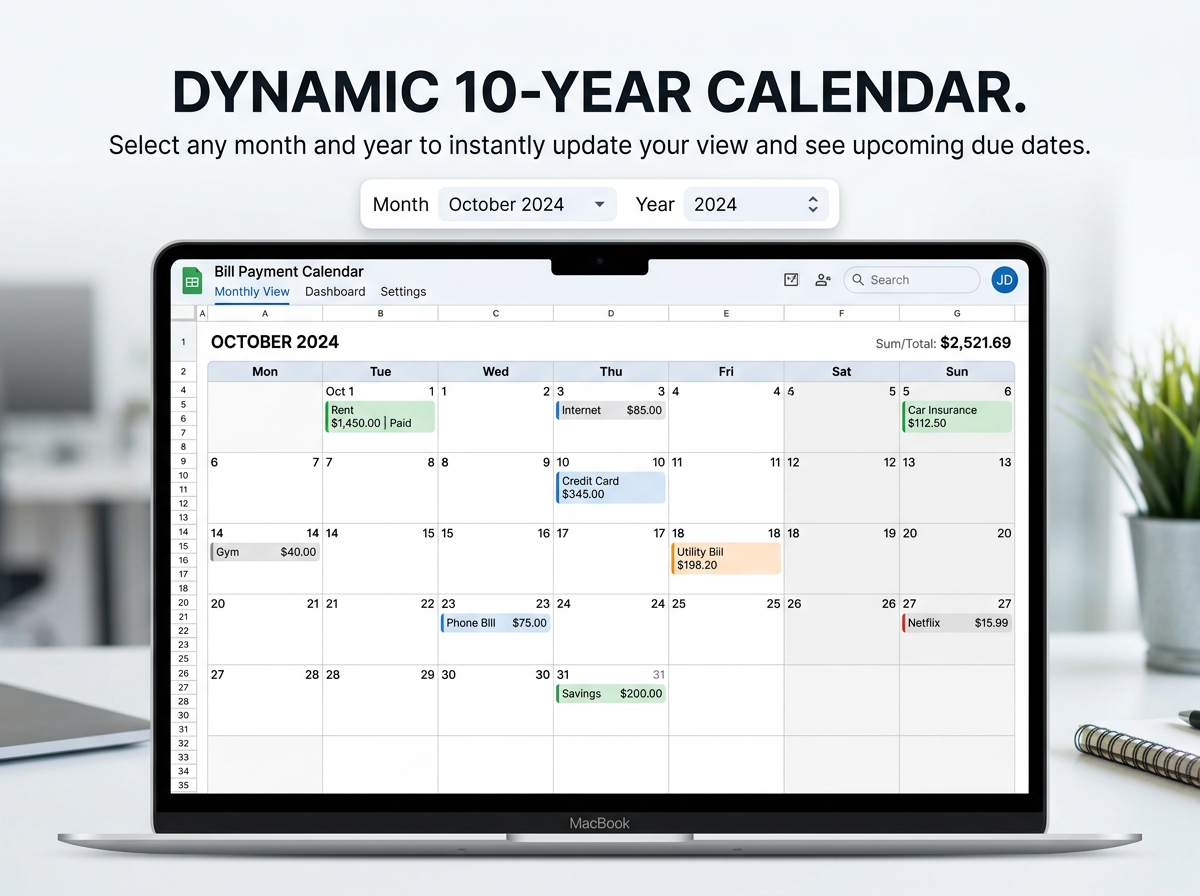
Q1: How does the 10-year planner actually work? A: The spreadsheet features a smart, dynamic date selector. You simply choose your desired month and year (up to 10 years into the future) from a dropdown menu, and the calendar automatically reshuffles to match that exact timeframe.
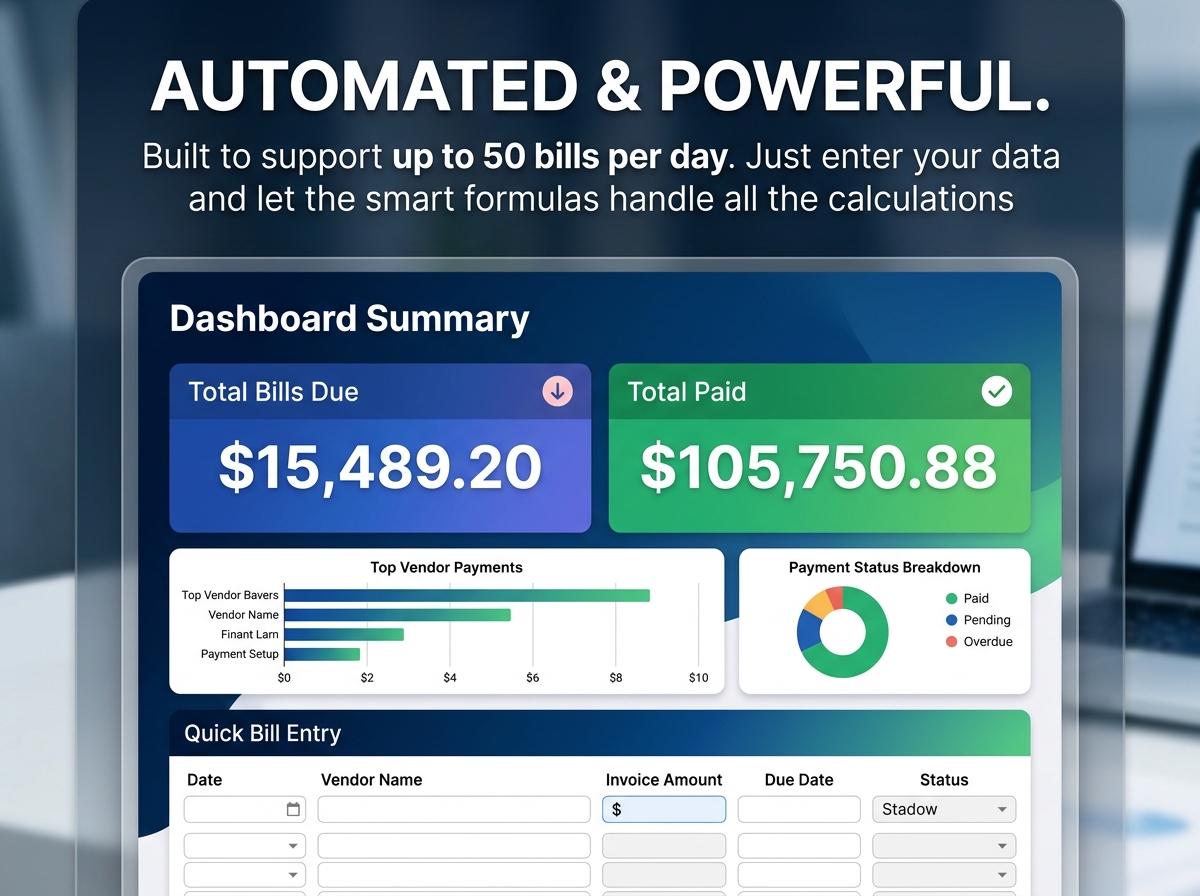
Q2: Can I use this for my small business? A: Absolutely. Because it supports tracking up to 50 bills per day and allows for customizable settings, it is robust enough for small business overhead while remaining simple enough for personal household use.
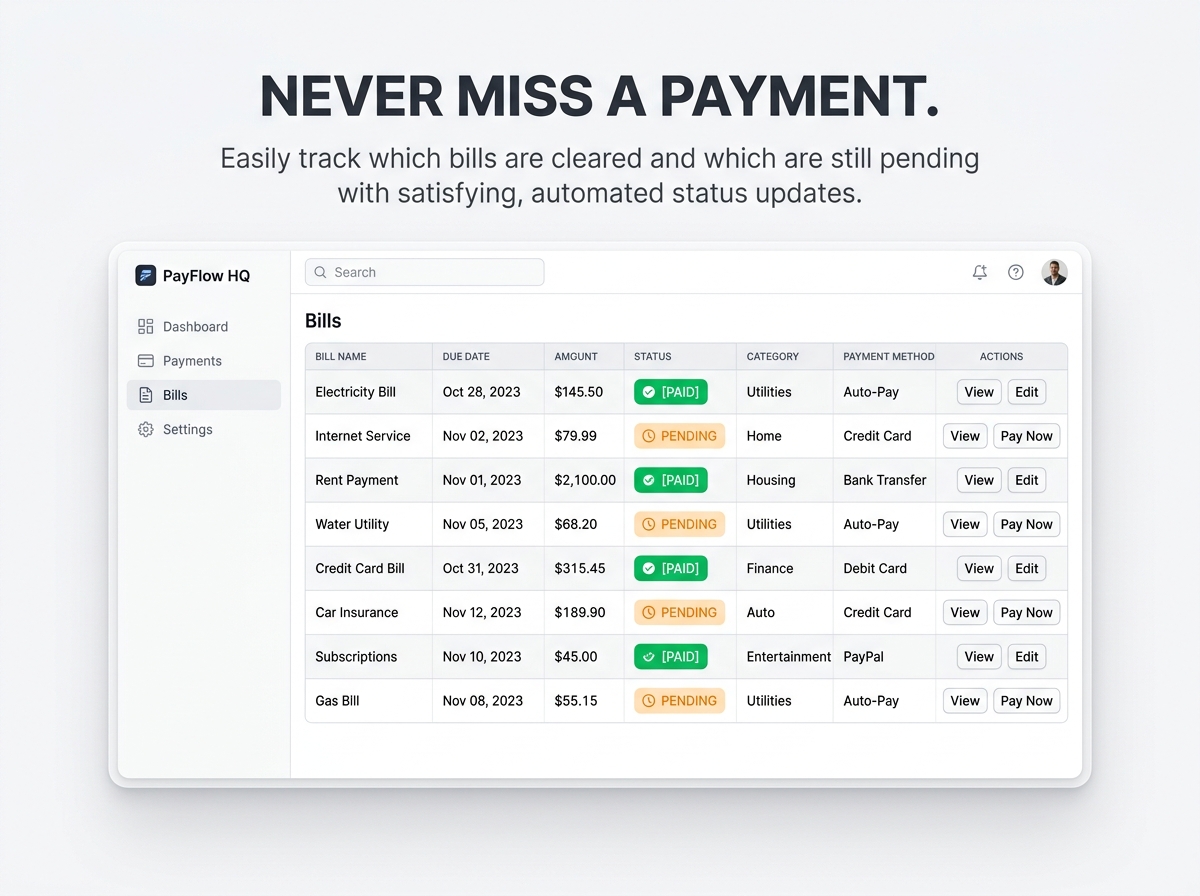
Q3: Will the calendar automatically mark my bills as paid? A: Once you check off a bill or mark its status as “Paid” in your transaction list, the calendar and your dashboard totals will automatically update to reflect that payment, giving you an accurate real-time view of your pending obligations.
Q4: Do I have to be good at math or Excel to use this? A: Not at all! The template is built with automated calculations. All you have to do is input your bill names, due dates, and amounts—the spreadsheet handles all the math for you.
Q5: Are there recurring subscription fees for this tool? A: No, this is a one-time purchase. Once you download the template, it is yours to use for the next decade with no hidden fees or ongoing software subscriptions.
Never miss a due date again. Take the stress out of managing your monthly expenses with the Ultimate Bill Tracker Spreadsheet. 📅💡
Designed for both Google Sheets and Excel, this simple yet incredibly powerful tool is your personal command center for tracking bills, due dates, and payment statuses. Whether you are managing household utilities or keeping track of small business overhead, this template provides a crystal-clear overview of your financial obligations in one perfectly organized dashboard.
🔑 Key Features:
⚡ Easy to Get Started:
📦 What’s Included?
💻 How It Works & Requirements: You Will Need:
How It Works:
⚠️ Important to Know:
Q1: How does the 10-year planner actually work? A: The spreadsheet features a smart, dynamic date selector. You simply choose your desired month and year (up to 10 years into the future) from a dropdown menu, and the calendar automatically reshuffles to match that exact timeframe.
Q2: Can I use this for my small business? A: Absolutely. Because it supports tracking up to 50 bills per day and allows for customizable settings, it is robust enough for small business overhead while remaining simple enough for personal household use.
Q3: Will the calendar automatically mark my bills as paid? A: Once you check off a bill or mark its status as “Paid” in your transaction list, the calendar and your dashboard totals will automatically update to reflect that payment, giving you an accurate real-time view of your pending obligations.
Q4: Do I have to be good at math or Excel to use this? A: Not at all! The template is built with automated calculations. All you have to do is input your bill names, due dates, and amounts—the spreadsheet handles all the math for you.
Q5: Are there recurring subscription fees for this tool? A: No, this is a one-time purchase. Once you download the template, it is yours to use for the next decade with no hidden fees or ongoing software subscriptions.

With our extensive collection of elements, creating and customizing layouts becomes
second nature. Forget about coding and enjoy our themes.
 Discount of up to