
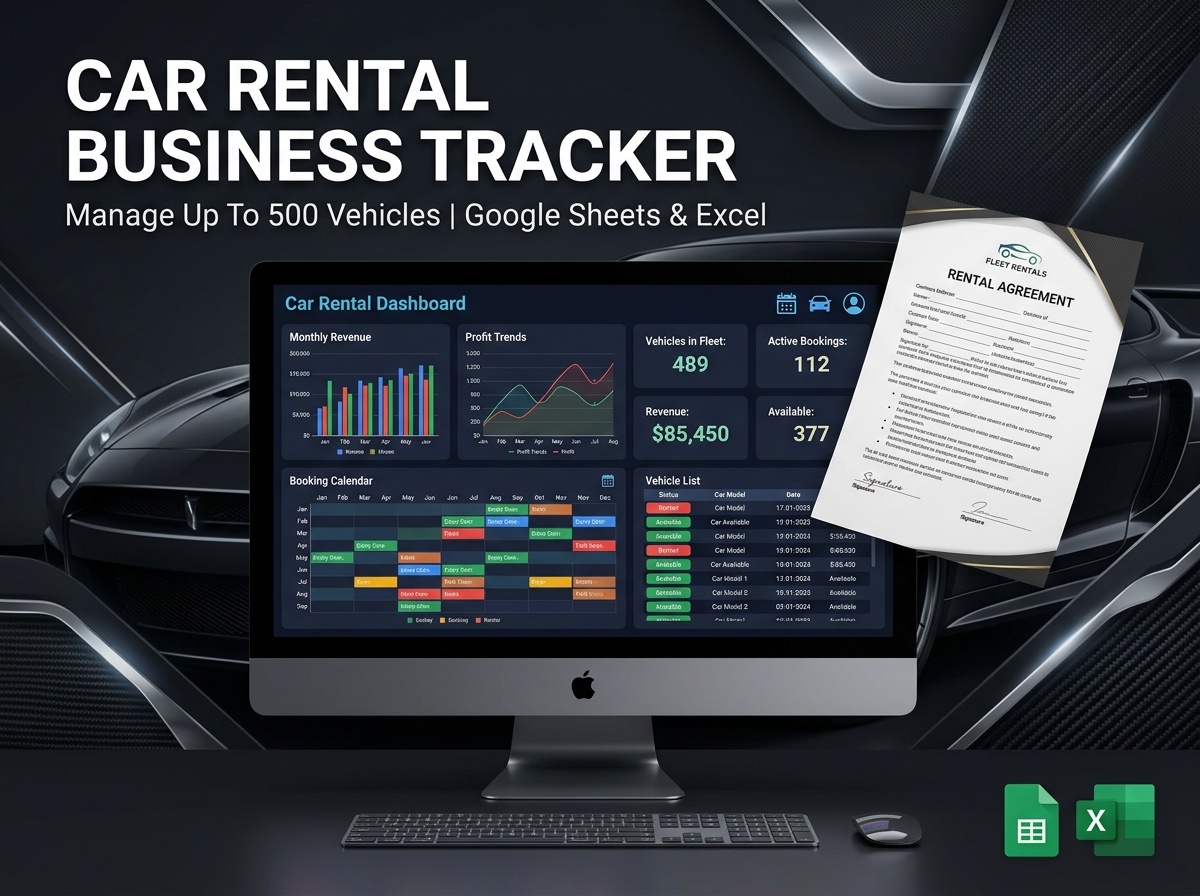
Take complete control of your fleet, maximize your profits, and streamline your reservations with the Ultimate Car Rental Booking Tracker. 🚗💼
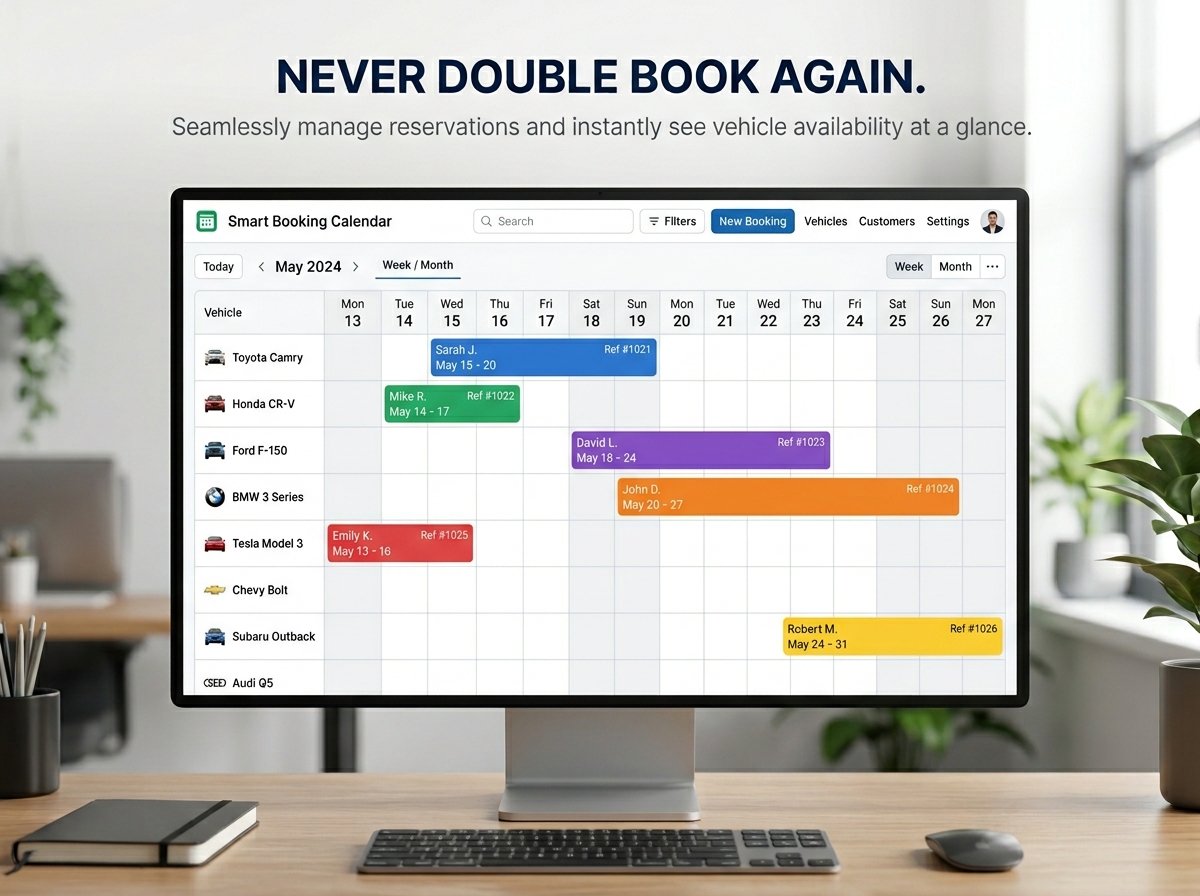
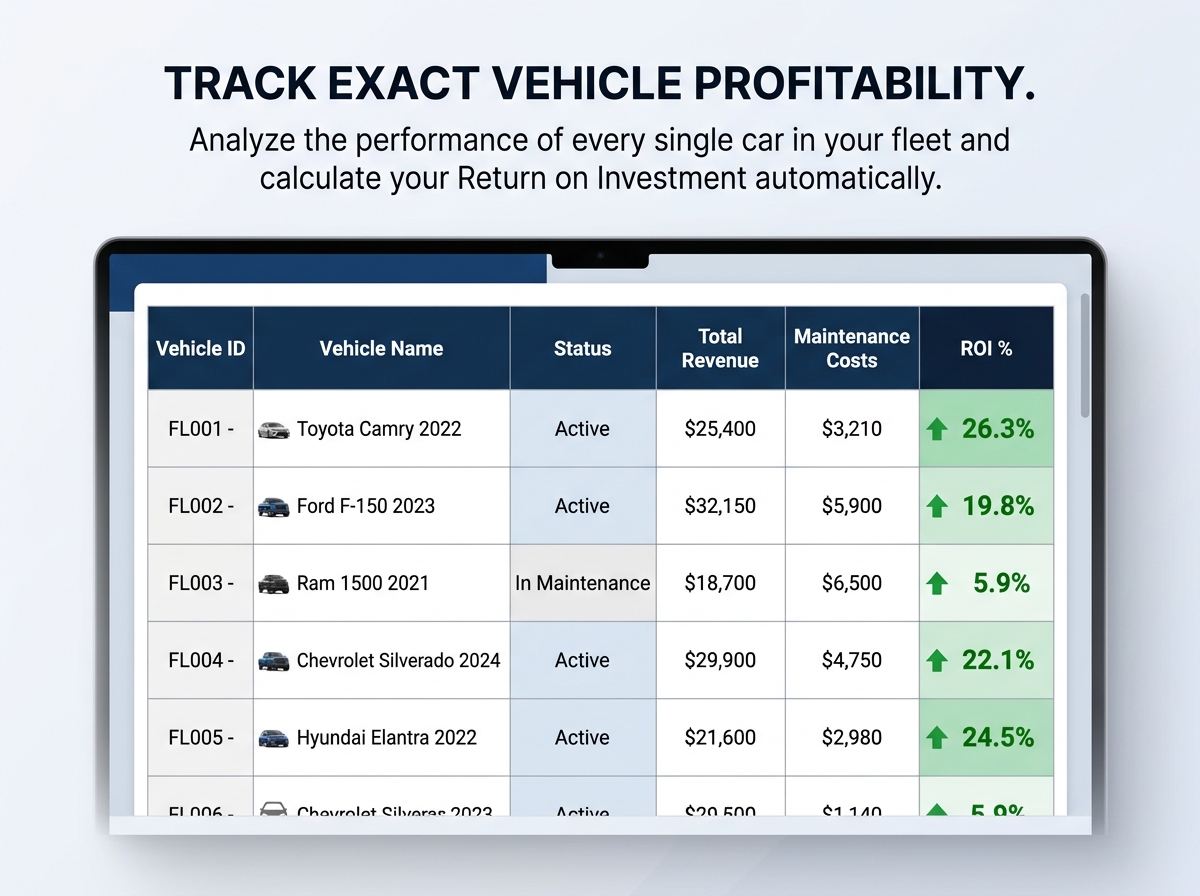
Designed specifically to provide complete transparency and efficiency for your rental business, this powerful spreadsheet simplifies tracking income, expenses, and overall profitability. Whether you are an independent operator with a few cars or a growing company managing up to 500 vehicles, this tool gives you a centralized hub to manage reservations, prevent scheduling conflicts, and analyze the exact profitability of every single vehicle in your fleet.
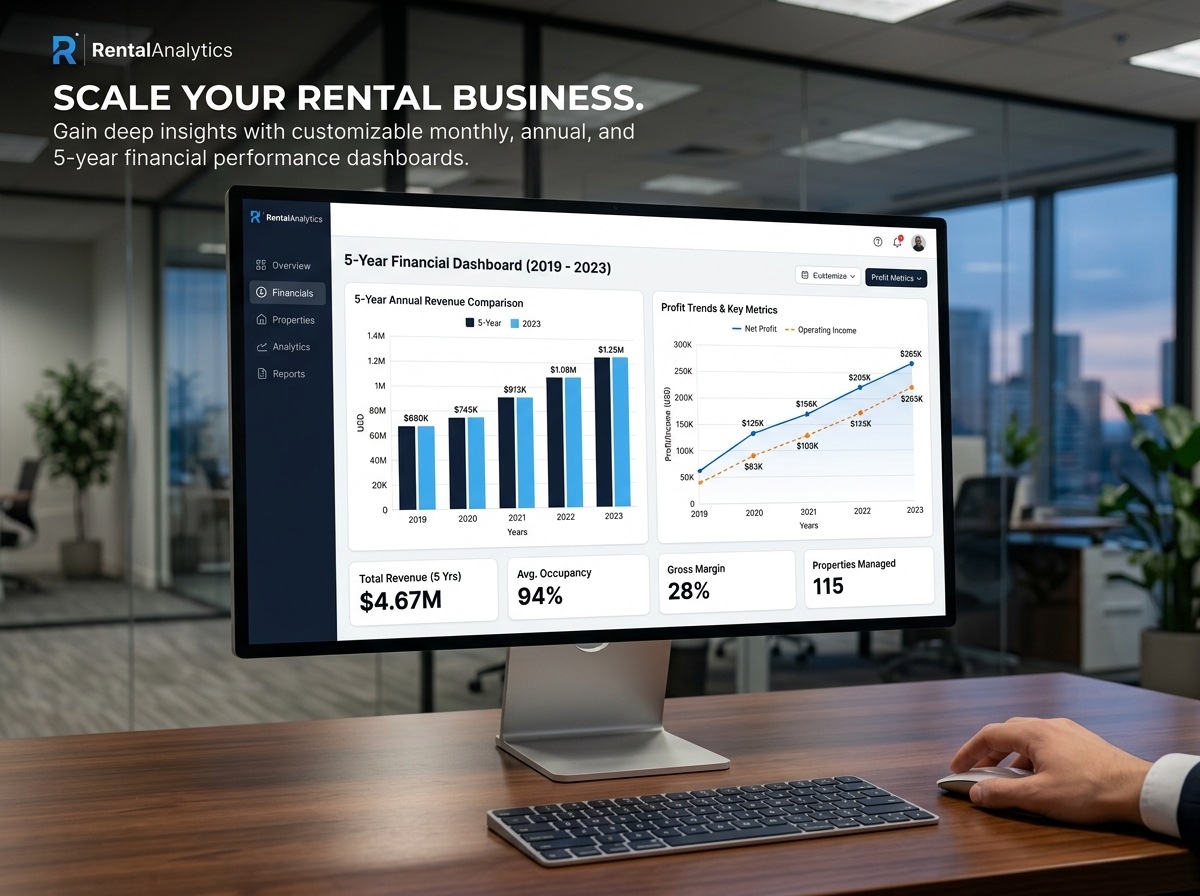
Get a detailed overview of your financial trends and make data-driven decisions to scale your operations effortlessly!
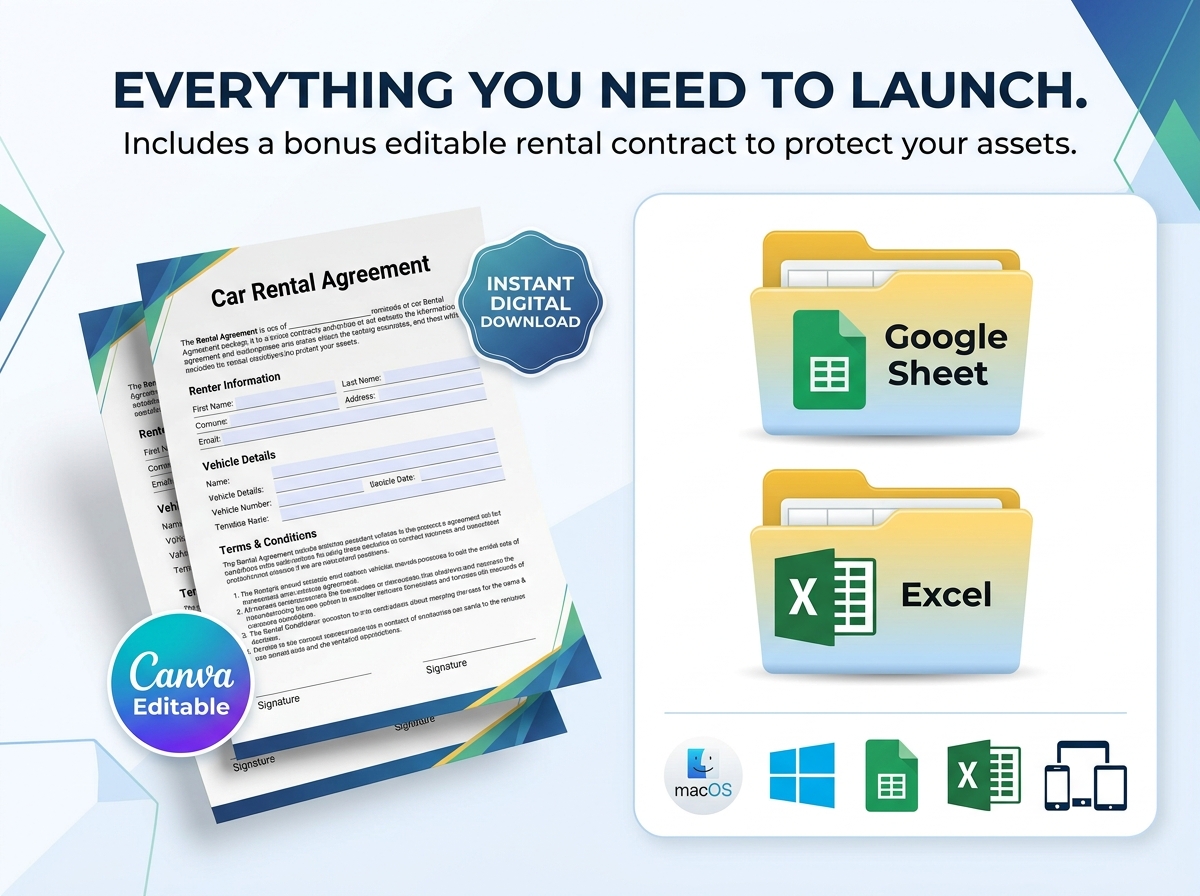
🎁 BONUS INCLUDED: Every purchase includes a professional Car Rental Agreement Template in PDF format (8.5 x 11 inches). It is fully editable in Canva, allowing you to instantly add your logo and terms to support your business needs legally and professionally!
🔑 Key Features:
💡 Who Should Use It?
📦 What’s Included?
💻 How It Works & Requirements: You Will Need:
How It Works:
⚠️ Important to Know:
Q1: How many vehicles can I track with this spreadsheet? A: This robust template is designed to effortlessly manage and track the performance of up to 500 vehicles, making it perfect for both small operators and large fleet managers.
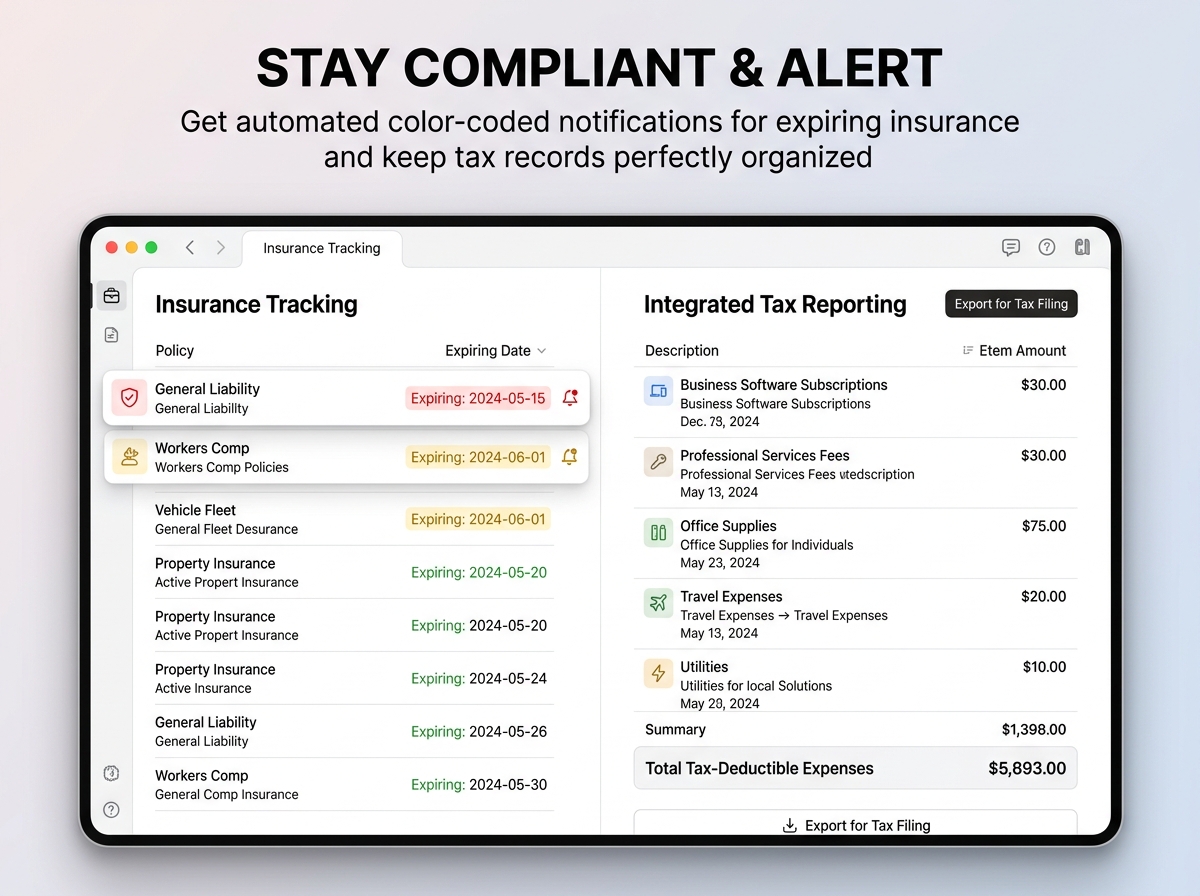
Q2: How do the insurance expiration alerts work? A: The spreadsheet uses smart conditional formatting. You simply enter the expiration date for a vehicle’s insurance, and as the date approaches, the cell will automatically change color to alert you that a renewal is due!
Q3: How do I edit the bonus Car Rental Agreement? A: When you download your purchase, you will receive a PDF with a direct link to a Canva template. You can create a free Canva account, click the link, and easily drag and drop your logo, change the text, and adjust the terms to fit your specific business.
Q4: Will this help me calculate my ROI if I buy a new car for the fleet? A: Absolutely. The built-in ROI Calculator allows you to input the purchase price, maintenance costs, and rental income to evaluate the exact return on investment for any specific vehicle in your fleet.
Q5: Can I use this if my business operates outside the US? A: Yes! The spreadsheet features full Multi-Currency Support. You can track your income, expenses, and profits in whichever currency your business uses.
Take complete control of your fleet, maximize your profits, and streamline your reservations with the Ultimate Car Rental Booking Tracker. 🚗💼
Designed specifically to provide complete transparency and efficiency for your rental business, this powerful spreadsheet simplifies tracking income, expenses, and overall profitability. Whether you are an independent operator with a few cars or a growing company managing up to 500 vehicles, this tool gives you a centralized hub to manage reservations, prevent scheduling conflicts, and analyze the exact profitability of every single vehicle in your fleet.
Get a detailed overview of your financial trends and make data-driven decisions to scale your operations effortlessly!
🎁 BONUS INCLUDED: Every purchase includes a professional Car Rental Agreement Template in PDF format (8.5 x 11 inches). It is fully editable in Canva, allowing you to instantly add your logo and terms to support your business needs legally and professionally!
🔑 Key Features:
💡 Who Should Use It?
📦 What’s Included?
💻 How It Works & Requirements: You Will Need:
How It Works:
⚠️ Important to Know:
Q1: How many vehicles can I track with this spreadsheet? A: This robust template is designed to effortlessly manage and track the performance of up to 500 vehicles, making it perfect for both small operators and large fleet managers.
Q2: How do the insurance expiration alerts work? A: The spreadsheet uses smart conditional formatting. You simply enter the expiration date for a vehicle’s insurance, and as the date approaches, the cell will automatically change color to alert you that a renewal is due!
Q3: How do I edit the bonus Car Rental Agreement? A: When you download your purchase, you will receive a PDF with a direct link to a Canva template. You can create a free Canva account, click the link, and easily drag and drop your logo, change the text, and adjust the terms to fit your specific business.
Q4: Will this help me calculate my ROI if I buy a new car for the fleet? A: Absolutely. The built-in ROI Calculator allows you to input the purchase price, maintenance costs, and rental income to evaluate the exact return on investment for any specific vehicle in your fleet.
Q5: Can I use this if my business operates outside the US? A: Yes! The spreadsheet features full Multi-Currency Support. You can track your income, expenses, and profits in whichever currency your business uses.

With our extensive collection of elements, creating and customizing layouts becomes
second nature. Forget about coding and enjoy our themes.
 Discount of up to