
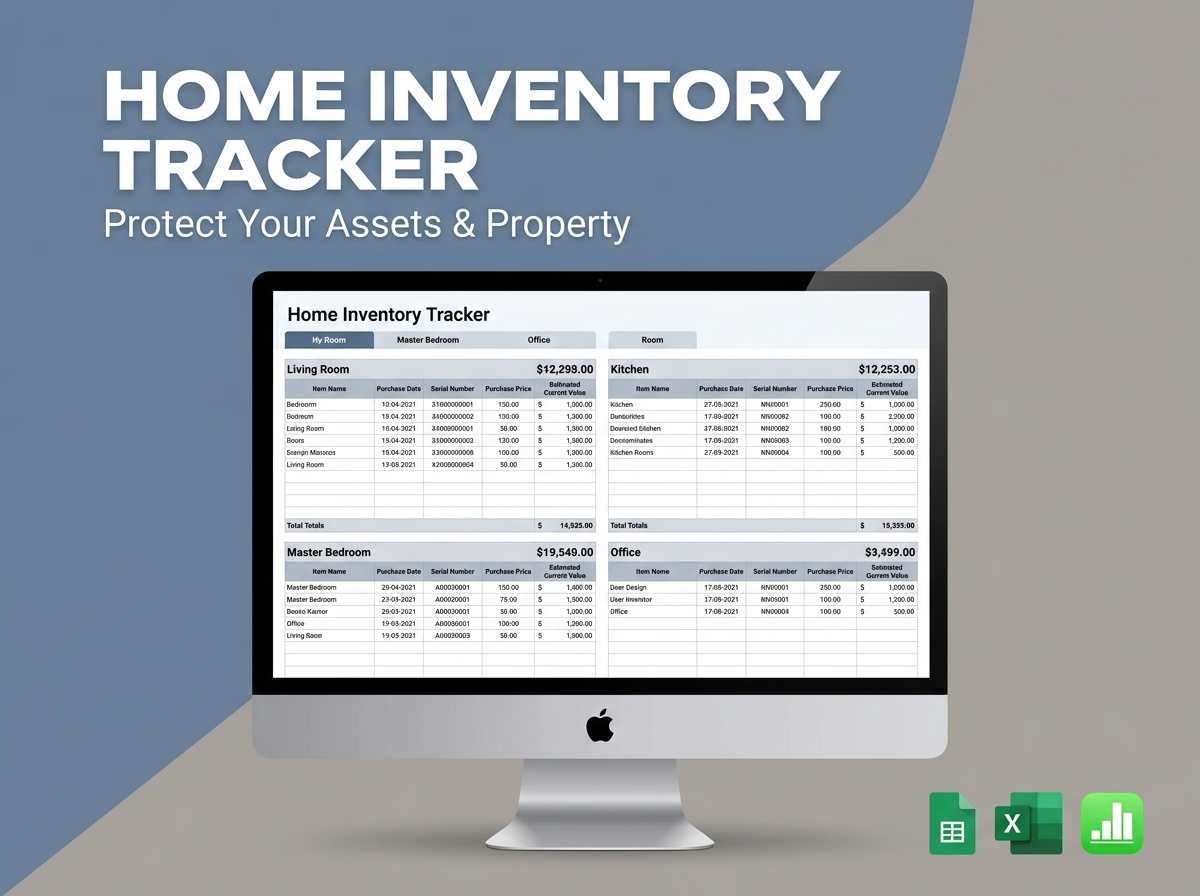
Protect your assets and gain total peace of mind with the Ultimate Home Contents Inventory List Template. 🏡🛡️
Whether you are organizing your belongings for a big move, preparing for potential insurance claims, or simply want a master record of your personal property, this user-friendly spreadsheet is your perfect solution. Designed specifically for homeowners, renters, and property managers, it provides a beautifully structured, easy-to-use system to meticulously document every household item in one secure place.
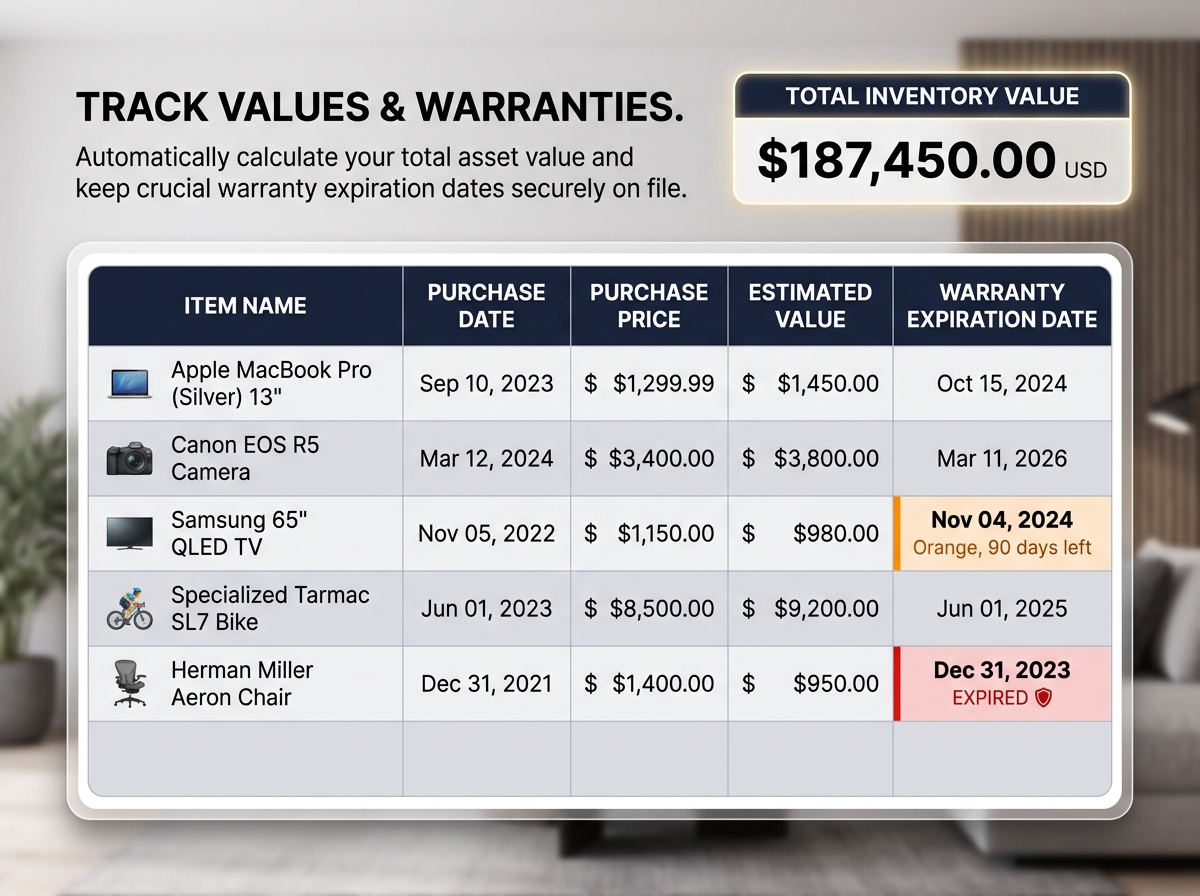
Stop relying on memory or scattered receipts. This template empowers you to log your possessions, track their exact financial value, record purchase dates, and store vital warranty information with absolute clarity.
🔑 Key Features:
💡 Who Is This For?
Why You’ll Love It:
📦 What’s Included?
💻 How It Works & Requirements: You Will Need:
How It Works:
⚠️ Important to Know:
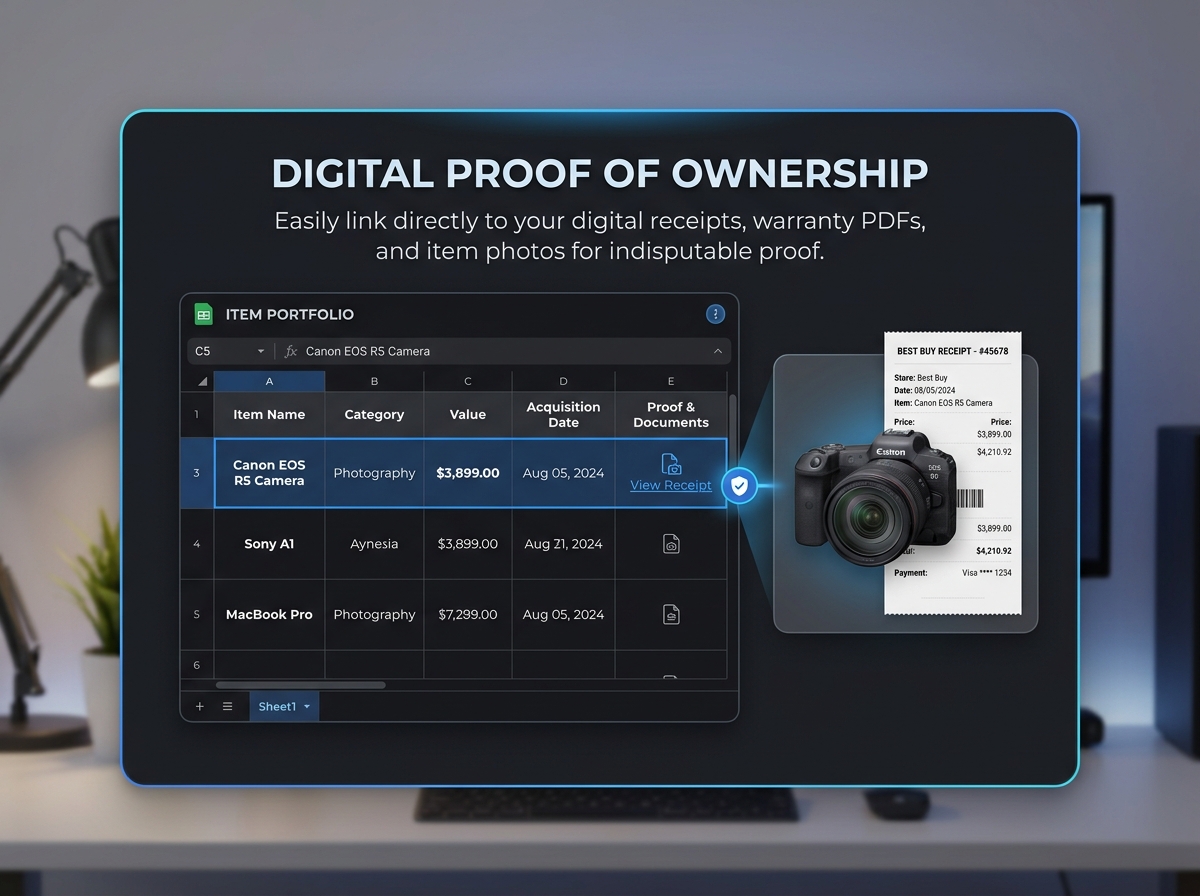
Q1: How do I add photos of my items to the spreadsheet? A: The template includes a dedicated “Photo/Link” column. You can simply upload your item photos to a free cloud storage service (like Google Drive or Dropbox) and paste the shareable link right into that cell for instant access.
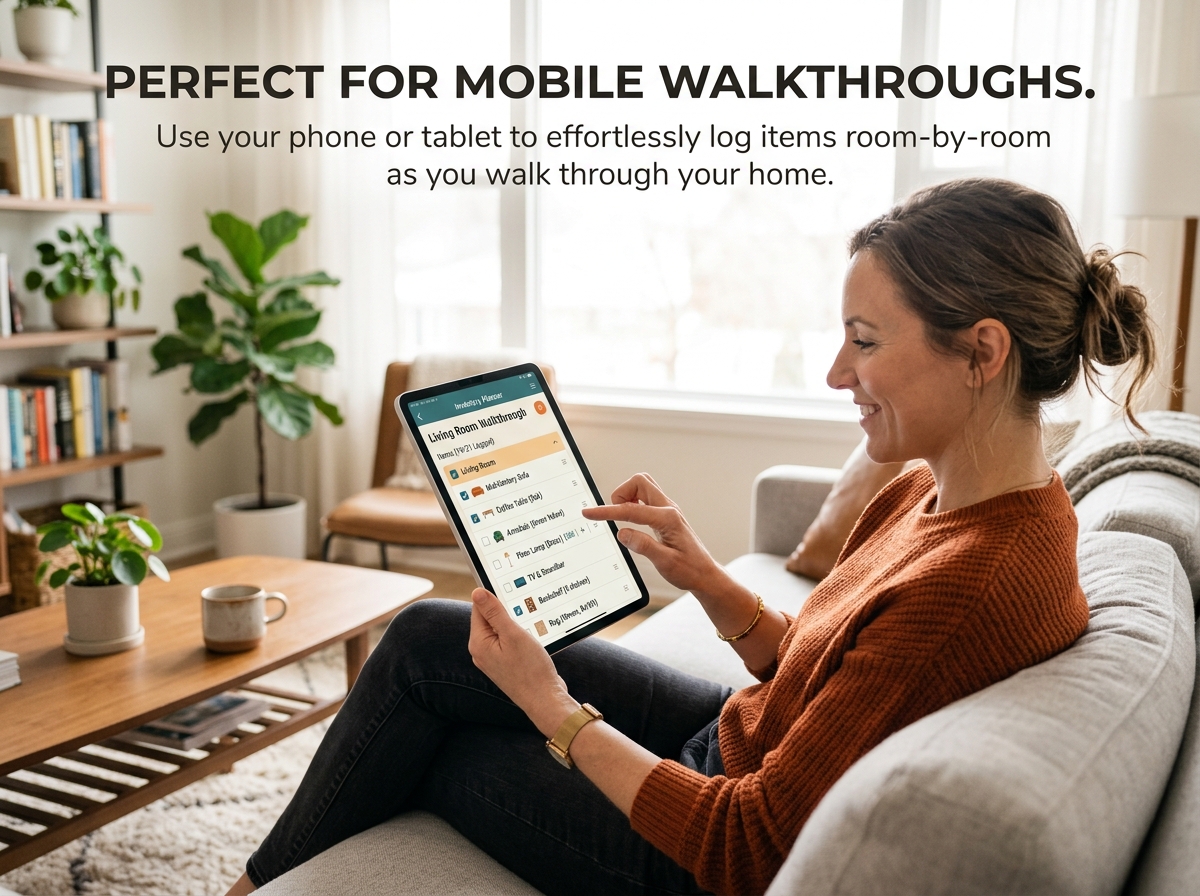
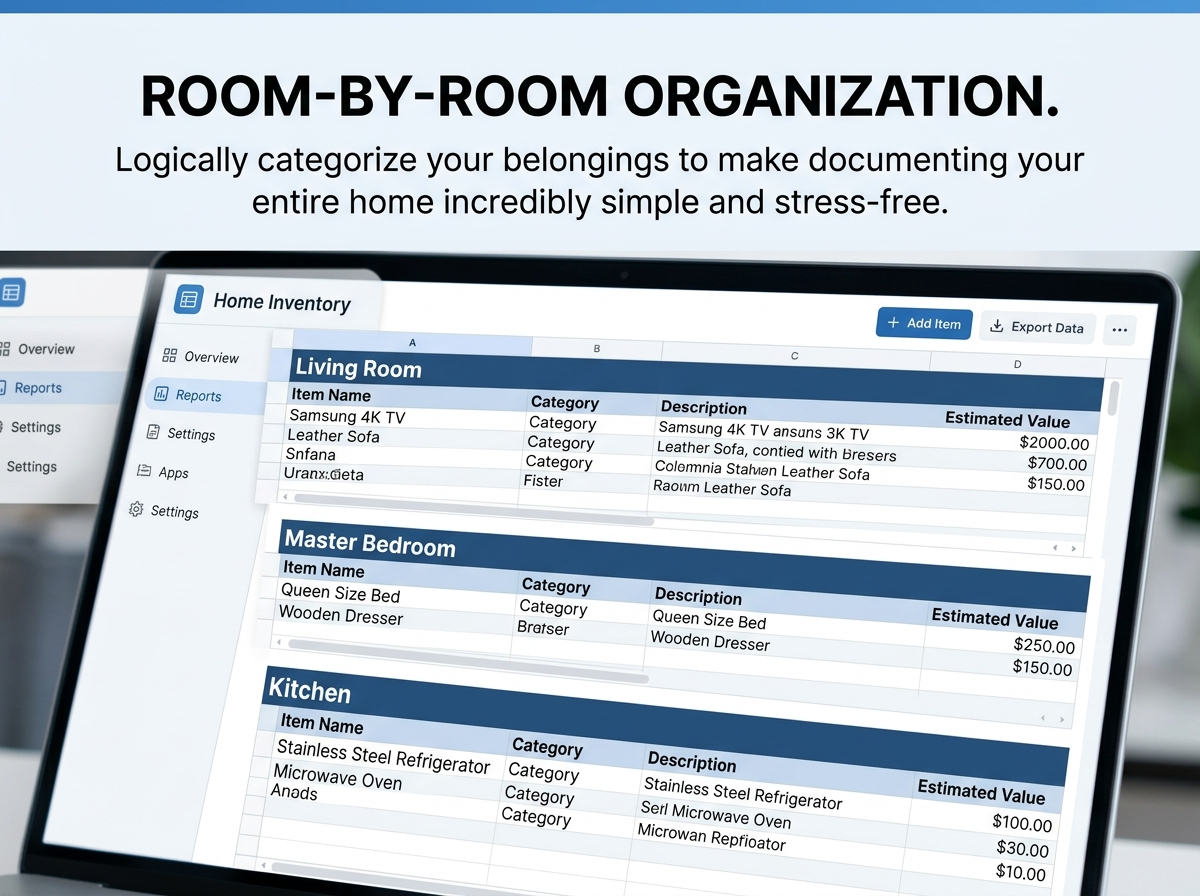
Q2: Can I use this template on my iPad or mobile phone while walking through my house? A: Yes! This is one of the best ways to use it. You can open the Google Sheets or Excel app on your phone or tablet, walk from room to room, and easily type in your items as you see them.
Q3: Does this template calculate the total value of my belongings? A: Absolutely. As you enter the estimated value or purchase price for each item, the spreadsheet will automatically calculate your total inventory value, which is incredibly useful when determining how much renters or homeowners insurance you need.
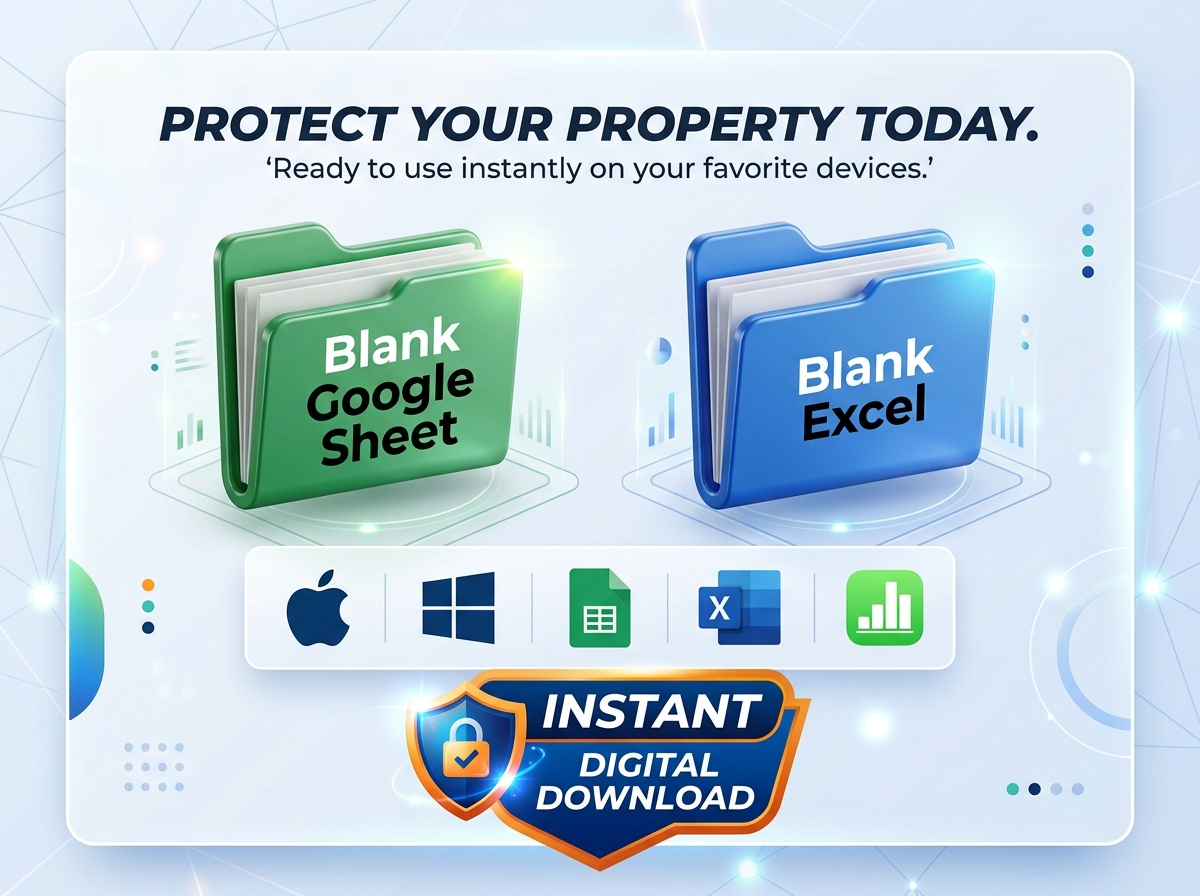
Q4: Will this work if I use an Apple computer? A: Yes, it is fully compatible with Mac! You can use the Google Sheets version via your web browser, open the Excel file if you have Microsoft Office installed, or even open the Excel file using Apple’s built-in Numbers application.
Q5: What happens if I move to a new house? Can I reuse this? A: Yes! It is an evergreen document. You can easily update room names, add new items, or simply make a fresh copy of the blank template to start a brand new inventory for your next property.
Protect your assets and gain total peace of mind with the Ultimate Home Contents Inventory List Template. 🏡🛡️
Whether you are organizing your belongings for a big move, preparing for potential insurance claims, or simply want a master record of your personal property, this user-friendly spreadsheet is your perfect solution. Designed specifically for homeowners, renters, and property managers, it provides a beautifully structured, easy-to-use system to meticulously document every household item in one secure place.
Stop relying on memory or scattered receipts. This template empowers you to log your possessions, track their exact financial value, record purchase dates, and store vital warranty information with absolute clarity.
🔑 Key Features:
💡 Who Is This For?
Why You’ll Love It:
📦 What’s Included?
💻 How It Works & Requirements: You Will Need:
How It Works:
⚠️ Important to Know:
Q1: How do I add photos of my items to the spreadsheet? A: The template includes a dedicated “Photo/Link” column. You can simply upload your item photos to a free cloud storage service (like Google Drive or Dropbox) and paste the shareable link right into that cell for instant access.
Q2: Can I use this template on my iPad or mobile phone while walking through my house? A: Yes! This is one of the best ways to use it. You can open the Google Sheets or Excel app on your phone or tablet, walk from room to room, and easily type in your items as you see them.
Q3: Does this template calculate the total value of my belongings? A: Absolutely. As you enter the estimated value or purchase price for each item, the spreadsheet will automatically calculate your total inventory value, which is incredibly useful when determining how much renters or homeowners insurance you need.
Q4: Will this work if I use an Apple computer? A: Yes, it is fully compatible with Mac! You can use the Google Sheets version via your web browser, open the Excel file if you have Microsoft Office installed, or even open the Excel file using Apple’s built-in Numbers application.
Q5: What happens if I move to a new house? Can I reuse this? A: Yes! It is an evergreen document. You can easily update room names, add new items, or simply make a fresh copy of the blank template to start a brand new inventory for your next property.

With our extensive collection of elements, creating and customizing layouts becomes
second nature. Forget about coding and enjoy our themes.
 Discount of up to