
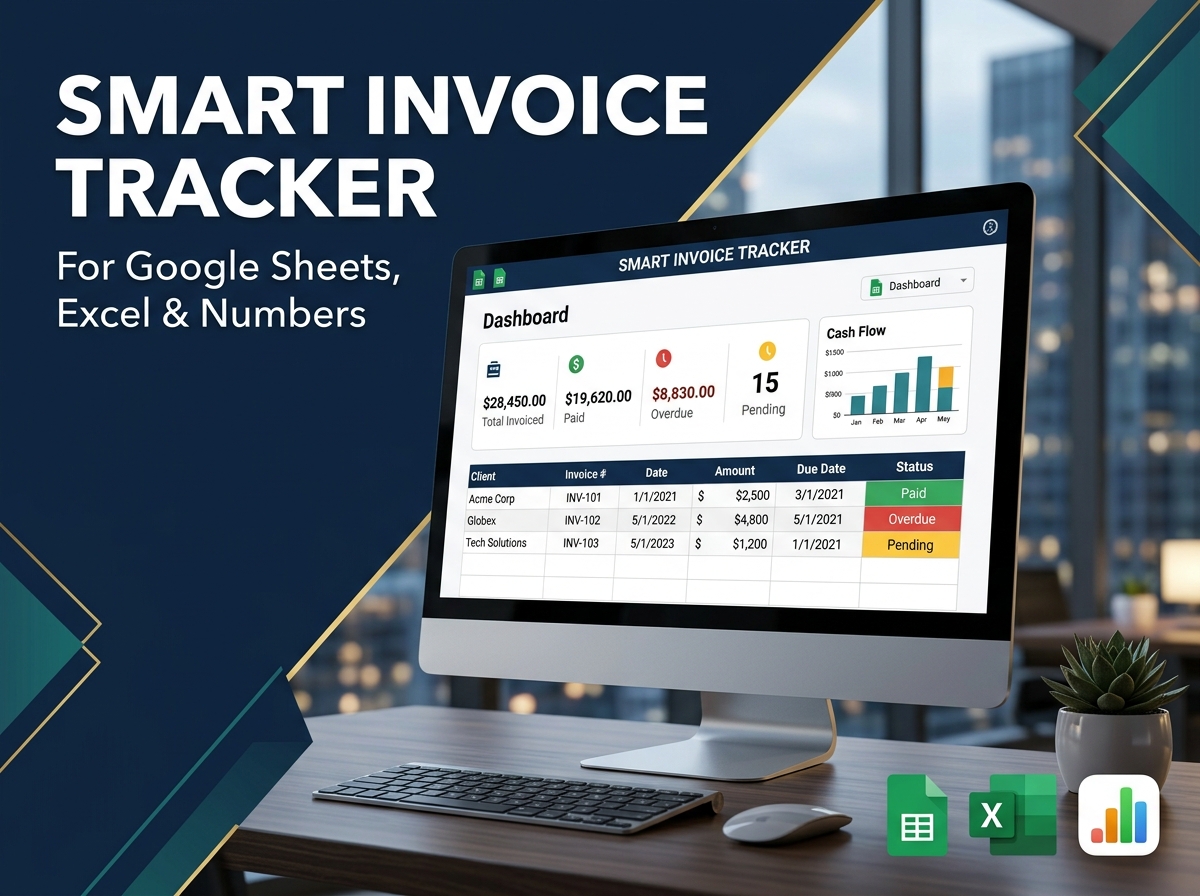
Take the stress out of billing and ensure you get paid on time with the Ultimate Invoice Tracking Template. 💼🧾
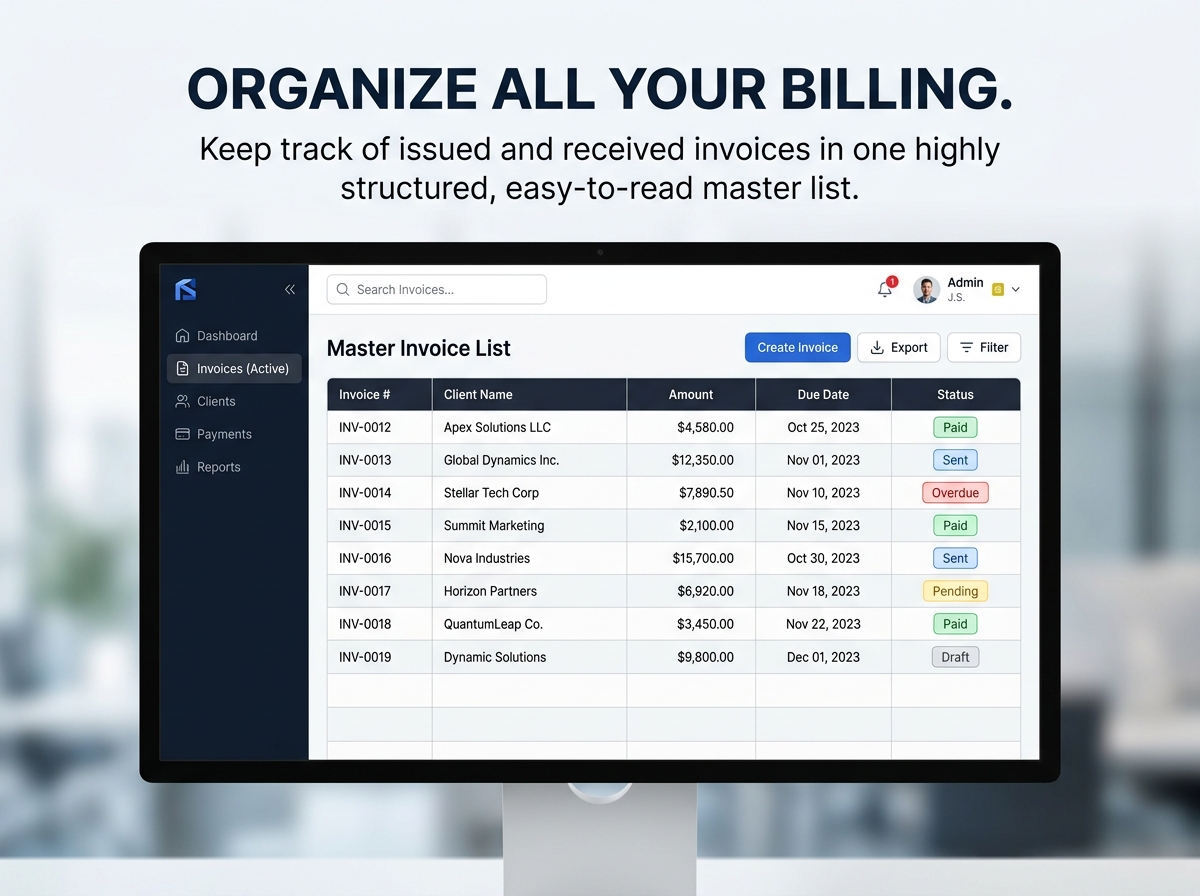
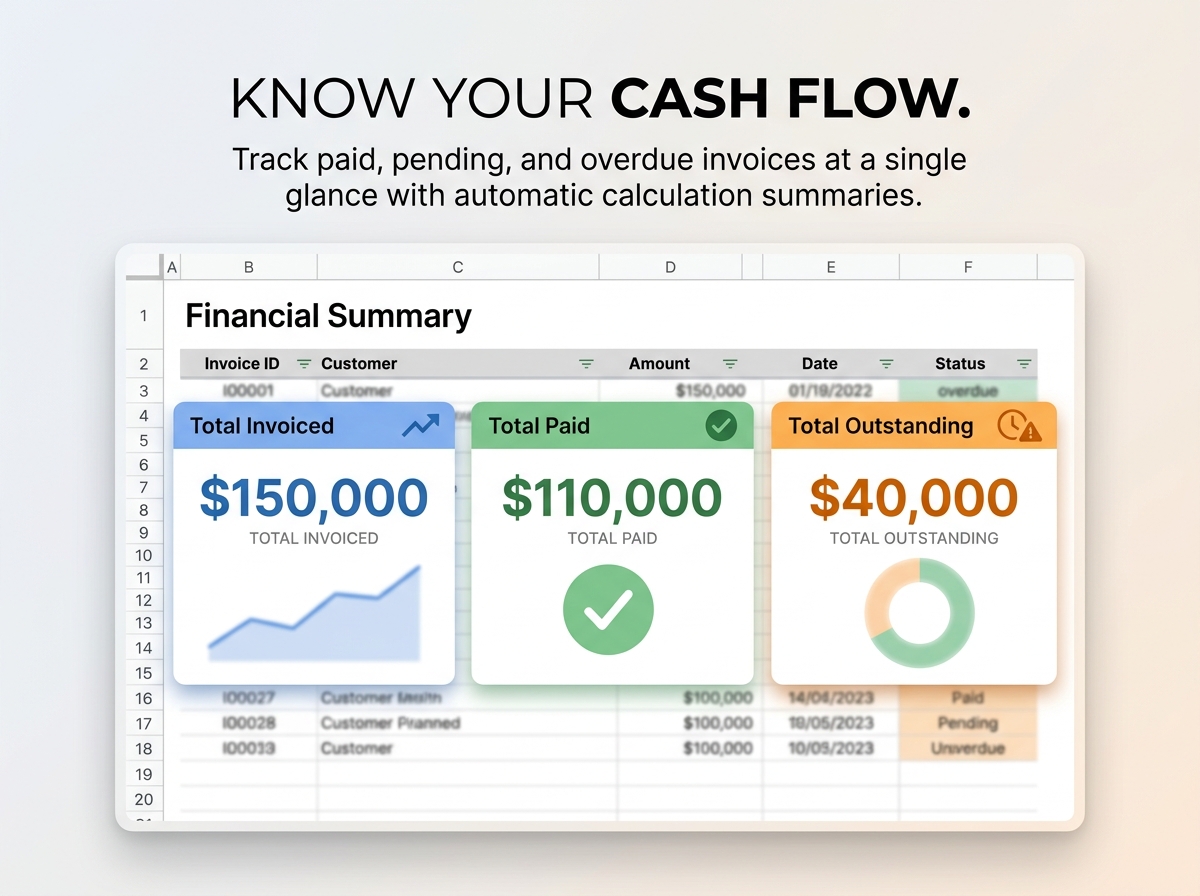
A must-have tool for freelancers, growing small businesses, and busy accounting teams, this template provides a foolproof system to monitor your invoices, track incoming payments, and manage critical due dates. Stop relying on messy notes or scrolling through endless emails. This powerful spreadsheet helps you keep a precise record of issued and received invoices, ensuring timely payments and eliminating overdue accounts before they become a problem.
🔑 Key Features:
Ideal For:
Get organized, look professional, and keep your cash flow positive.
📦 What’s Included?
💻 How It Works & Requirements: You Will Need:
How It Works:
⚠️ Important to Know:
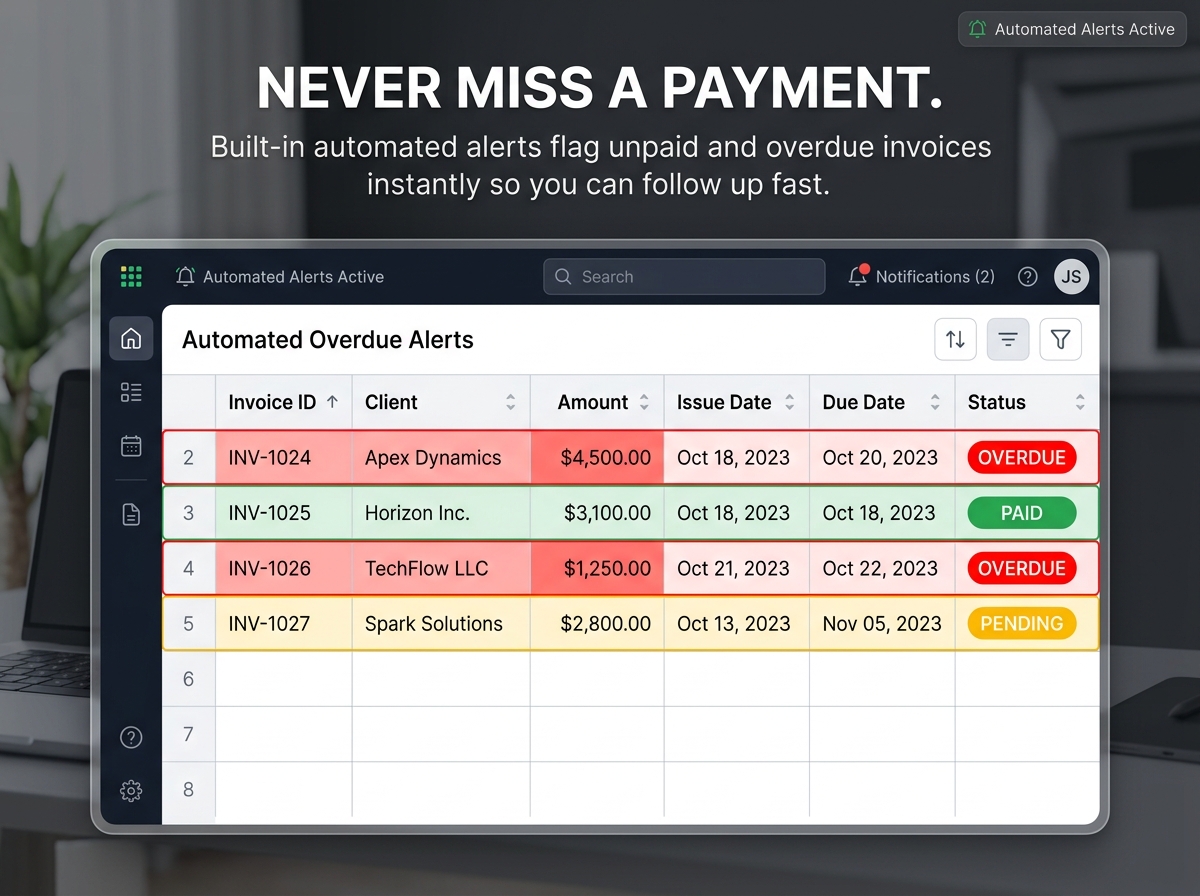
Q1: How do the automated overdue alerts work? A: It’s completely hands-off! You simply enter the invoice due date, and the spreadsheet’s built-in formulas compare it to today’s date. If an invoice passes its due date and isn’t marked as “Paid,” the row will automatically highlight in red to alert you.
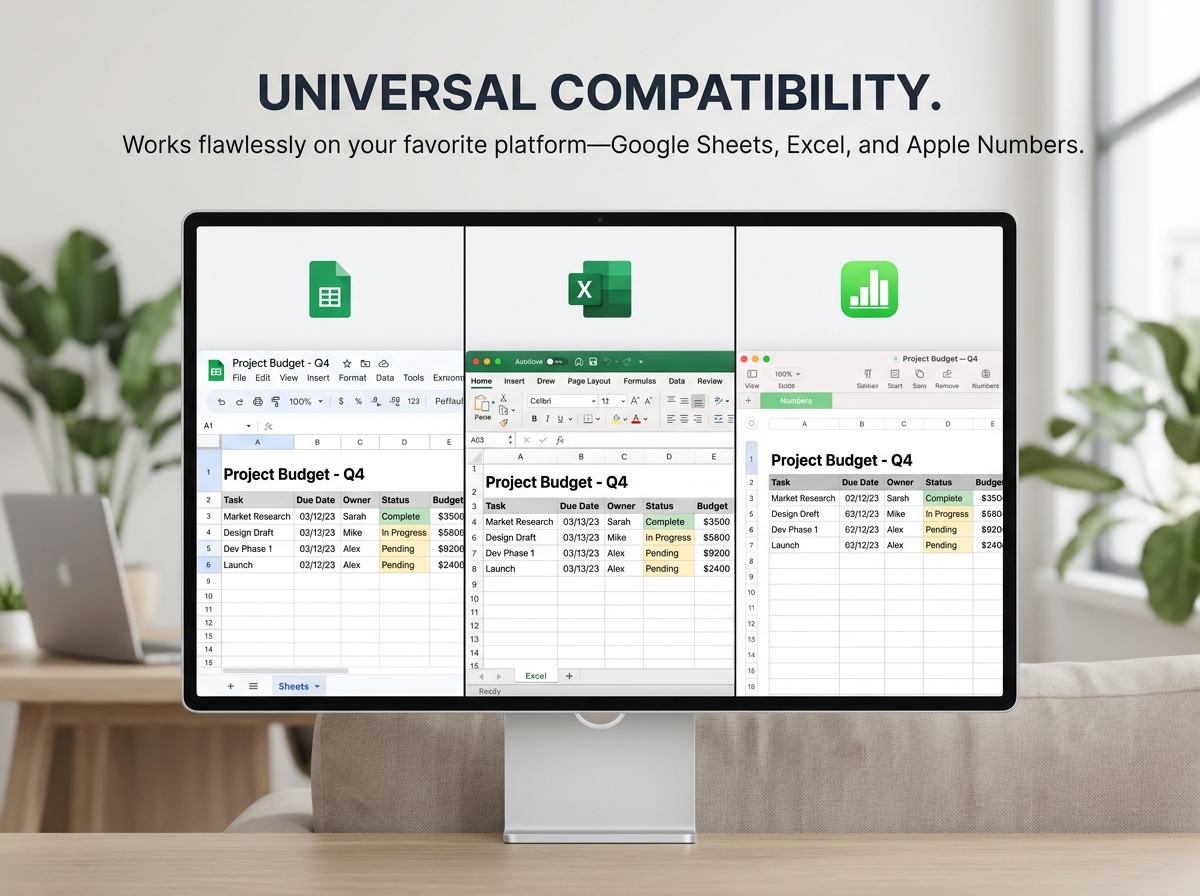
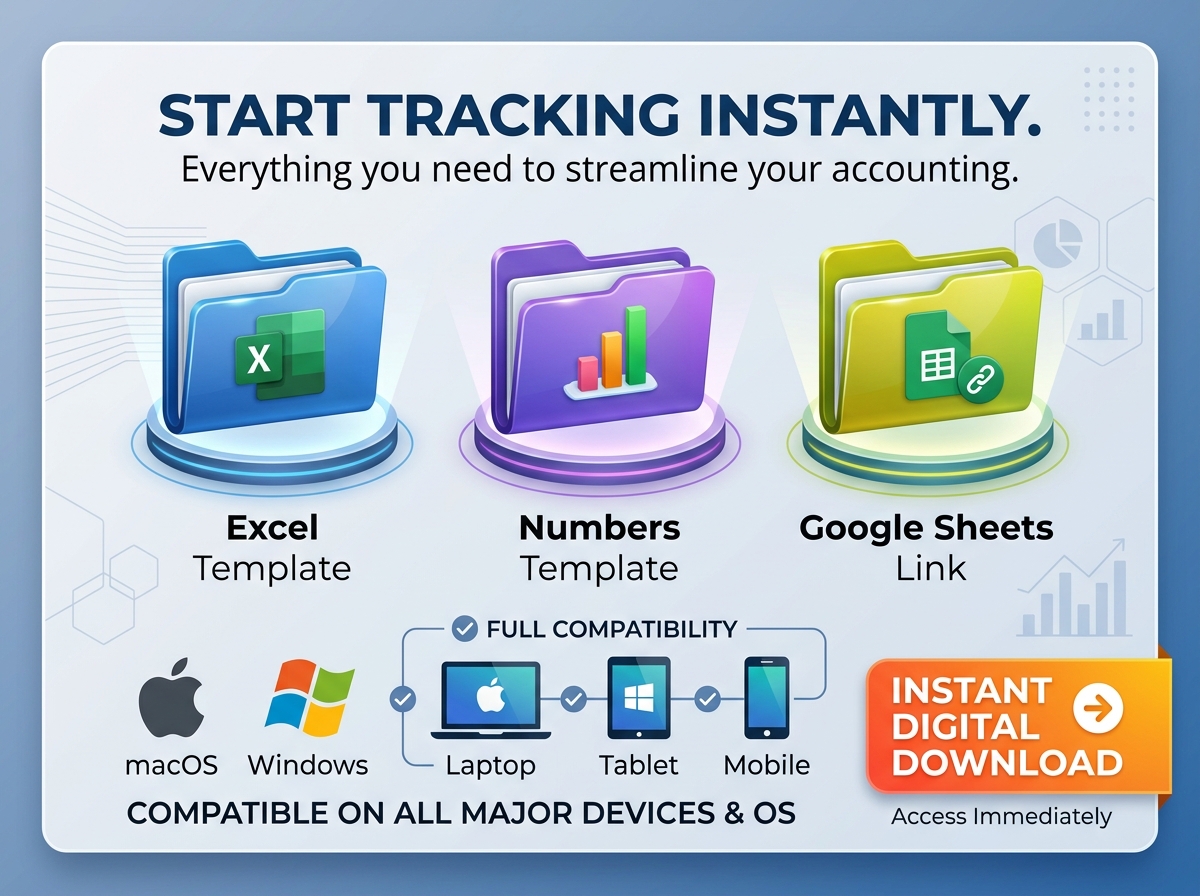
Q2: Can I use this template on my Mac using Apple Numbers? A: Yes! Unlike many of our other templates, this specific tracker is fully formatted and tested to work seamlessly in Apple Numbers, alongside Google Sheets and Microsoft Excel.
Q3: Is there a limit to how many invoices I can track? A: Not at all. You can track hundreds of invoices. Simply add new rows to the spreadsheet as your business grows.
Q4: Can I customize the currency for my international clients? A: Absolutely. You can simply type in your invoice amounts, and they will format to whatever default currency you have set in your spreadsheet software (USD, EUR, GBP, etc.).
Q5: Do I need advanced accounting software skills to use this? A: No, this template is designed specifically to replace complex accounting software. If you know how to type into a spreadsheet, you can use this tool perfectly.
Take the stress out of billing and ensure you get paid on time with the Ultimate Invoice Tracking Template. 💼🧾
A must-have tool for freelancers, growing small businesses, and busy accounting teams, this template provides a foolproof system to monitor your invoices, track incoming payments, and manage critical due dates. Stop relying on messy notes or scrolling through endless emails. This powerful spreadsheet helps you keep a precise record of issued and received invoices, ensuring timely payments and eliminating overdue accounts before they become a problem.
🔑 Key Features:
Ideal For:
Get organized, look professional, and keep your cash flow positive.
📦 What’s Included?
💻 How It Works & Requirements: You Will Need:
How It Works:
⚠️ Important to Know:
Q1: How do the automated overdue alerts work? A: It’s completely hands-off! You simply enter the invoice due date, and the spreadsheet’s built-in formulas compare it to today’s date. If an invoice passes its due date and isn’t marked as “Paid,” the row will automatically highlight in red to alert you.
Q2: Can I use this template on my Mac using Apple Numbers? A: Yes! Unlike many of our other templates, this specific tracker is fully formatted and tested to work seamlessly in Apple Numbers, alongside Google Sheets and Microsoft Excel.
Q3: Is there a limit to how many invoices I can track? A: Not at all. You can track hundreds of invoices. Simply add new rows to the spreadsheet as your business grows.
Q4: Can I customize the currency for my international clients? A: Absolutely. You can simply type in your invoice amounts, and they will format to whatever default currency you have set in your spreadsheet software (USD, EUR, GBP, etc.).
Q5: Do I need advanced accounting software skills to use this? A: No, this template is designed specifically to replace complex accounting software. If you know how to type into a spreadsheet, you can use this tool perfectly.

With our extensive collection of elements, creating and customizing layouts becomes
second nature. Forget about coding and enjoy our themes.
 Discount of up to