
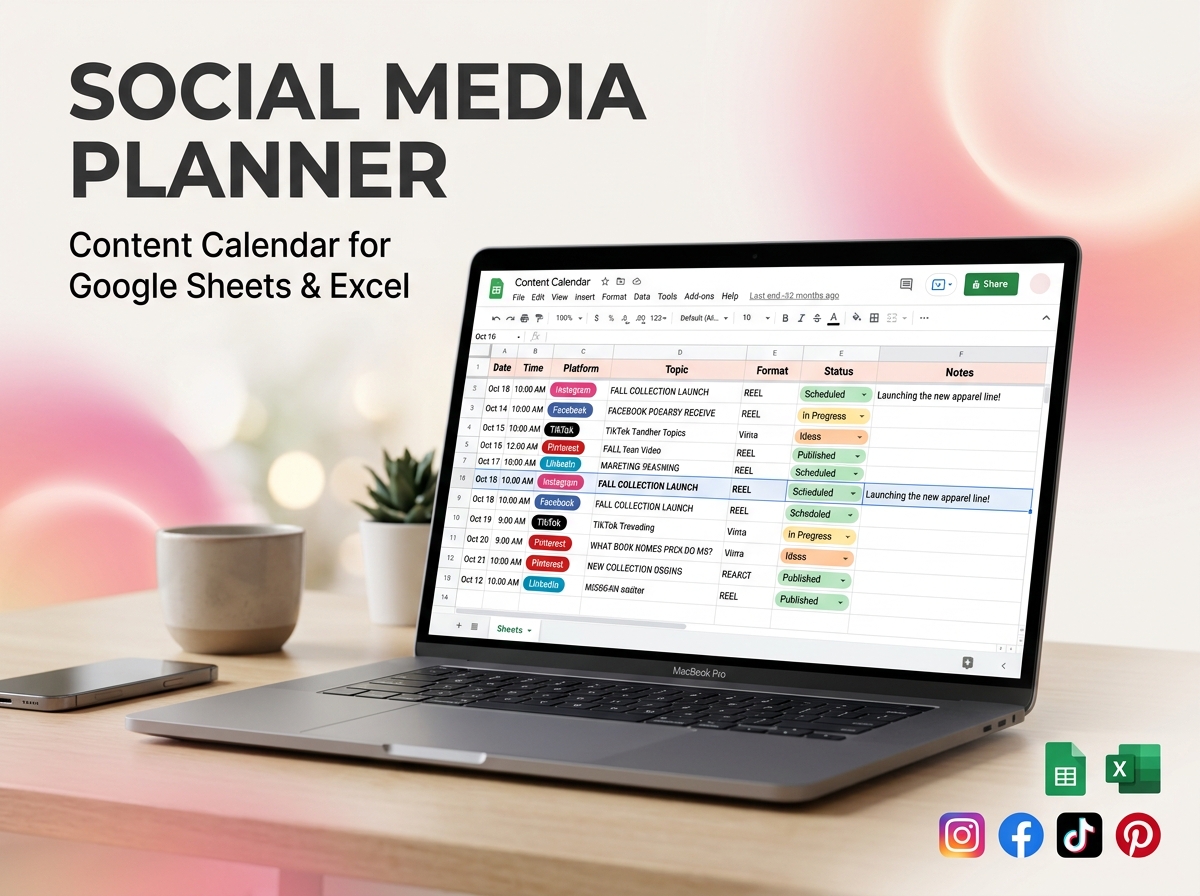
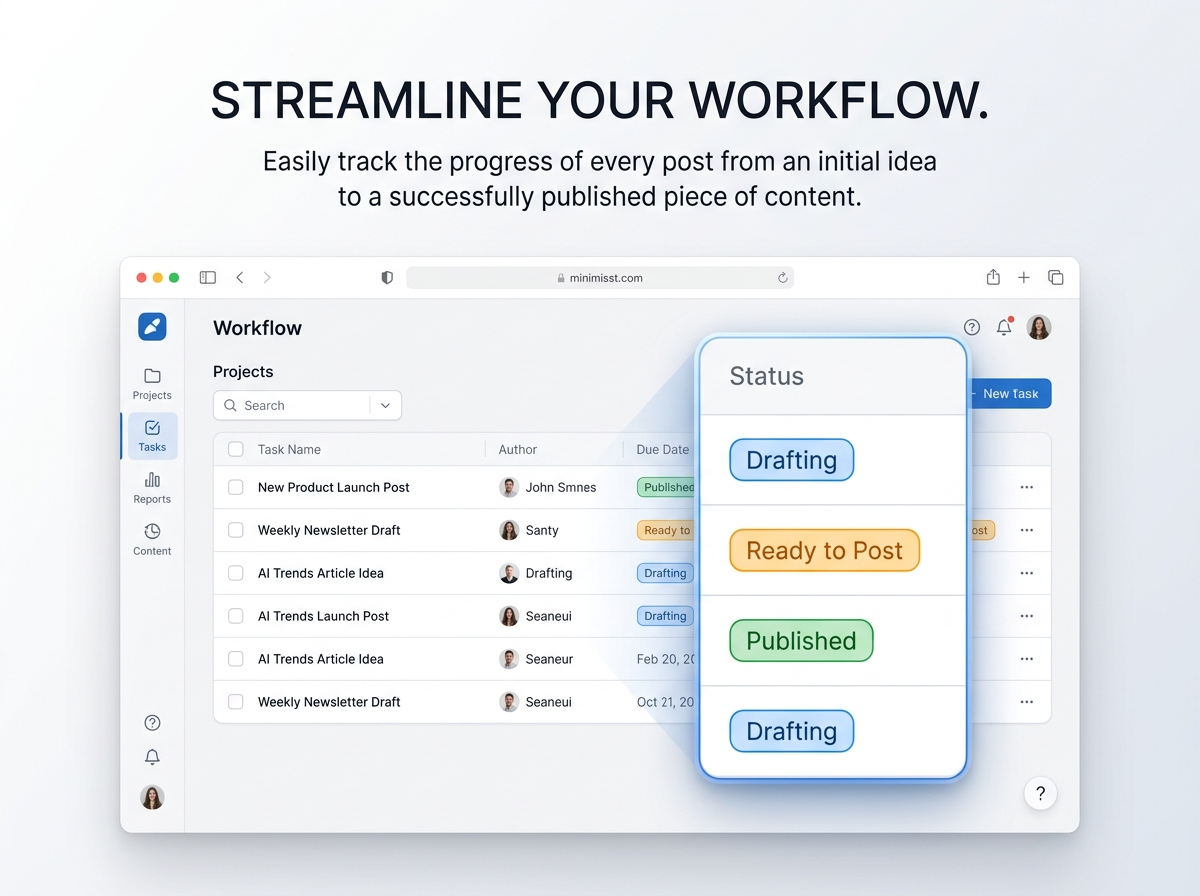
Take complete control of your content strategy, streamline your posting schedule, and grow your online presence with the Ultimate Social Media Schedule Template. 📱✨
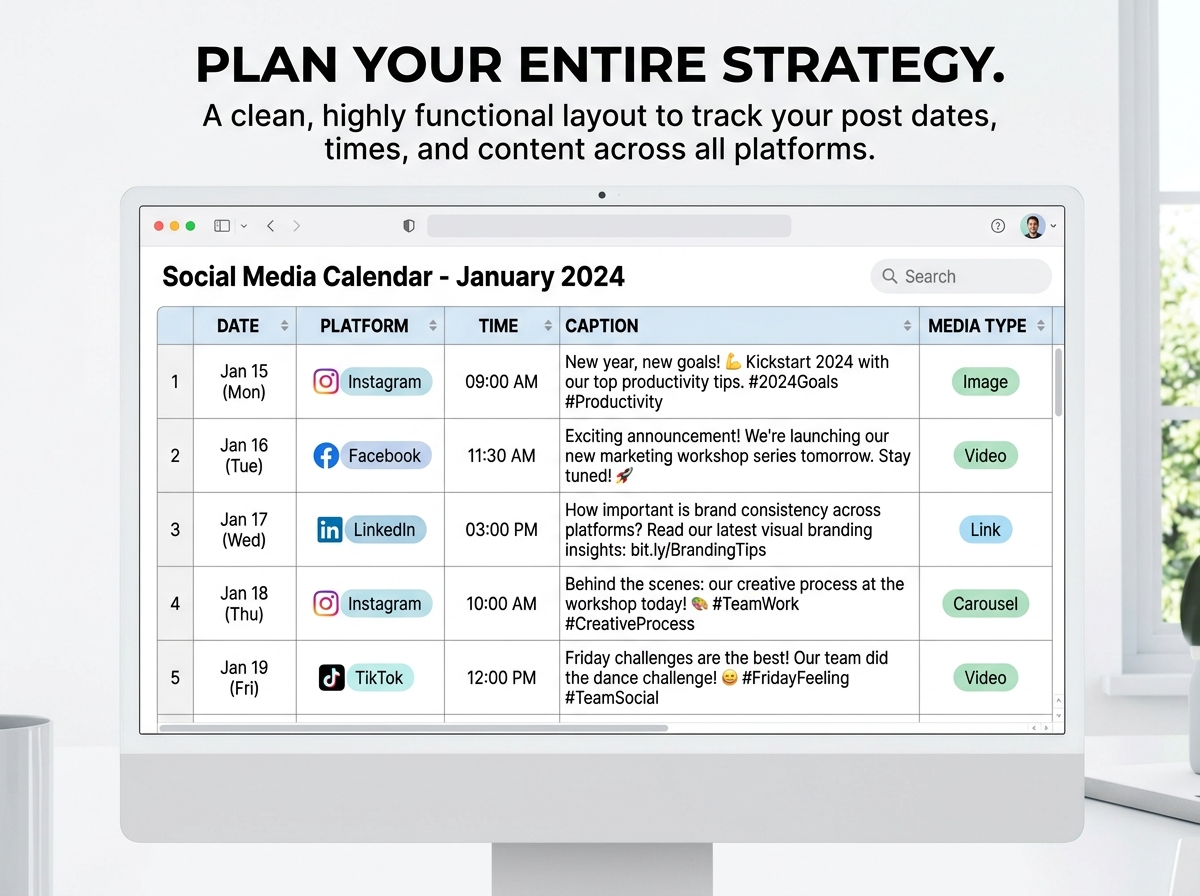
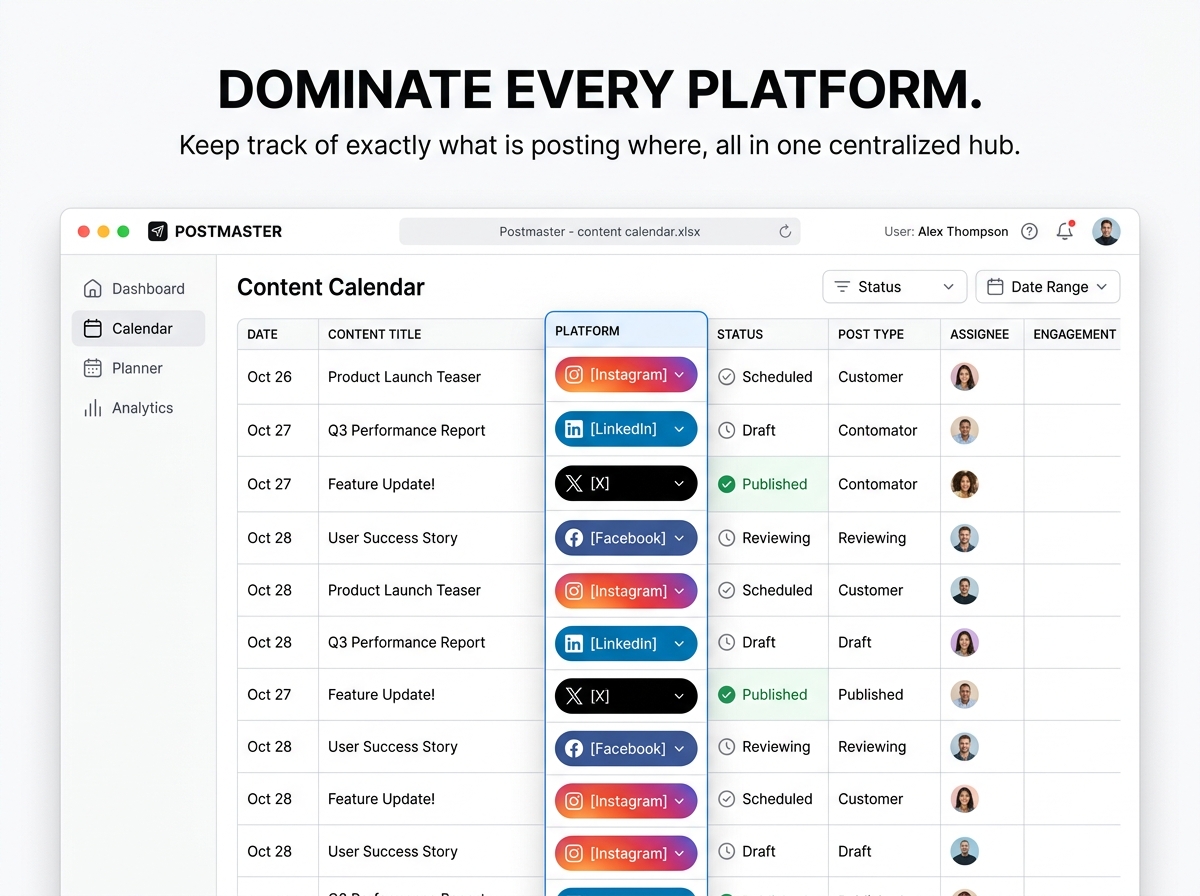
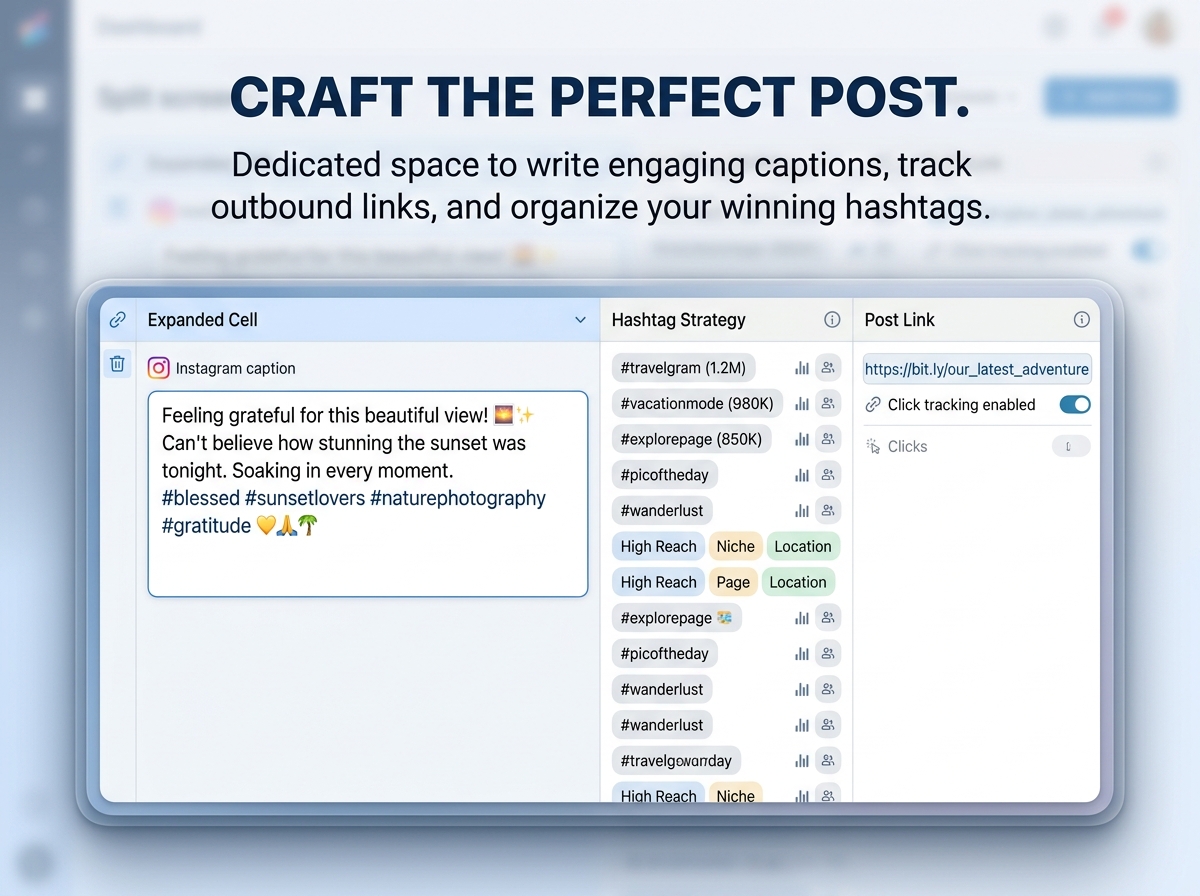
Designed for busy content creators, digital marketers, and business owners, this template eliminates the chaos of managing multiple social platforms. From Instagram and Facebook to LinkedIn and X (formerly Twitter), this powerful tool provides a clean, highly functional layout to track your post dates, optimal publish times, engaging captions, and media assets—all in one perfectly organized place.
🔑 Key Features:
Perfect For:
Stop guessing what to post today. Get organized, save hours of time, and execute a winning social media strategy.
📦 What’s Included?
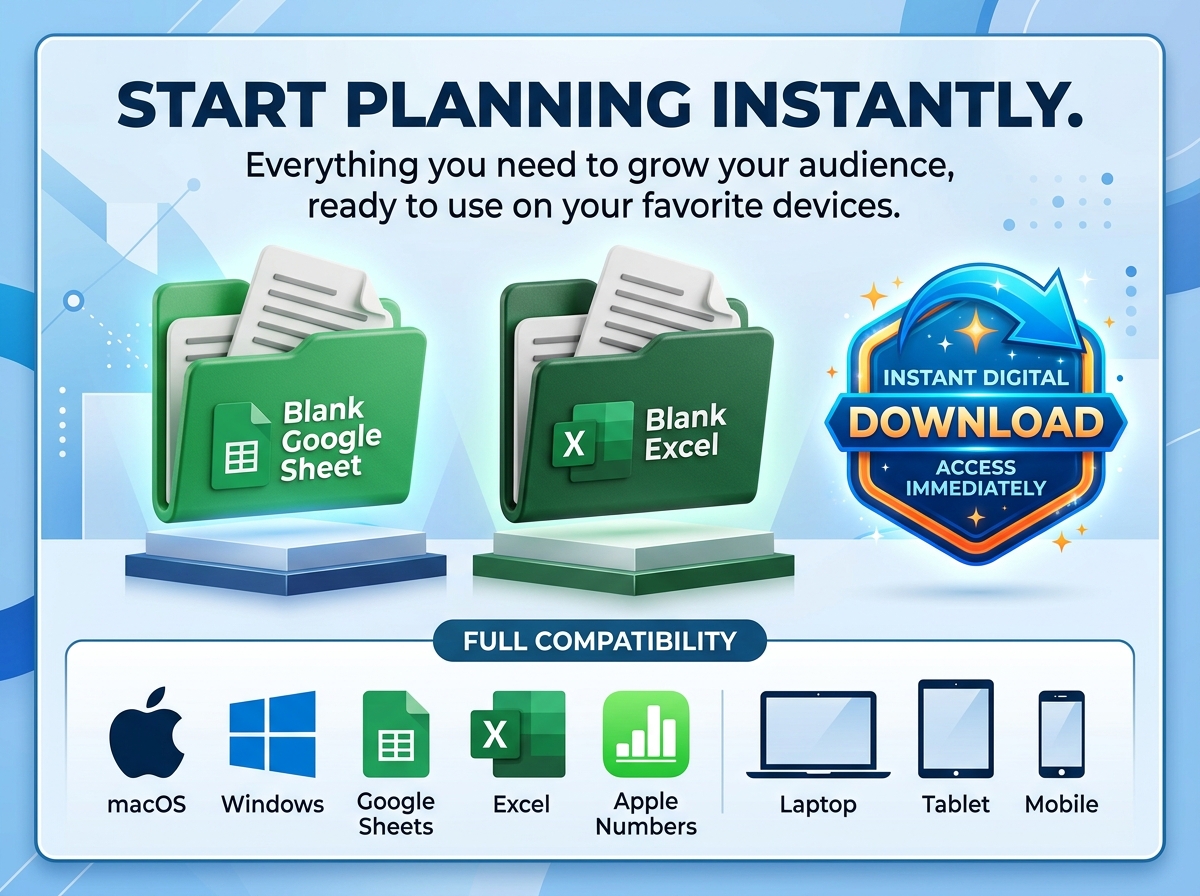
💻 How It Works & Requirements: You Will Need:
How It Works:
⚠️ Important to Know:
Q1: Can I add different social media platforms if I use something other than Instagram or Facebook? A: Absolutely! The template is fully customizable. You can easily edit the dropdown menus or columns to include platforms like TikTok, Pinterest, YouTube, or Threads to perfectly match your strategy.
Q2: Does this template post the content for me automatically? A: No, this is a highly structured planning and organization tool, not an auto-publishing software. It is designed to help you strategize, write, and visually map out your content calendar before you publish.
Q3: Will this work on Apple Numbers? A: Yes! While it is optimized for Google Sheets and Excel, the clean and functional layout makes it easily adaptable and usable within Apple Numbers for Mac users.
Q4: Can I collaborate with my team or clients using this planner? A: Yes! If you use the Google Sheets version, you can simply click the “Share” button to grant view or edit access to your team members, clients, or virtual assistants for real-time collaboration.
Q5: How far in advance can I plan my posts? A: As far as you want! The spreadsheet allows you to plan daily, weekly, or monthly posts. You can continuously add new rows or duplicate tabs to plan out your entire year of content.
Take complete control of your content strategy, streamline your posting schedule, and grow your online presence with the Ultimate Social Media Schedule Template. 📱✨
Designed for busy content creators, digital marketers, and business owners, this template eliminates the chaos of managing multiple social platforms. From Instagram and Facebook to LinkedIn and X (formerly Twitter), this powerful tool provides a clean, highly functional layout to track your post dates, optimal publish times, engaging captions, and media assets—all in one perfectly organized place.
🔑 Key Features:
Perfect For:
Stop guessing what to post today. Get organized, save hours of time, and execute a winning social media strategy.
📦 What’s Included?
💻 How It Works & Requirements: You Will Need:
How It Works:
⚠️ Important to Know:
Q1: Can I add different social media platforms if I use something other than Instagram or Facebook? A: Absolutely! The template is fully customizable. You can easily edit the dropdown menus or columns to include platforms like TikTok, Pinterest, YouTube, or Threads to perfectly match your strategy.
Q2: Does this template post the content for me automatically? A: No, this is a highly structured planning and organization tool, not an auto-publishing software. It is designed to help you strategize, write, and visually map out your content calendar before you publish.
Q3: Will this work on Apple Numbers? A: Yes! While it is optimized for Google Sheets and Excel, the clean and functional layout makes it easily adaptable and usable within Apple Numbers for Mac users.
Q4: Can I collaborate with my team or clients using this planner? A: Yes! If you use the Google Sheets version, you can simply click the “Share” button to grant view or edit access to your team members, clients, or virtual assistants for real-time collaboration.
Q5: How far in advance can I plan my posts? A: As far as you want! The spreadsheet allows you to plan daily, weekly, or monthly posts. You can continuously add new rows or duplicate tabs to plan out your entire year of content.

With our extensive collection of elements, creating and customizing layouts becomes
second nature. Forget about coding and enjoy our themes.
 Discount of up to