
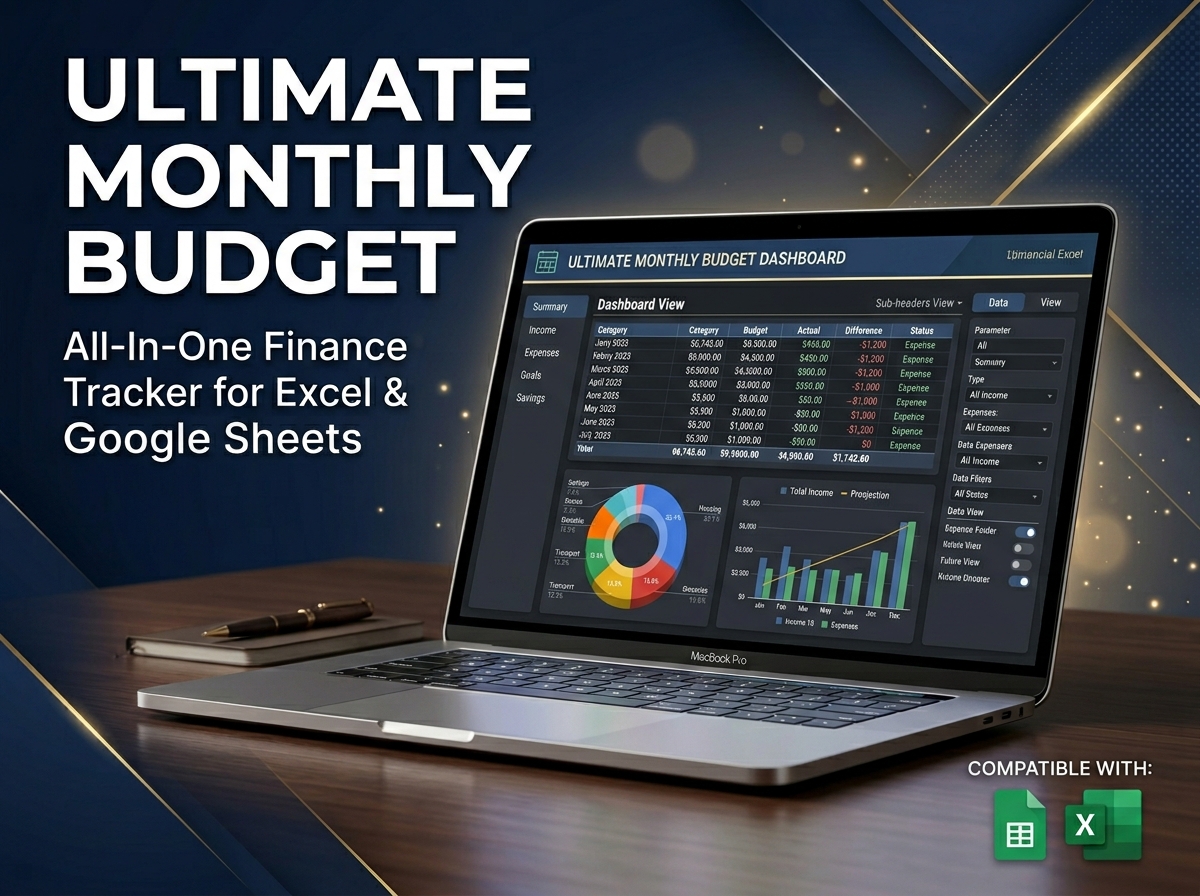
Take complete control of your money and work toward your biggest financial goals with the Ultimate Monthly Budget Spreadsheet. 📊💰
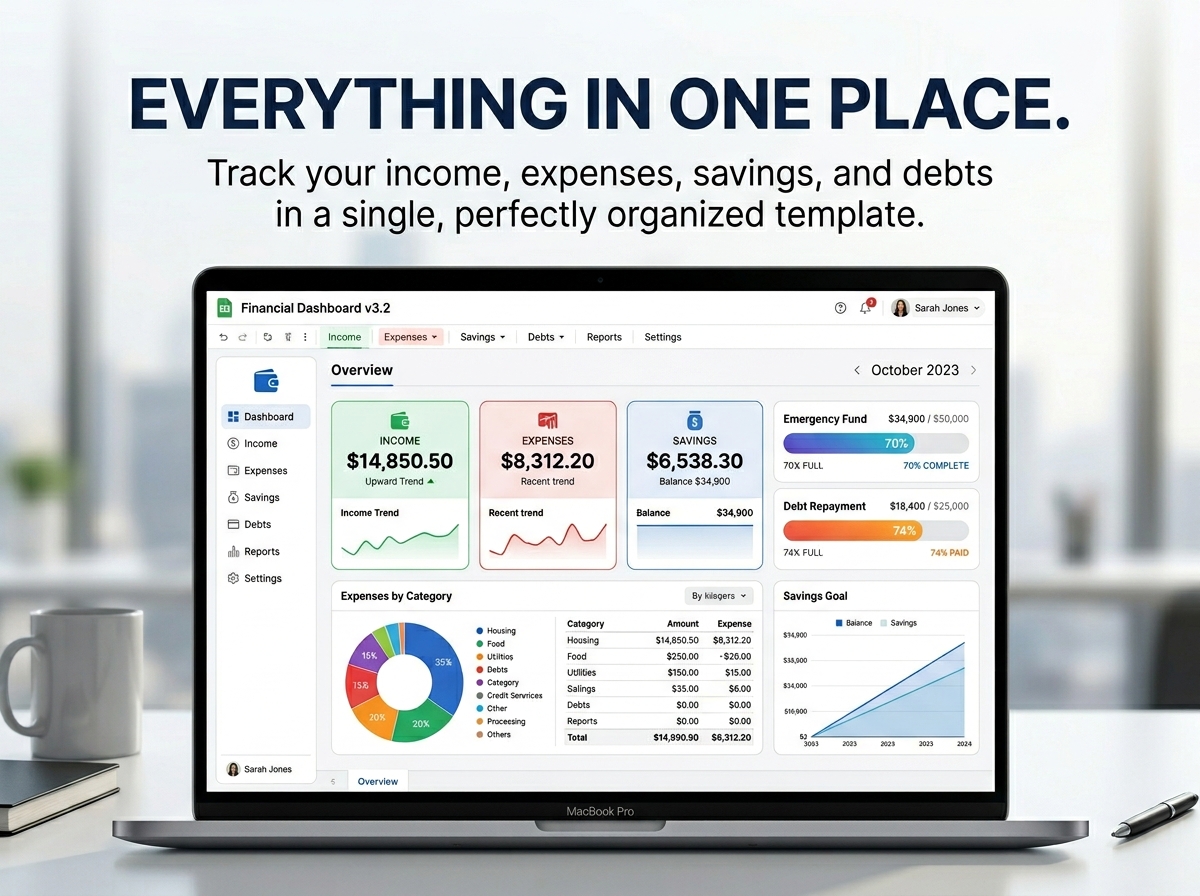
Managing your finances doesn’t have to be overwhelming. Whether you’re looking to get a better handle on your monthly spending, save for big goals, or aggressively pay down debt, this easy-to-use template will help you stay on top of it all. With an intuitive design and powerful automated features, it’s the perfect all-in-one tool to simplify your financial life.
🔑 Why This Template is Perfect for You:
Who Needs It: This template is ideal for anyone—whether you’re managing your personal finances, planning for your family’s household expenses, or keeping strict track of business costs. It gives you a crystal-clear picture of your financial health so you can stay organized and take control of your future.
Get organized. Master your money. Build your wealth.
📦 What’s Included?
💻 How It Works & Requirements: You Will Need:
How It Works:
⚠️ Important to Know:
Q1: Do I need to be good at math or Excel to use this? A: Not at all! The spreadsheet handles all the complex automatic calculations for you. If you can type in your income and expenses, the template will do the rest. Plus, the included step-by-step guide makes setup a breeze.
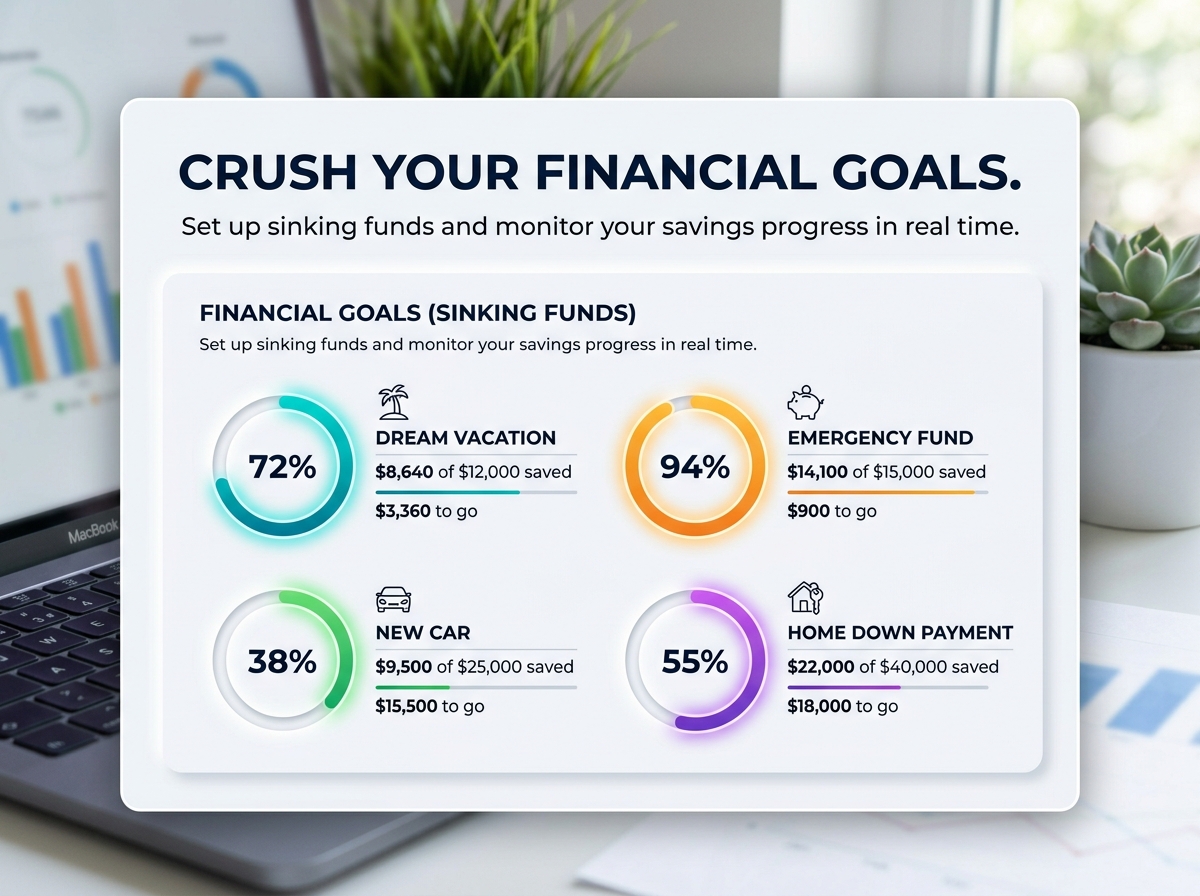
Q2: Can I track my savings for specific things, like a vacation? A: Yes! The template includes a feature for tracking your financial goals and “sinking funds.” You can dedicate specific savings categories to a vacation, a new car, or an emergency fund and watch your progress in real time.
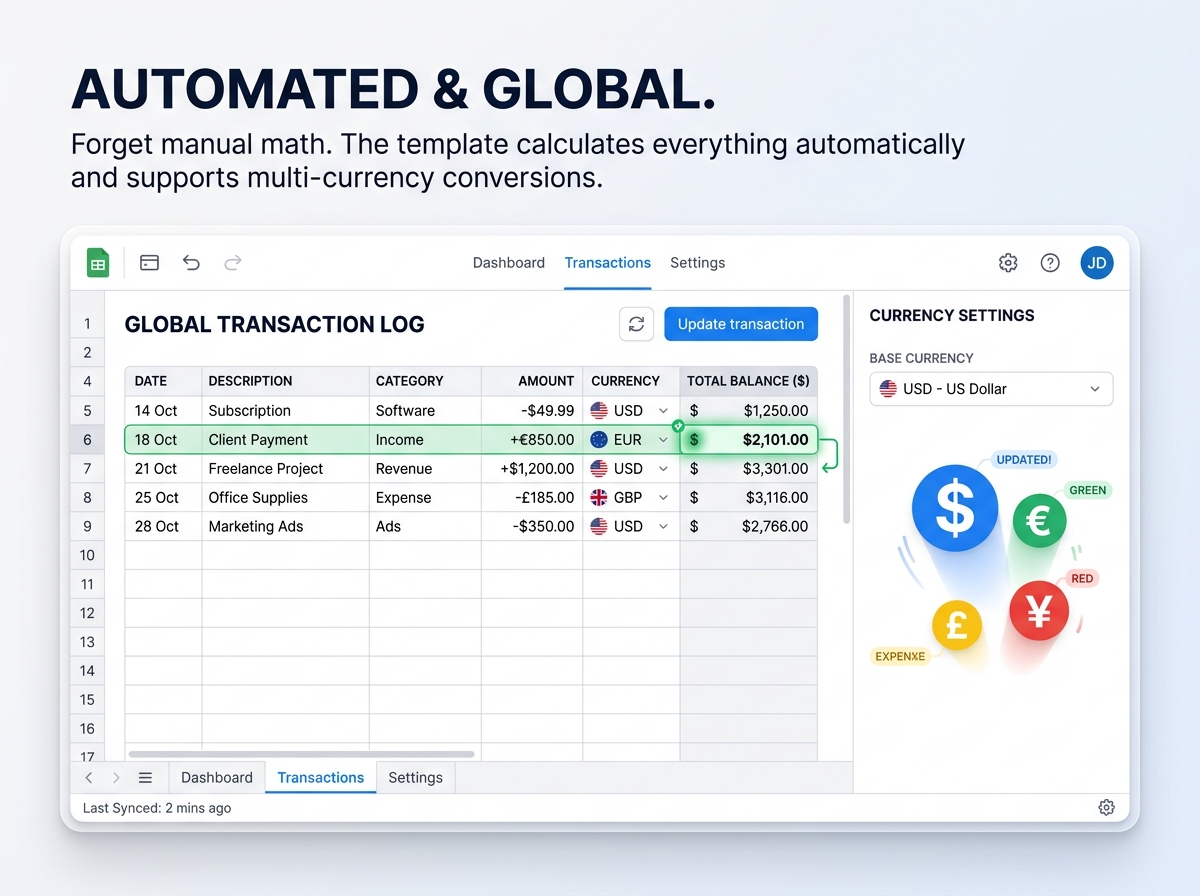
Q3: How does the currency conversion work? A: You simply set your primary base currency. If you enter transactions in a different currency, the spreadsheet automatically converts them, keeping your total budget perfectly accurate without any manual conversion on your end.
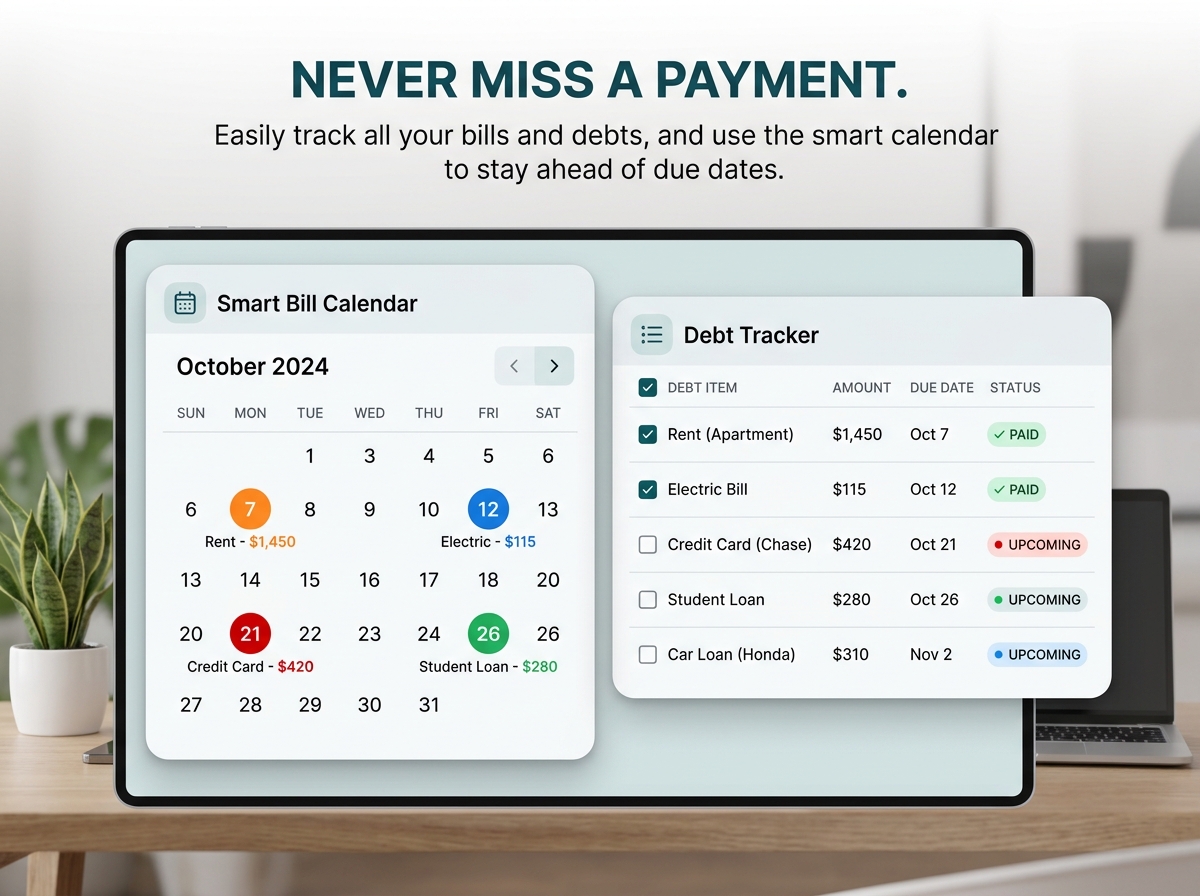
Q4: Will this help me remember to pay my bills? A: Absolutely. There is a dedicated Debt & Bill Tracking section complete with a smart calendar feature that helps you visualize and stay completely on top of your due dates.
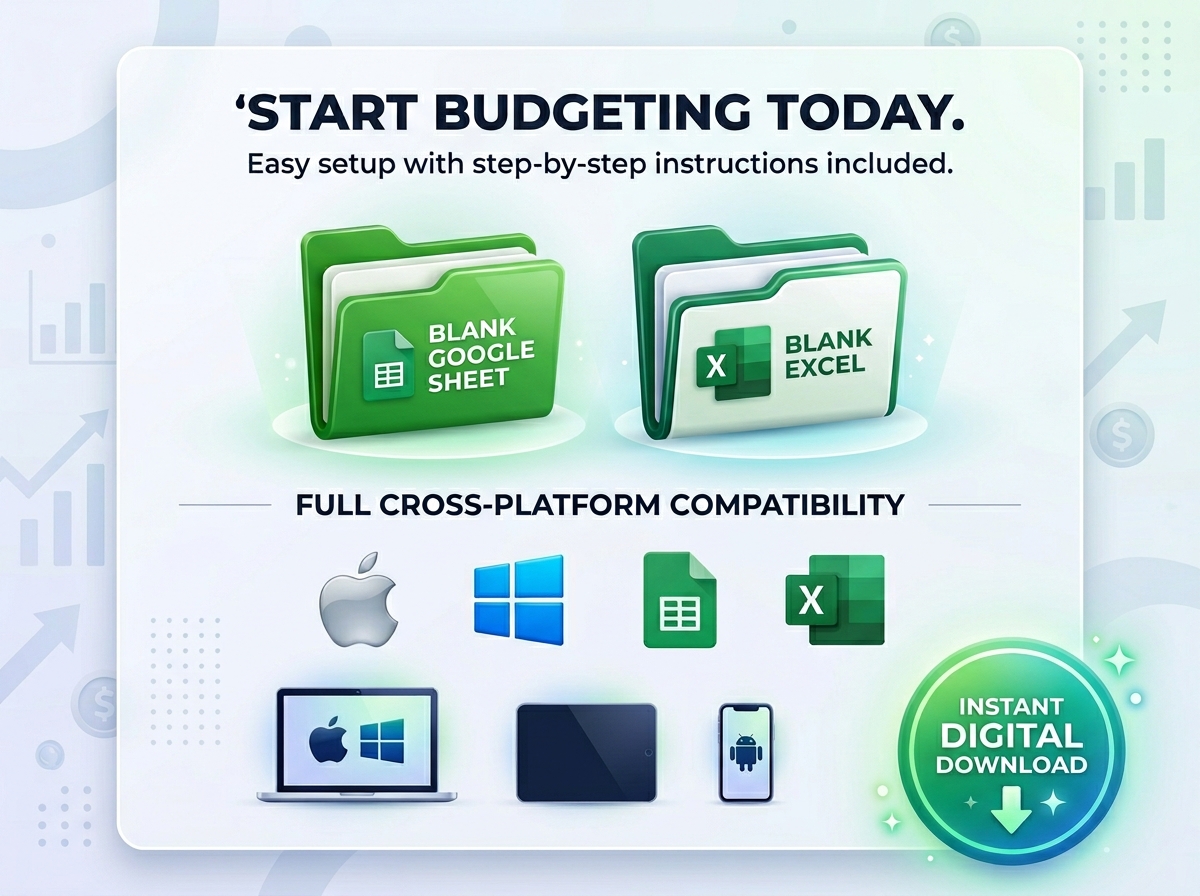
Q5: Can I access my budget on my phone while I’m at the store? A: Yes, the template is fully compatible with mobile phones and tablets via the free Google Sheets or Excel apps, allowing you to log expenses on the go.
Take complete control of your money and work toward your biggest financial goals with the Ultimate Monthly Budget Spreadsheet. 📊💰
Managing your finances doesn’t have to be overwhelming. Whether you’re looking to get a better handle on your monthly spending, save for big goals, or aggressively pay down debt, this easy-to-use template will help you stay on top of it all. With an intuitive design and powerful automated features, it’s the perfect all-in-one tool to simplify your financial life.
🔑 Why This Template is Perfect for You:
Who Needs It: This template is ideal for anyone—whether you’re managing your personal finances, planning for your family’s household expenses, or keeping strict track of business costs. It gives you a crystal-clear picture of your financial health so you can stay organized and take control of your future.
Get organized. Master your money. Build your wealth.
📦 What’s Included?
💻 How It Works & Requirements: You Will Need:
How It Works:
⚠️ Important to Know:
Q1: Do I need to be good at math or Excel to use this? A: Not at all! The spreadsheet handles all the complex automatic calculations for you. If you can type in your income and expenses, the template will do the rest. Plus, the included step-by-step guide makes setup a breeze.
Q2: Can I track my savings for specific things, like a vacation? A: Yes! The template includes a feature for tracking your financial goals and “sinking funds.” You can dedicate specific savings categories to a vacation, a new car, or an emergency fund and watch your progress in real time.
Q3: How does the currency conversion work? A: You simply set your primary base currency. If you enter transactions in a different currency, the spreadsheet automatically converts them, keeping your total budget perfectly accurate without any manual conversion on your end.
Q4: Will this help me remember to pay my bills? A: Absolutely. There is a dedicated Debt & Bill Tracking section complete with a smart calendar feature that helps you visualize and stay completely on top of your due dates.
Q5: Can I access my budget on my phone while I’m at the store? A: Yes, the template is fully compatible with mobile phones and tablets via the free Google Sheets or Excel apps, allowing you to log expenses on the go.
With our extensive collection of elements, creating and customizing layouts becomes
second nature. Forget about coding and enjoy our themes.
 Discount of up to