
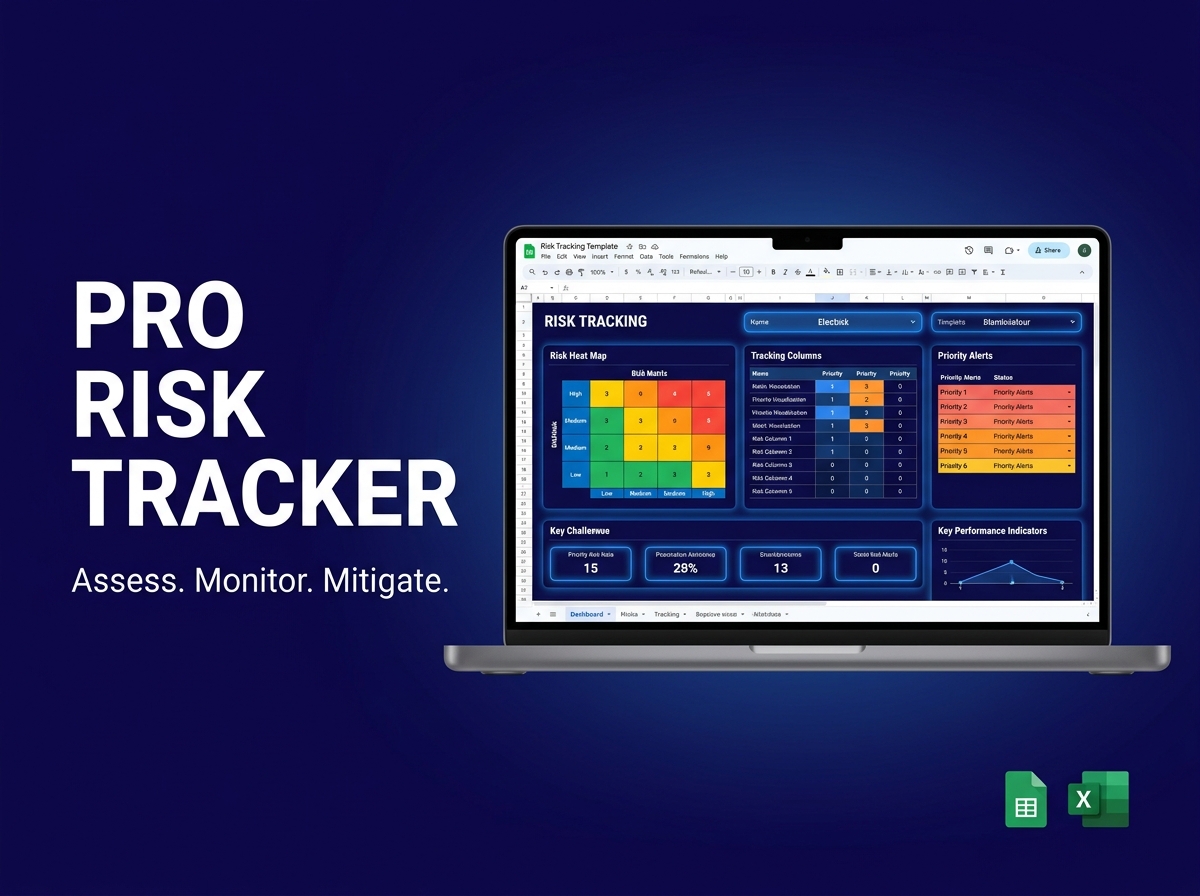
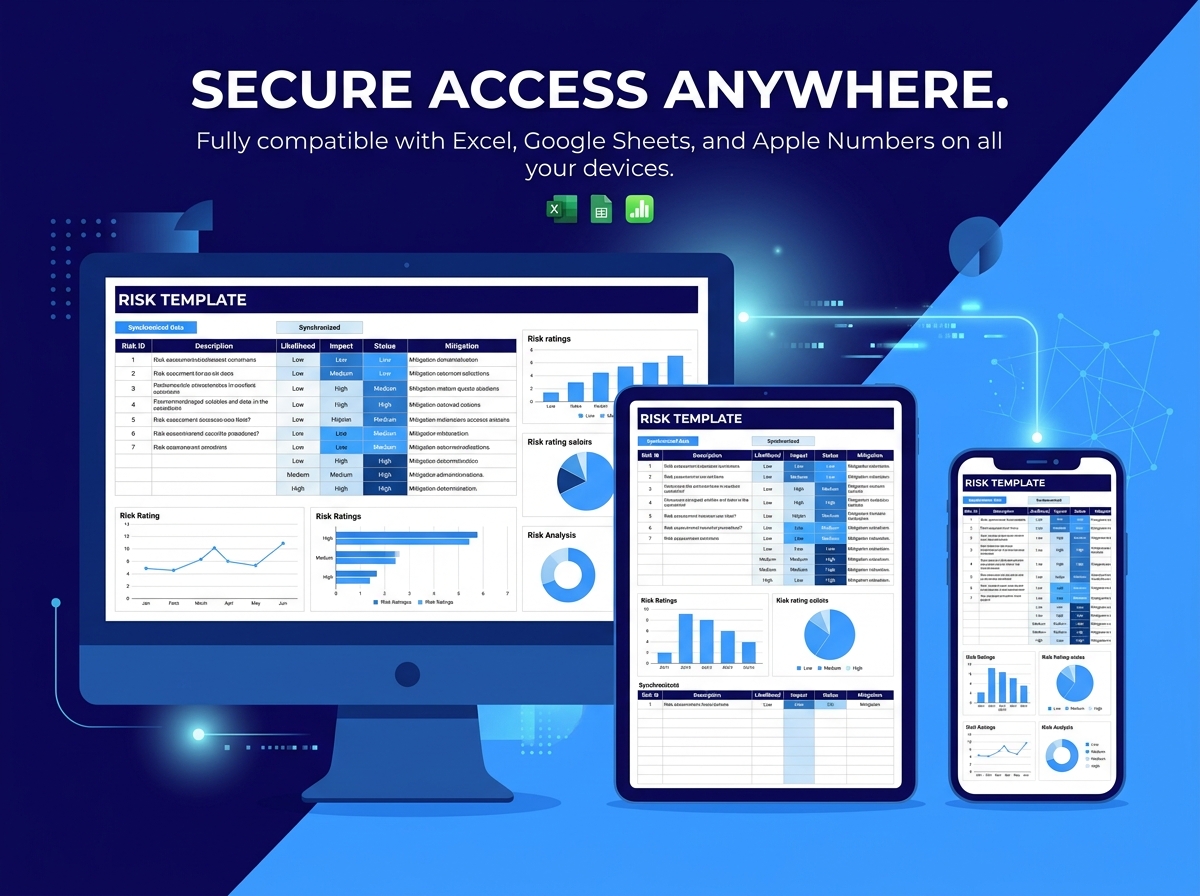
Stay ahead of uncertainty and protect your projects with the Ultimate Risk Tracking Template. 🛡️⚠️
The Risk Tracking Template is a professional, ready-to-use tool designed to help individuals and high-performing teams identify, assess, and monitor project or business risks in a highly structured format. In the world of project management, being reactive is expensive—this template empowers you to be proactive.
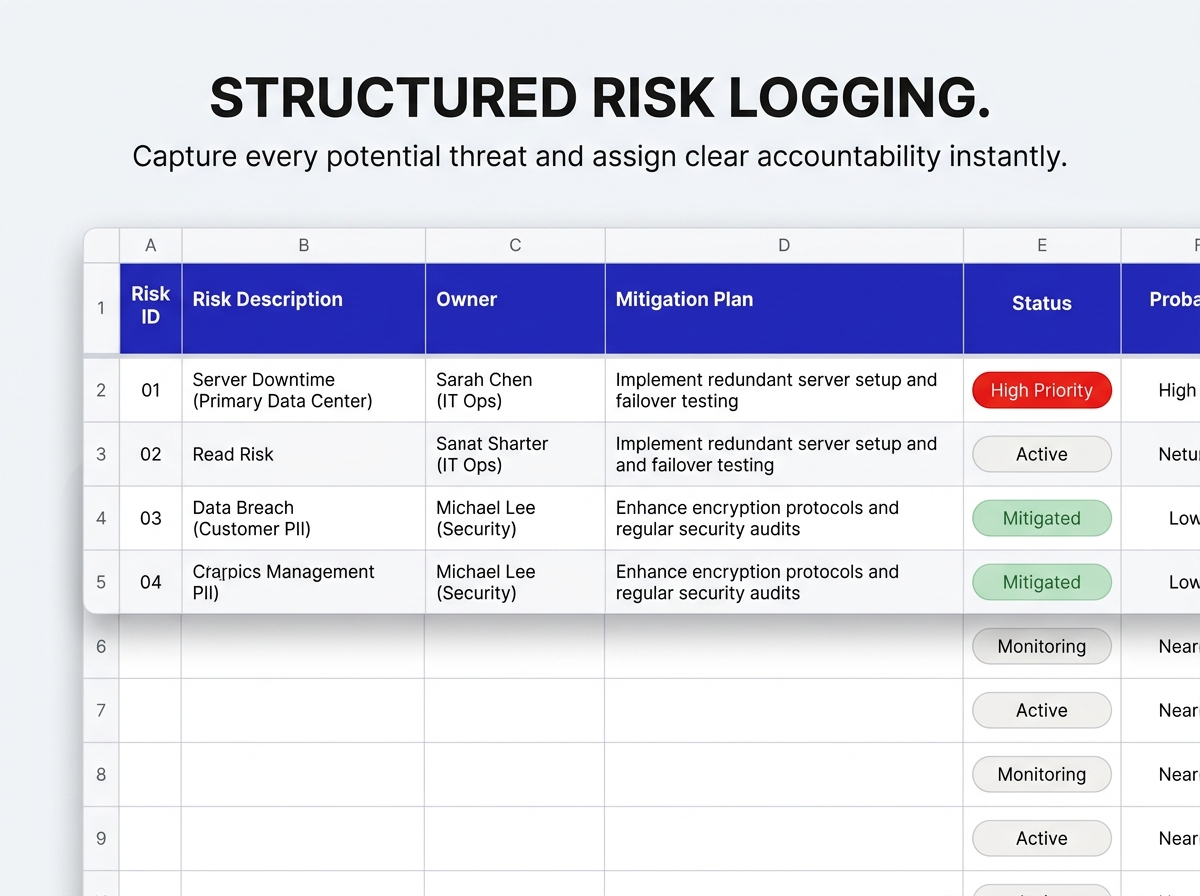
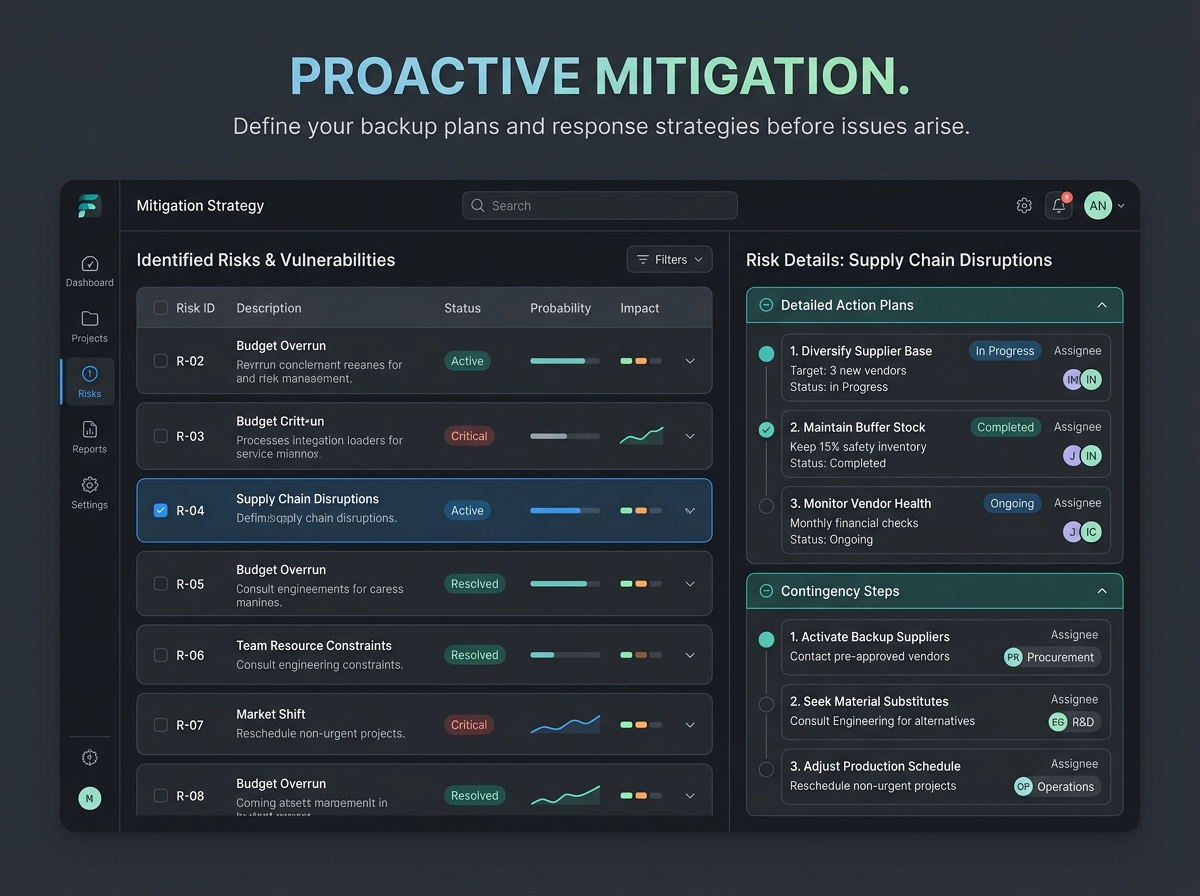
Log potential threats, categorize them by severity, and define clear mitigation strategies before they become costly problems. Whether you’re managing a software launch, a construction project, or daily business operations, this template brings the clarity and organization you need to succeed.
🔑 Main Features:
Ideal For:
📦 What’s Included?
💻 How It Works & Requirements: You Will Need:
How It Works:
⚠️ Important to Know:
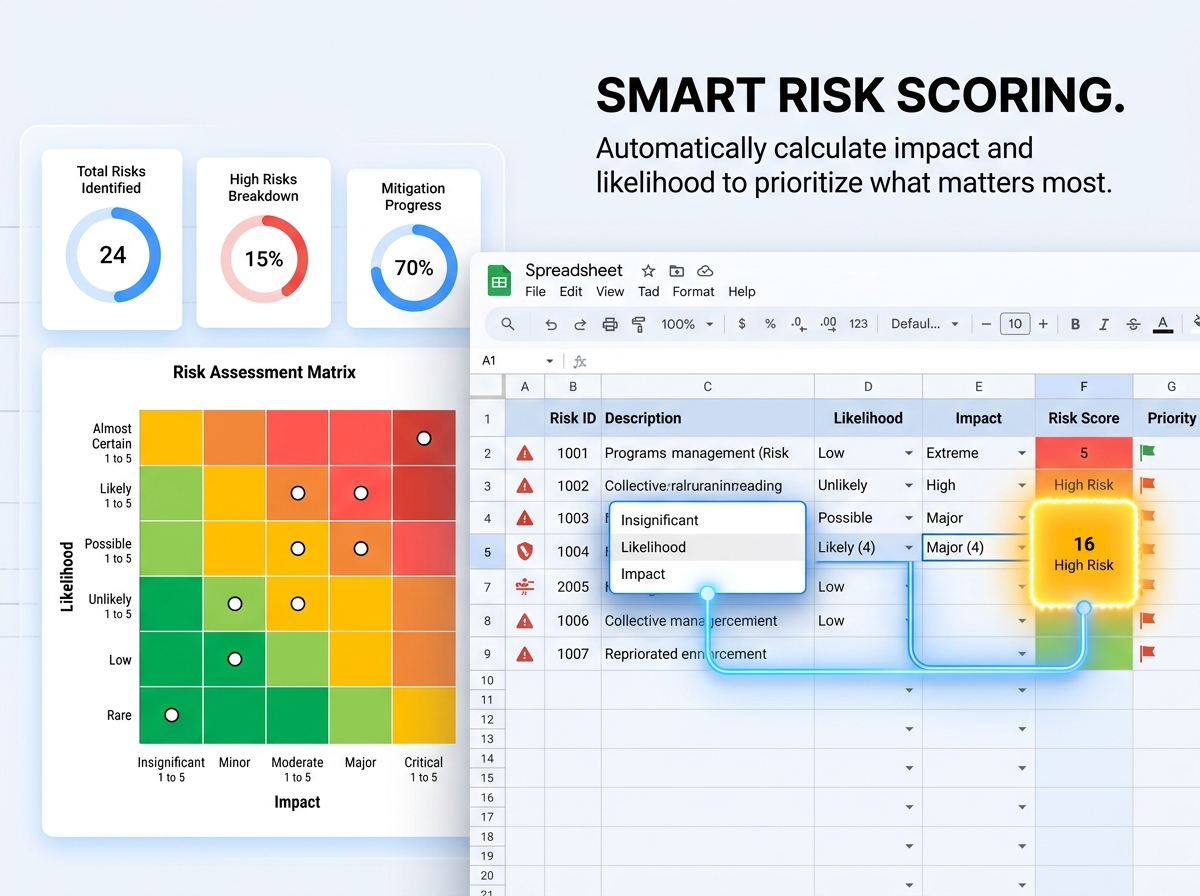
Q1: How is the risk score calculated? A: The template uses a standard Risk Matrix formula (Likelihood x Impact). Once you select these values from the dropdown menus, the spreadsheet automatically calculates the score and color-codes the priority level.
Q2: Can I add my own risk categories? A: Yes! The template is fully editable. You can customize categories, status labels, and risk owners to fit your specific business or project needs.
Q3: Is this suitable for large-scale construction or IT projects? A: Absolutely. While simple to use, the logic follows professional PMBOK and Agile risk management standards, making it robust enough for complex professional projects.
Q4: Will it work on my tablet during site visits? A: Yes, the Google Sheets version is perfect for mobile use. You can update risk statuses or log new entries directly from the Google Sheets app on your phone or tablet.
Stay ahead of uncertainty and protect your projects with the Ultimate Risk Tracking Template. 🛡️⚠️
The Risk Tracking Template is a professional, ready-to-use tool designed to help individuals and high-performing teams identify, assess, and monitor project or business risks in a highly structured format. In the world of project management, being reactive is expensive—this template empowers you to be proactive.
Log potential threats, categorize them by severity, and define clear mitigation strategies before they become costly problems. Whether you’re managing a software launch, a construction project, or daily business operations, this template brings the clarity and organization you need to succeed.
🔑 Main Features:
Ideal For:
📦 What’s Included?
💻 How It Works & Requirements: You Will Need:
How It Works:
⚠️ Important to Know:
Q1: How is the risk score calculated? A: The template uses a standard Risk Matrix formula (Likelihood x Impact). Once you select these values from the dropdown menus, the spreadsheet automatically calculates the score and color-codes the priority level.
Q2: Can I add my own risk categories? A: Yes! The template is fully editable. You can customize categories, status labels, and risk owners to fit your specific business or project needs.
Q3: Is this suitable for large-scale construction or IT projects? A: Absolutely. While simple to use, the logic follows professional PMBOK and Agile risk management standards, making it robust enough for complex professional projects.
Q4: Will it work on my tablet during site visits? A: Yes, the Google Sheets version is perfect for mobile use. You can update risk statuses or log new entries directly from the Google Sheets app on your phone or tablet.

With our extensive collection of elements, creating and customizing layouts becomes
second nature. Forget about coding and enjoy our themes.
 Discount of up to