
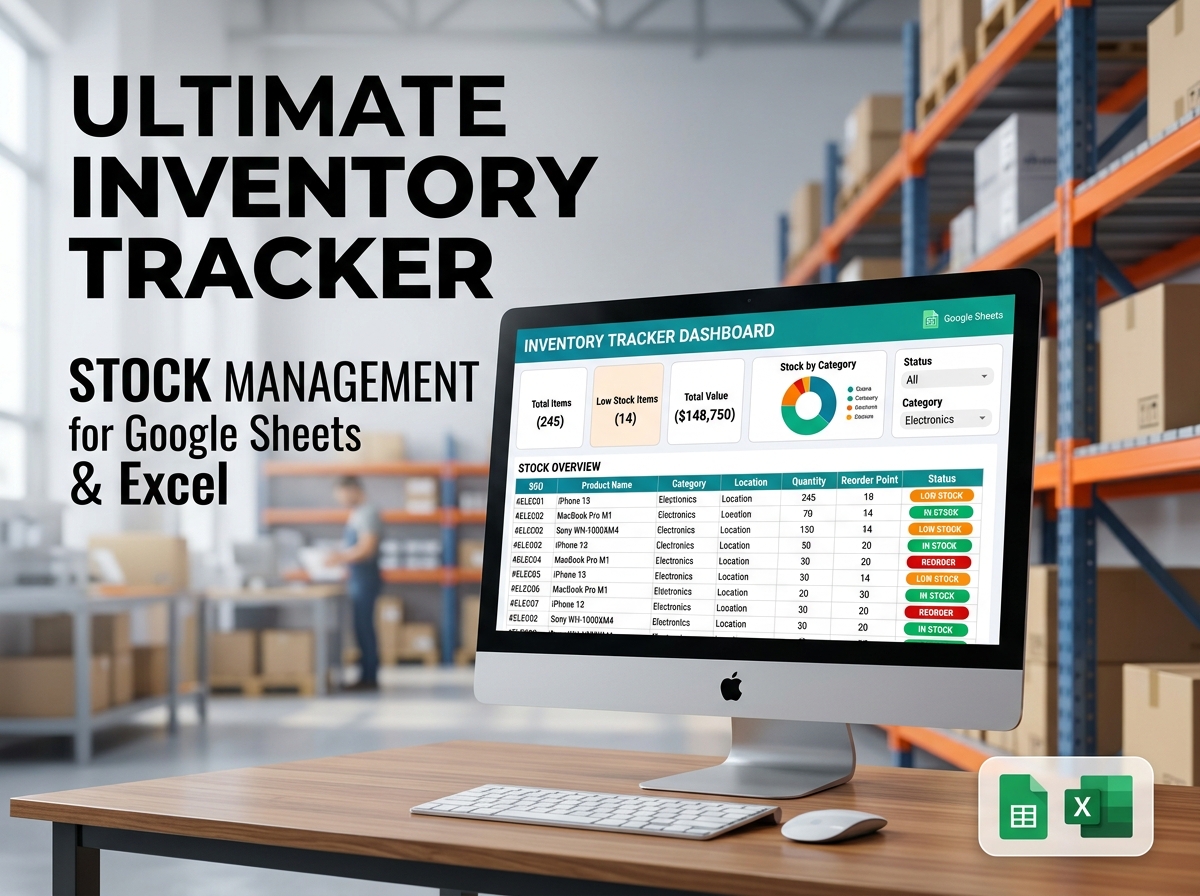
Take the headache out of stock management and keep your business running smoothly with the Ultimate Inventory Tracker Spreadsheet. 📦📈
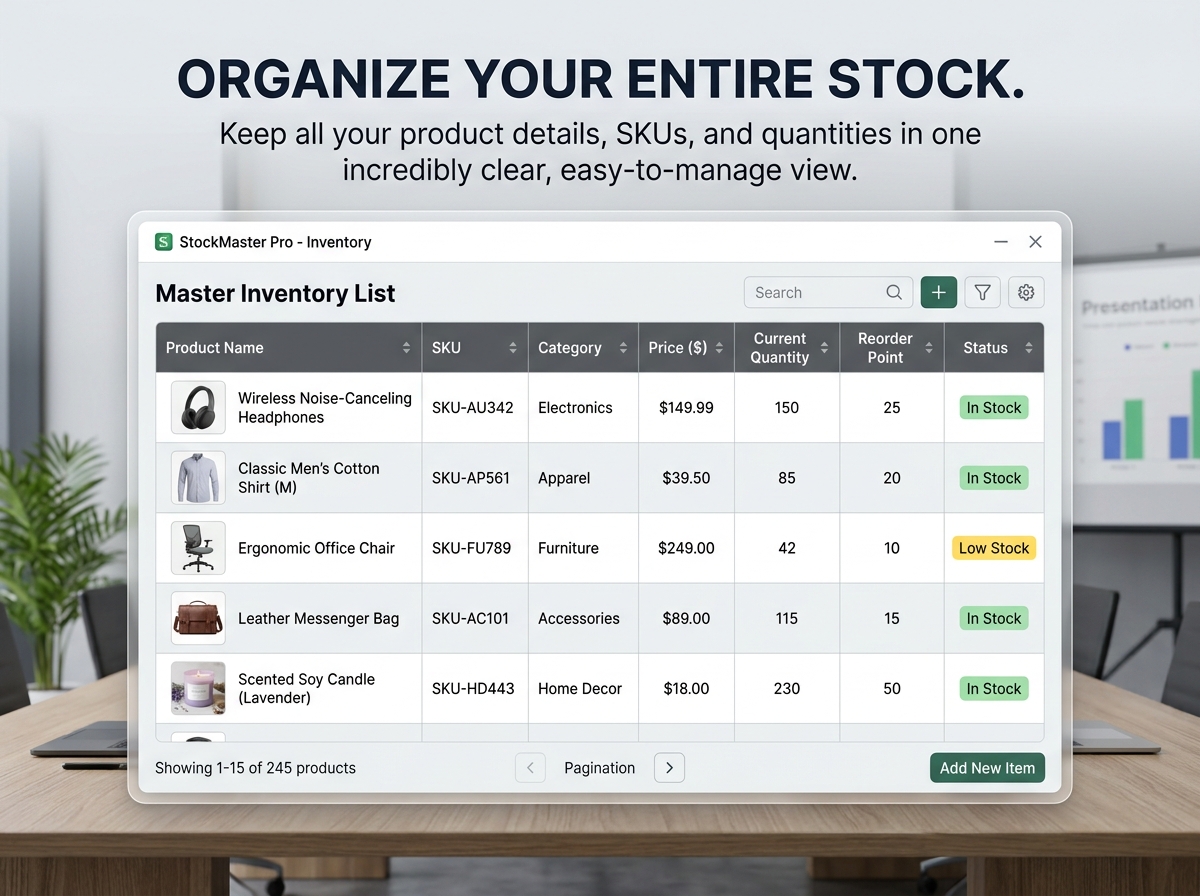
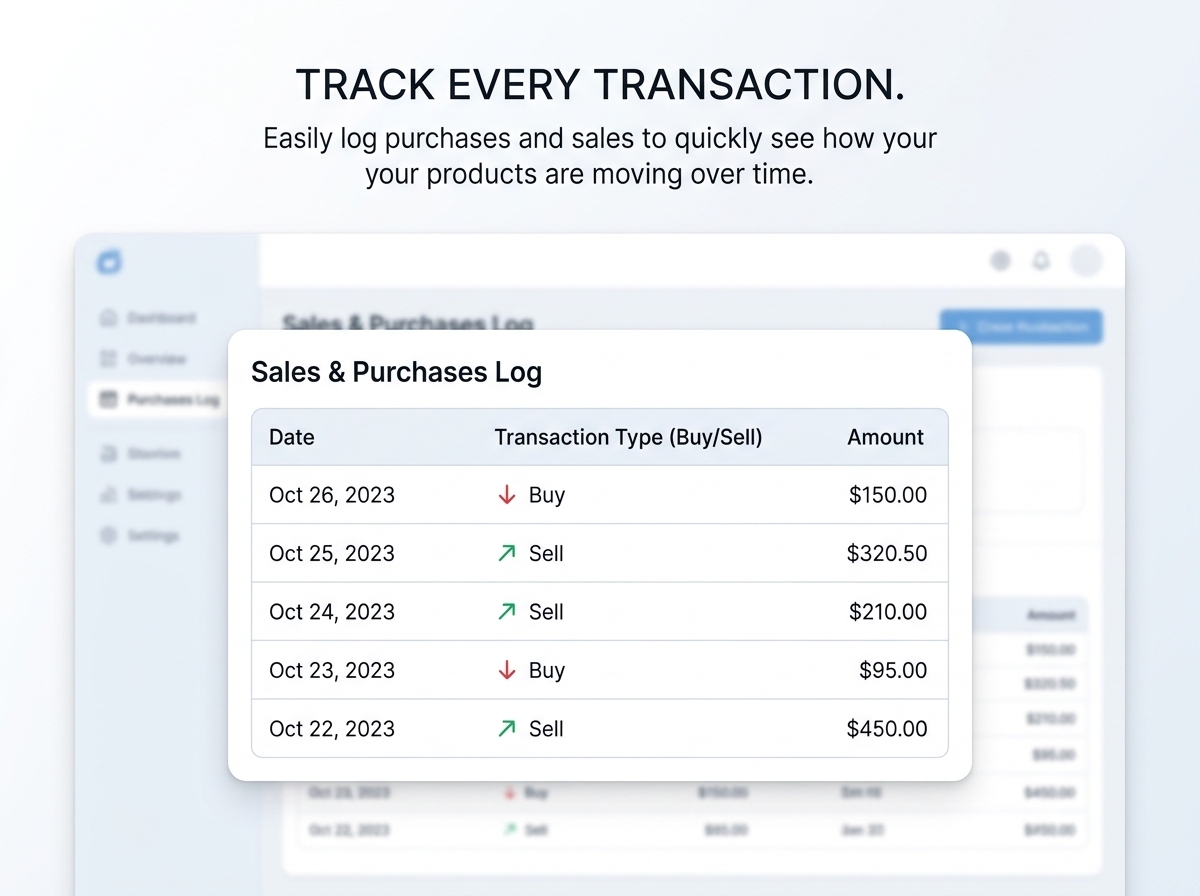
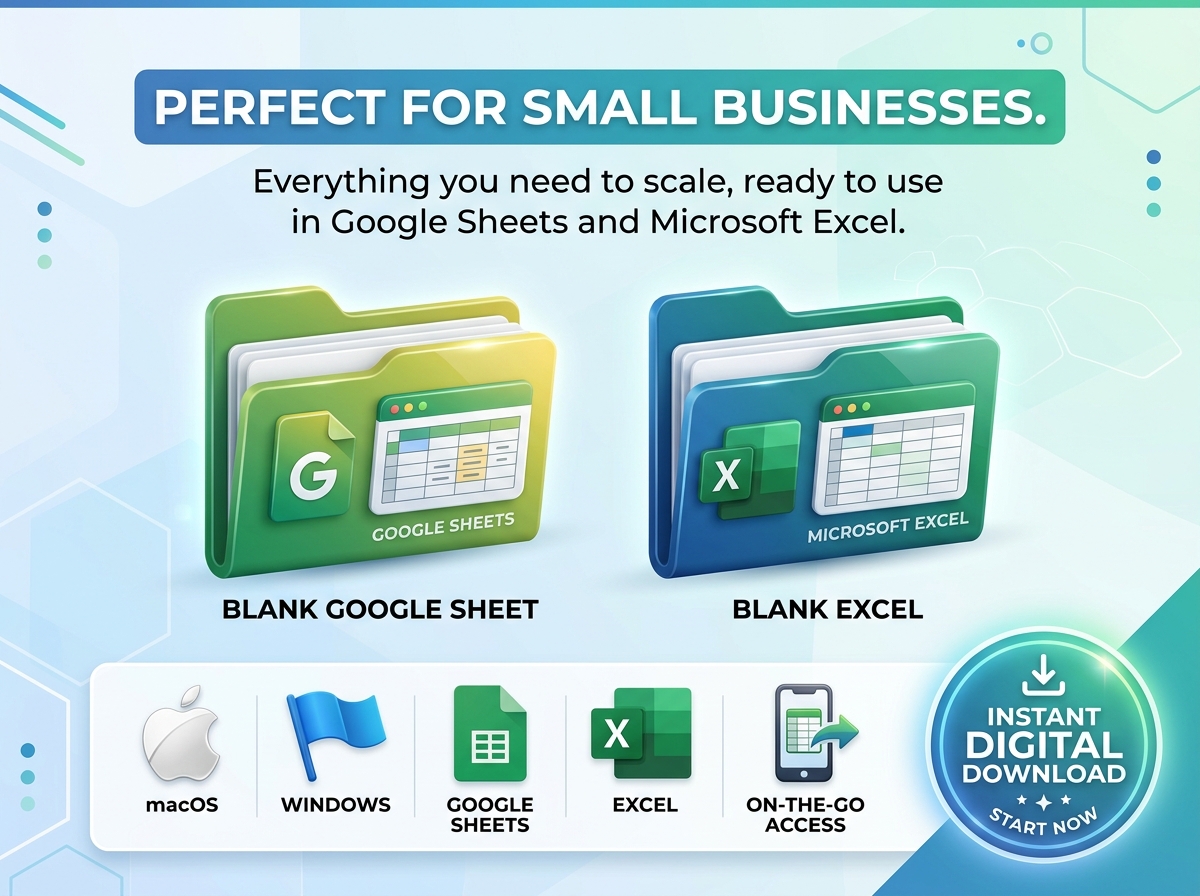
Need a simple, reliable way to manage your inventory? This powerful template for Google Sheets & Excel is designed to make your life so much easier! It’s the perfect all-in-one tool to keep your stock details, daily sales, and reorder alerts neatly organized in one easily accessible place.
Whether you are running a bustling online shop, managing a physical retail store, or keeping track of materials for your side hustle, this tracker gives you the visibility and control you need to scale your business efficiently—without the stress of missing stock.
🔑 What It Does For You:
💡 Why This Template is Awesome:
🎯 Who Is It Perfect For?
📦 What’s Included?
💻 How It Works & Requirements: You Will Need:
How It Works:
⚠️ Important to Know:
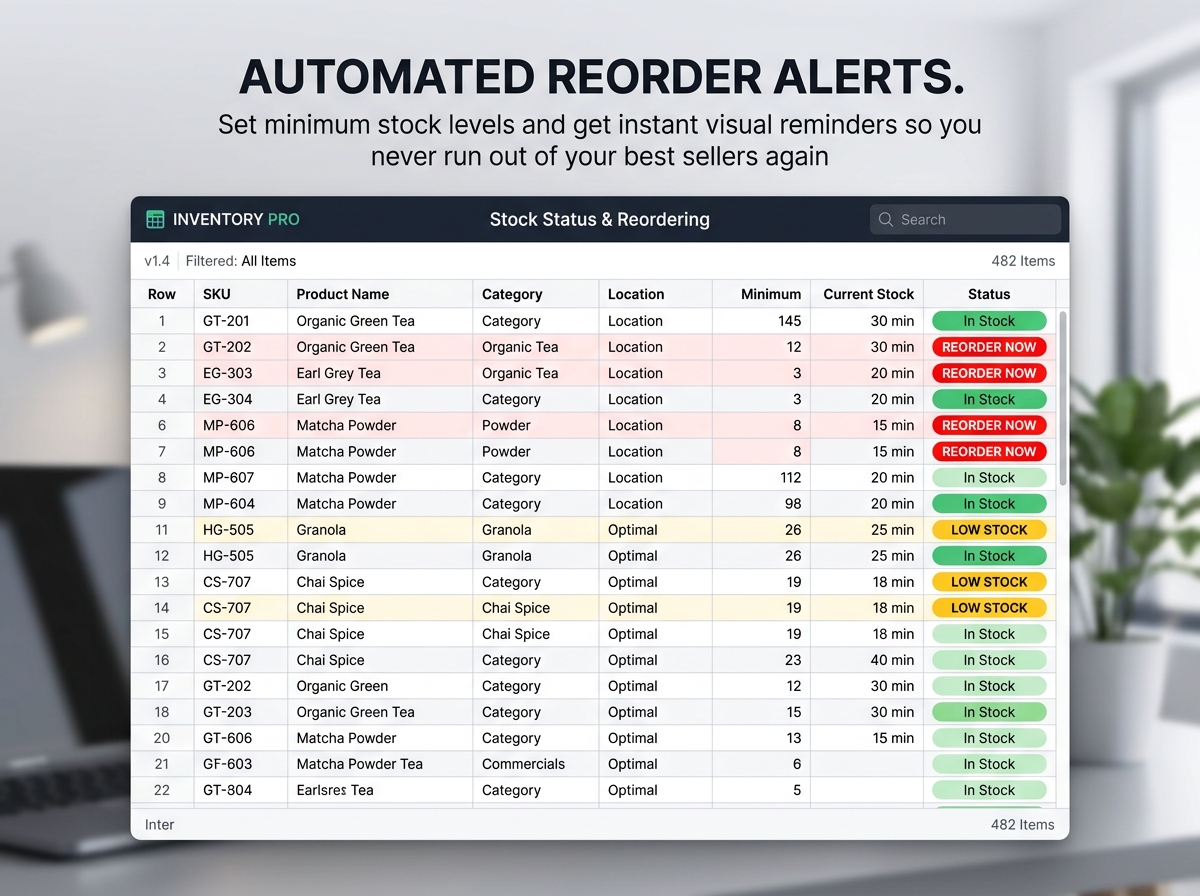
Q1: How do the minimum stock alerts work? A: It’s super simple! You set a “Minimum Stock Level” for each item. When your current quantity drops to or below that number, the spreadsheet will automatically highlight that item (usually in red or yellow), giving you an instant visual cue that it’s time to reorder.
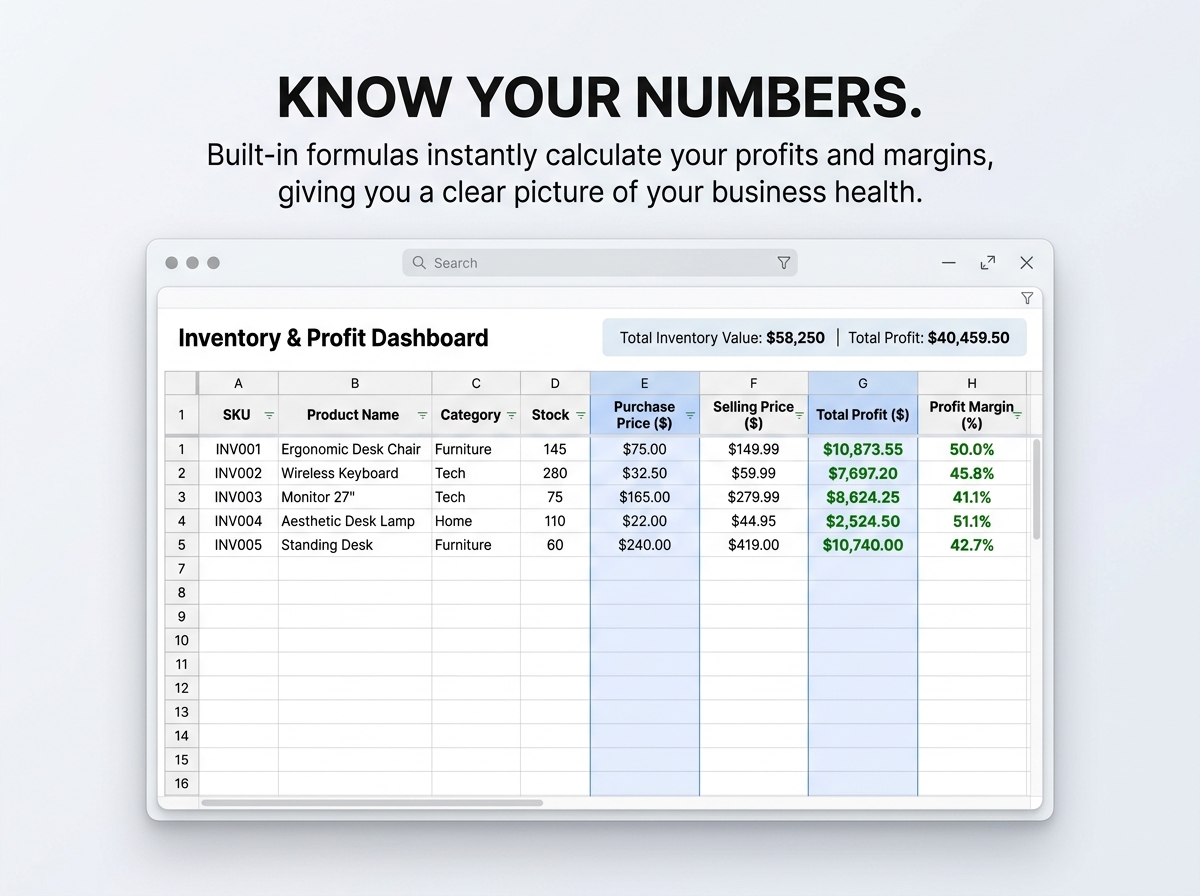
Q2: Will this calculate my profit margins automatically? A: Yes! Once you enter your “Purchase Price” (cost) and “Selling Price,” the built-in formulas will automatically calculate your total profit and profit margins for every single item in your inventory.
Q3: Can I use a barcode scanner with this spreadsheet? A: Absolutely. If you have a standard USB or Bluetooth barcode scanner, you can click on the “SKU” cell and scan your item. The scanner will input the barcode number directly into the spreadsheet just like a keyboard.
Q4: Is there a limit to how many products I can track? A: There is no hard limit! The template is built to be highly scalable. You can easily add hundreds or thousands of rows for new products and variations as your small business grows.
Q5: Can I check my inventory on my phone while at a craft fair or in the warehouse? A: Yes, if you use the Google Sheets version, you can download the free Google Sheets app on your iOS or Android phone to view and update your inventory in real-time while on the go.
Take the headache out of stock management and keep your business running smoothly with the Ultimate Inventory Tracker Spreadsheet. 📦📈
Need a simple, reliable way to manage your inventory? This powerful template for Google Sheets & Excel is designed to make your life so much easier! It’s the perfect all-in-one tool to keep your stock details, daily sales, and reorder alerts neatly organized in one easily accessible place.
Whether you are running a bustling online shop, managing a physical retail store, or keeping track of materials for your side hustle, this tracker gives you the visibility and control you need to scale your business efficiently—without the stress of missing stock.
🔑 What It Does For You:
💡 Why This Template is Awesome:
🎯 Who Is It Perfect For?
📦 What’s Included?
💻 How It Works & Requirements: You Will Need:
How It Works:
⚠️ Important to Know:
Q1: How do the minimum stock alerts work? A: It’s super simple! You set a “Minimum Stock Level” for each item. When your current quantity drops to or below that number, the spreadsheet will automatically highlight that item (usually in red or yellow), giving you an instant visual cue that it’s time to reorder.
Q2: Will this calculate my profit margins automatically? A: Yes! Once you enter your “Purchase Price” (cost) and “Selling Price,” the built-in formulas will automatically calculate your total profit and profit margins for every single item in your inventory.
Q3: Can I use a barcode scanner with this spreadsheet? A: Absolutely. If you have a standard USB or Bluetooth barcode scanner, you can click on the “SKU” cell and scan your item. The scanner will input the barcode number directly into the spreadsheet just like a keyboard.
Q4: Is there a limit to how many products I can track? A: There is no hard limit! The template is built to be highly scalable. You can easily add hundreds or thousands of rows for new products and variations as your small business grows.
Q5: Can I check my inventory on my phone while at a craft fair or in the warehouse? A: Yes, if you use the Google Sheets version, you can download the free Google Sheets app on your iOS or Android phone to view and update your inventory in real-time while on the go.

With our extensive collection of elements, creating and customizing layouts becomes
second nature. Forget about coding and enjoy our themes.
 Discount of up to