
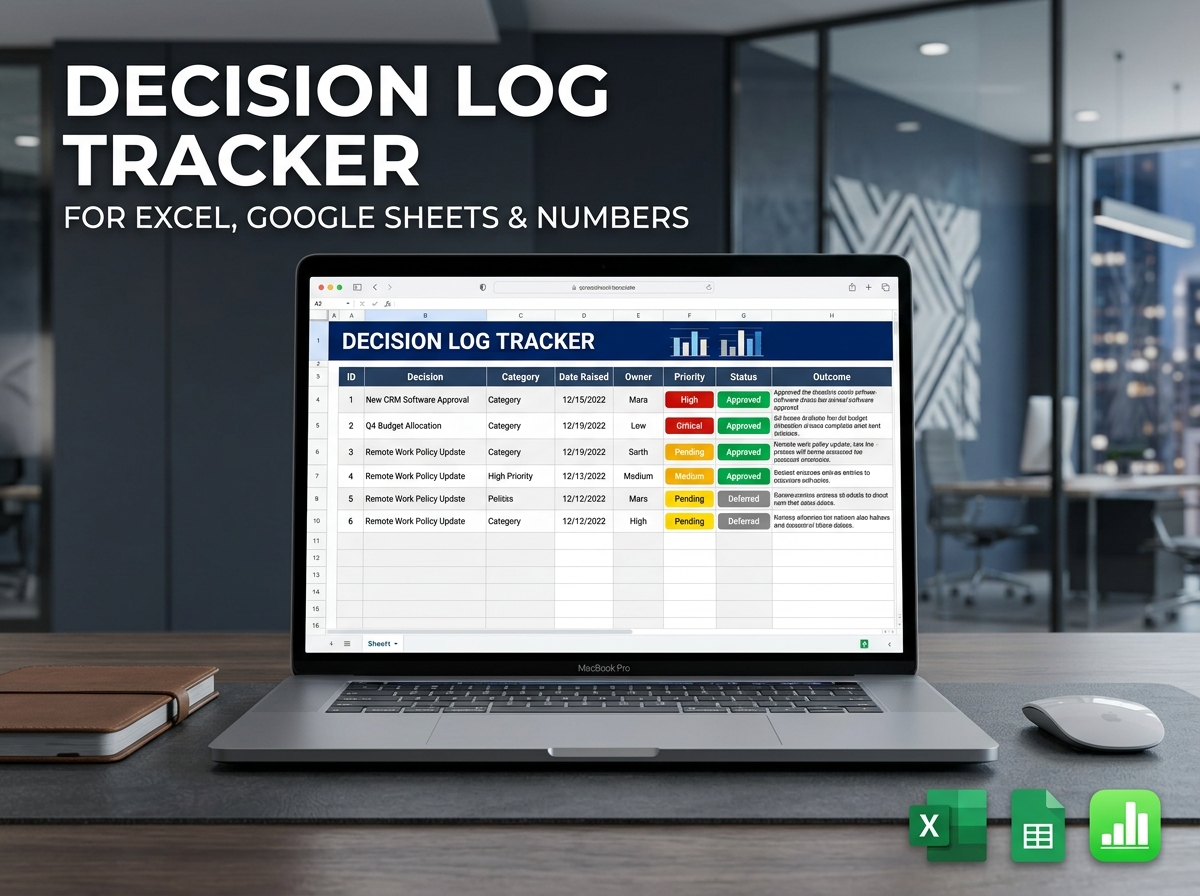
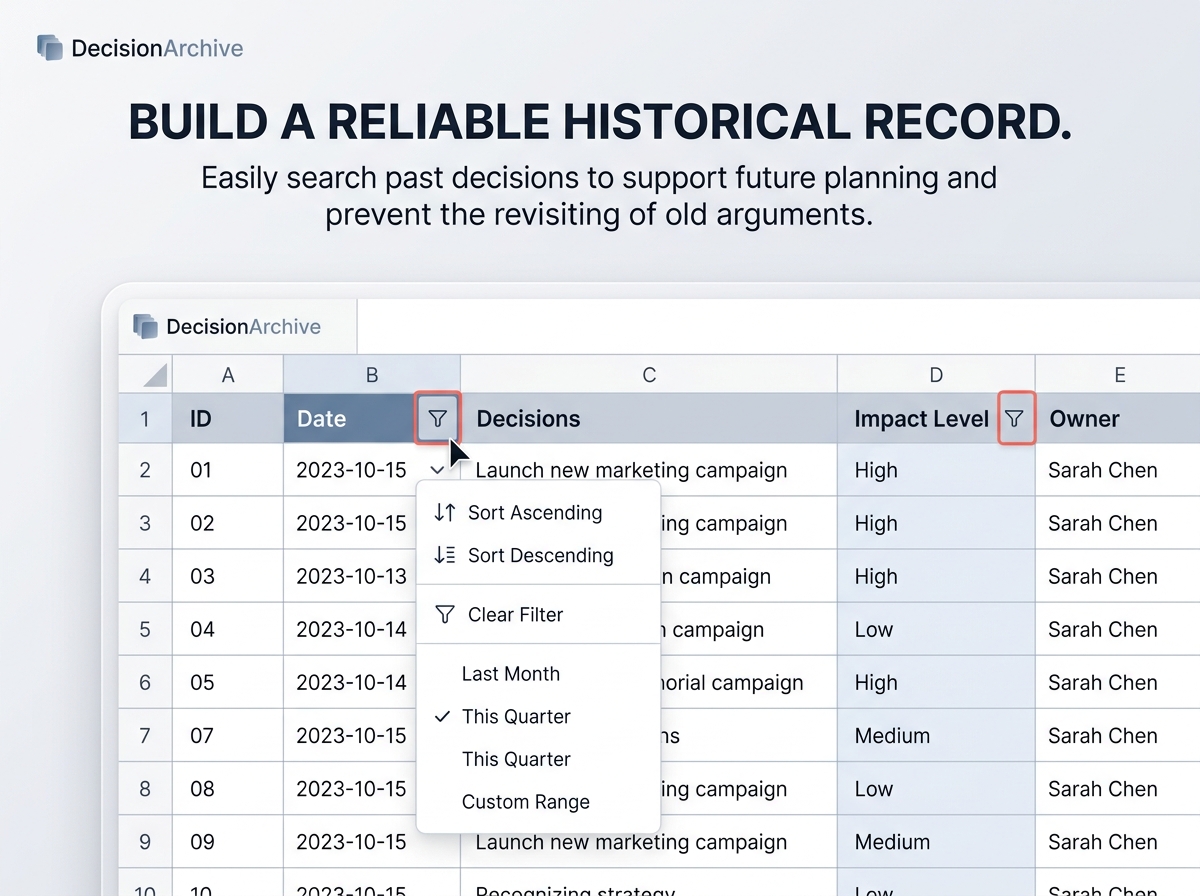
Keep track of important business or project-related decisions with this easy-to-use, professional Decision Log Template. 🤝📊
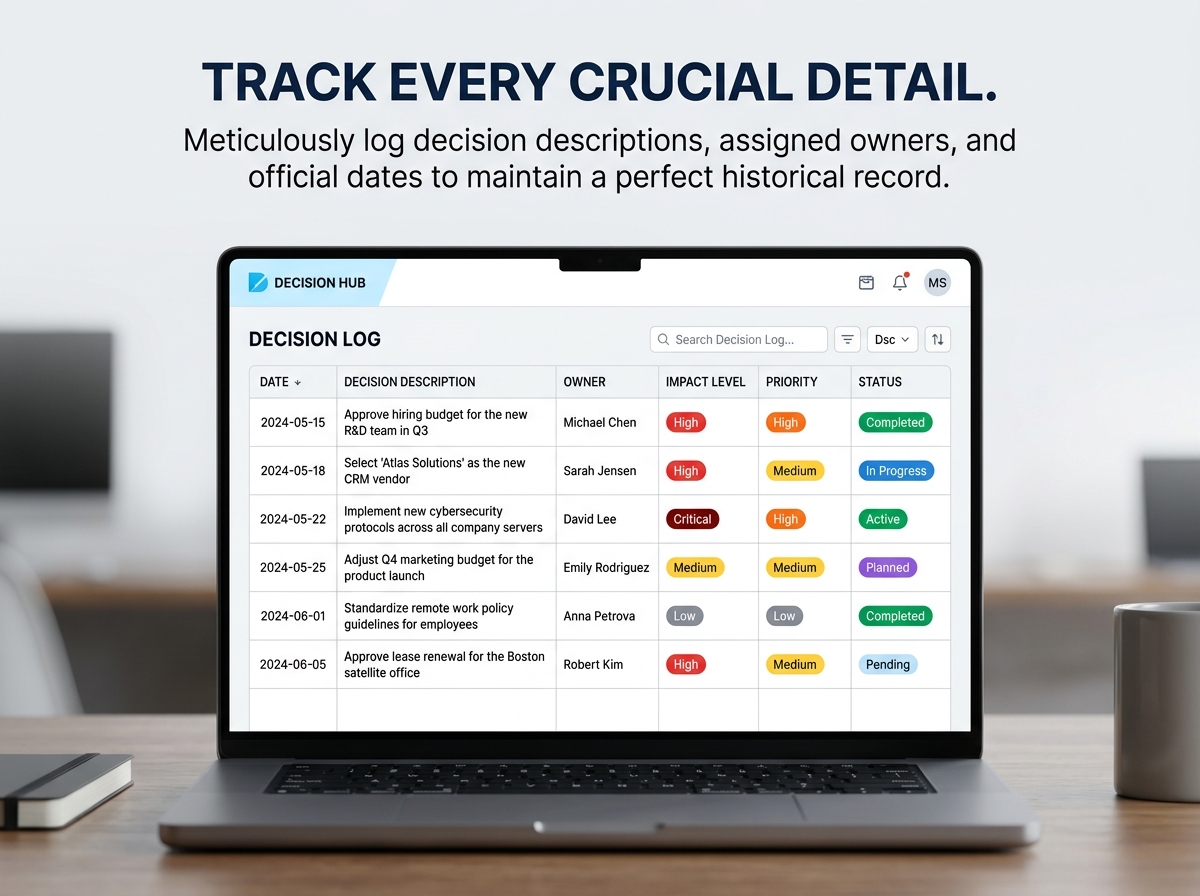
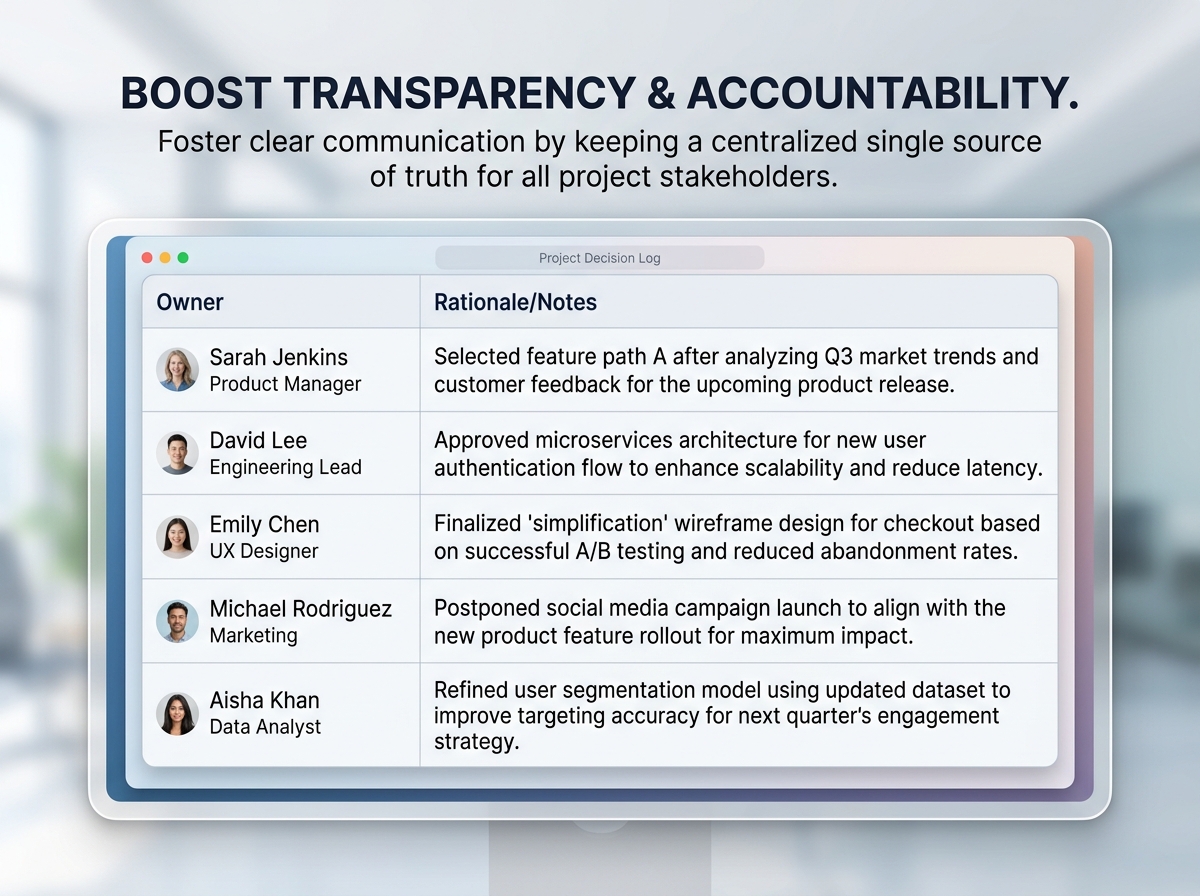
Stop letting crucial project decisions get lost in endless email threads and scattered meeting notes. This powerful template allows individuals, agile teams, and entire organizations to cleanly document decisions, responsible parties, dates, current statuses, and the underlying rationale—all in one highly organized sheet.
Whether you are managing daily internal operations, complex IT projects, or high-level strategic planning sessions, this tracker ensures absolute accountability and clarity across all your stakeholders.
🔑 Key Features:
💡 Ideal For:
Why You’ll Love It:
📦 What’s Included?
💻 How It Works & Requirements: You Will Need:
How It Works:
⚠️ Important to Know:
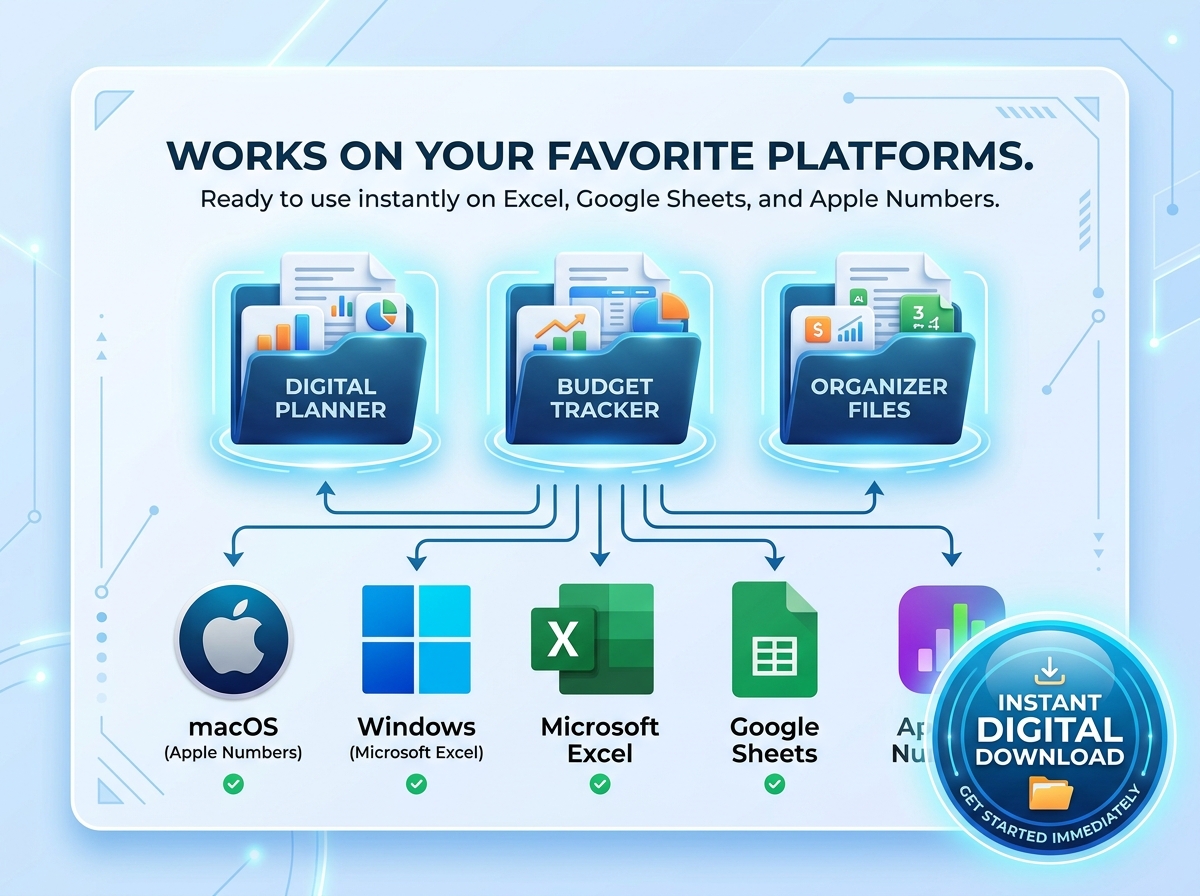
Q1: Can I use this template on a Mac? A: Yes, absolutely! Not only is it compatible with Google Sheets and Microsoft Excel for Mac, but this specific template is also fully compatible with Apple Numbers.
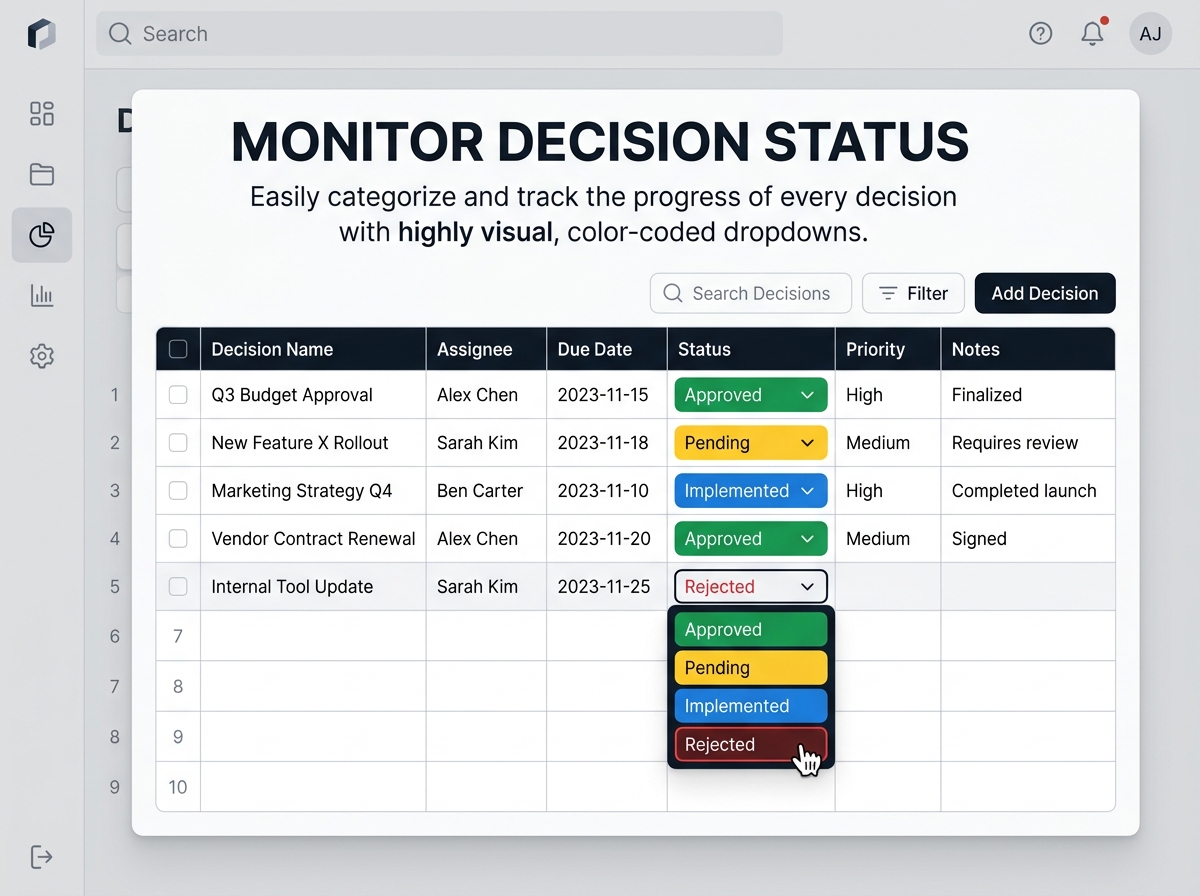
Q2: Can I customize the status dropdowns? A: Yes. The template is fully unlocked. You can easily edit the dropdown data validation to add your own custom statuses beyond the default Pending, Approved, Rejected, and Implemented.
Q3: How does a Decision Log help with project management? A: It prevents “decision amnesia.” By keeping a historical record of why a decision was made and who approved it, you prevent teams from wasting time revisiting old arguments, significantly speeding up your project workflow.
Q4: Is this suitable for large organizations or just small teams? A: It is highly scalable. Small teams love it for its simplicity, while large organizations use it to maintain transparency across multiple departments and stakeholder groups.
Q5: Do I need advanced spreadsheet skills to use this? A: Not at all. We have done all the formatting and dropdown creation for you. All you need to do is type in your decisions and select the statuses.
Keep track of important business or project-related decisions with this easy-to-use, professional Decision Log Template. 🤝📊
Stop letting crucial project decisions get lost in endless email threads and scattered meeting notes. This powerful template allows individuals, agile teams, and entire organizations to cleanly document decisions, responsible parties, dates, current statuses, and the underlying rationale—all in one highly organized sheet.
Whether you are managing daily internal operations, complex IT projects, or high-level strategic planning sessions, this tracker ensures absolute accountability and clarity across all your stakeholders.
🔑 Key Features:
💡 Ideal For:
Why You’ll Love It:
📦 What’s Included?
💻 How It Works & Requirements: You Will Need:
How It Works:
⚠️ Important to Know:
Q1: Can I use this template on a Mac? A: Yes, absolutely! Not only is it compatible with Google Sheets and Microsoft Excel for Mac, but this specific template is also fully compatible with Apple Numbers.
Q2: Can I customize the status dropdowns? A: Yes. The template is fully unlocked. You can easily edit the dropdown data validation to add your own custom statuses beyond the default Pending, Approved, Rejected, and Implemented.
Q3: How does a Decision Log help with project management? A: It prevents “decision amnesia.” By keeping a historical record of why a decision was made and who approved it, you prevent teams from wasting time revisiting old arguments, significantly speeding up your project workflow.
Q4: Is this suitable for large organizations or just small teams? A: It is highly scalable. Small teams love it for its simplicity, while large organizations use it to maintain transparency across multiple departments and stakeholder groups.
Q5: Do I need advanced spreadsheet skills to use this? A: Not at all. We have done all the formatting and dropdown creation for you. All you need to do is type in your decisions and select the statuses.

With our extensive collection of elements, creating and customizing layouts becomes
second nature. Forget about coding and enjoy our themes.
 Discount of up to