
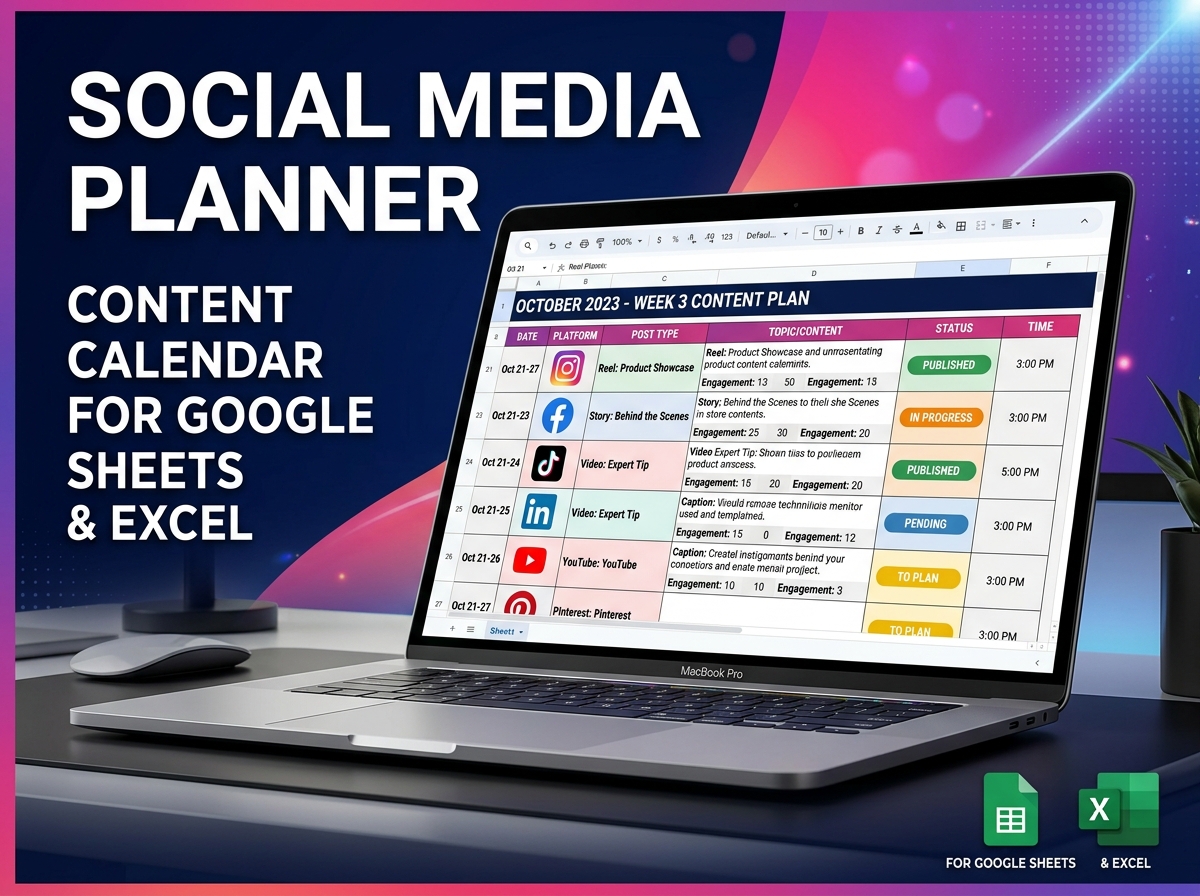
Take the chaos out of content creation and elevate your brand’s online presence with the Ultimate Social Media Planning Calendar. 📱🚀
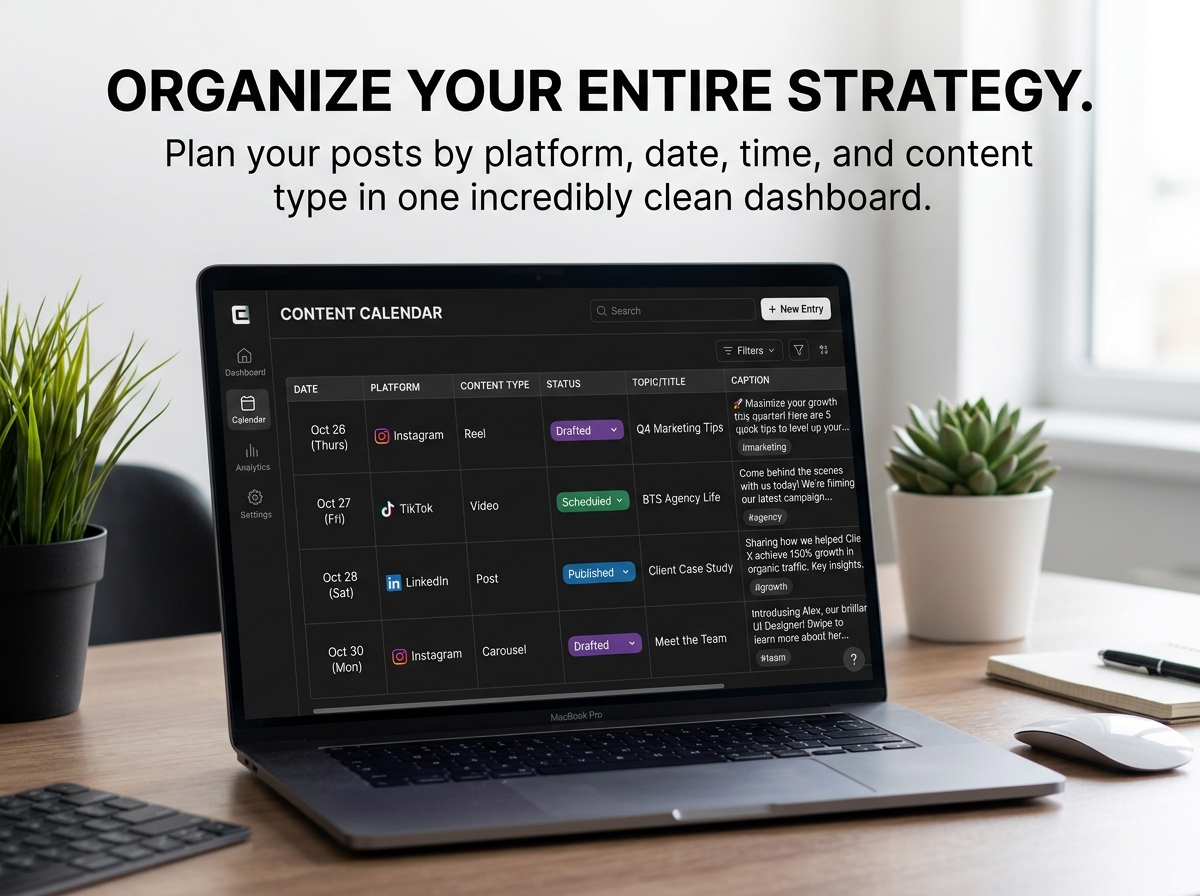
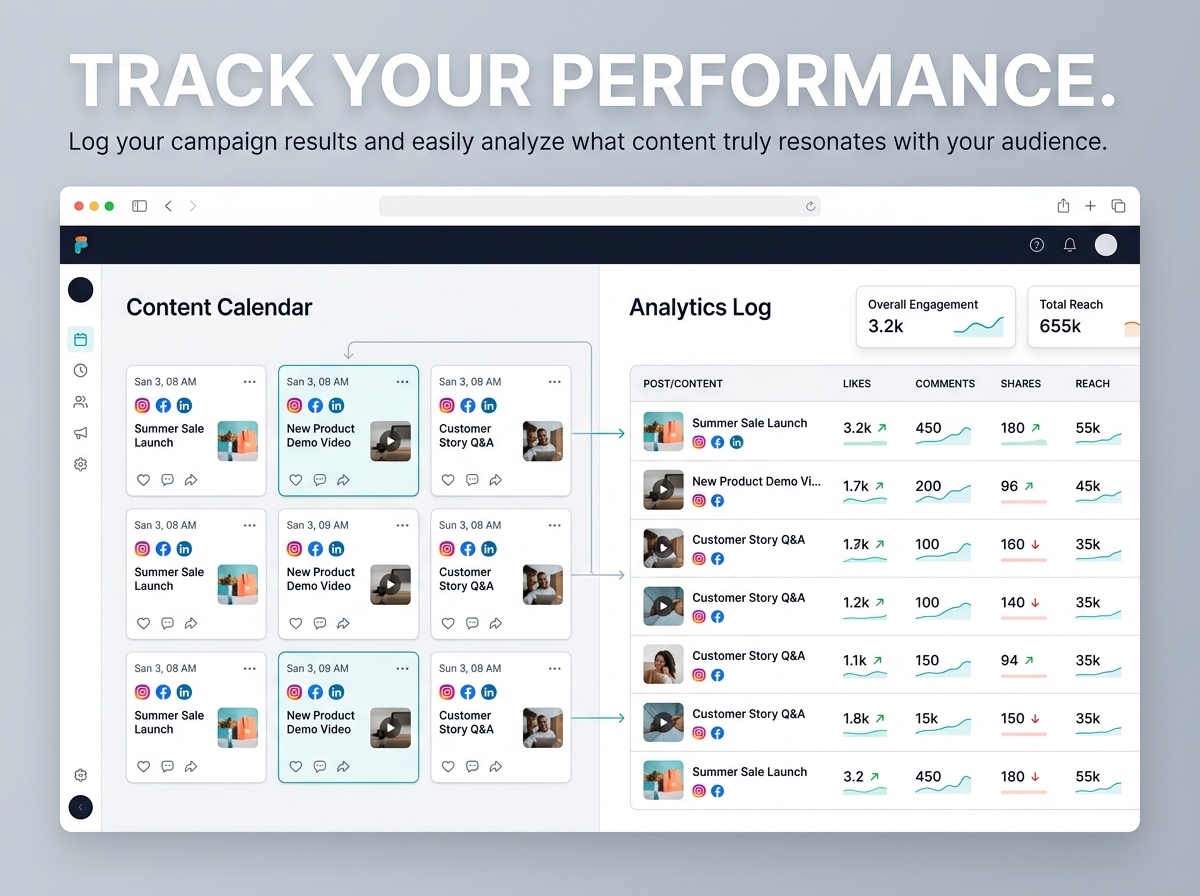
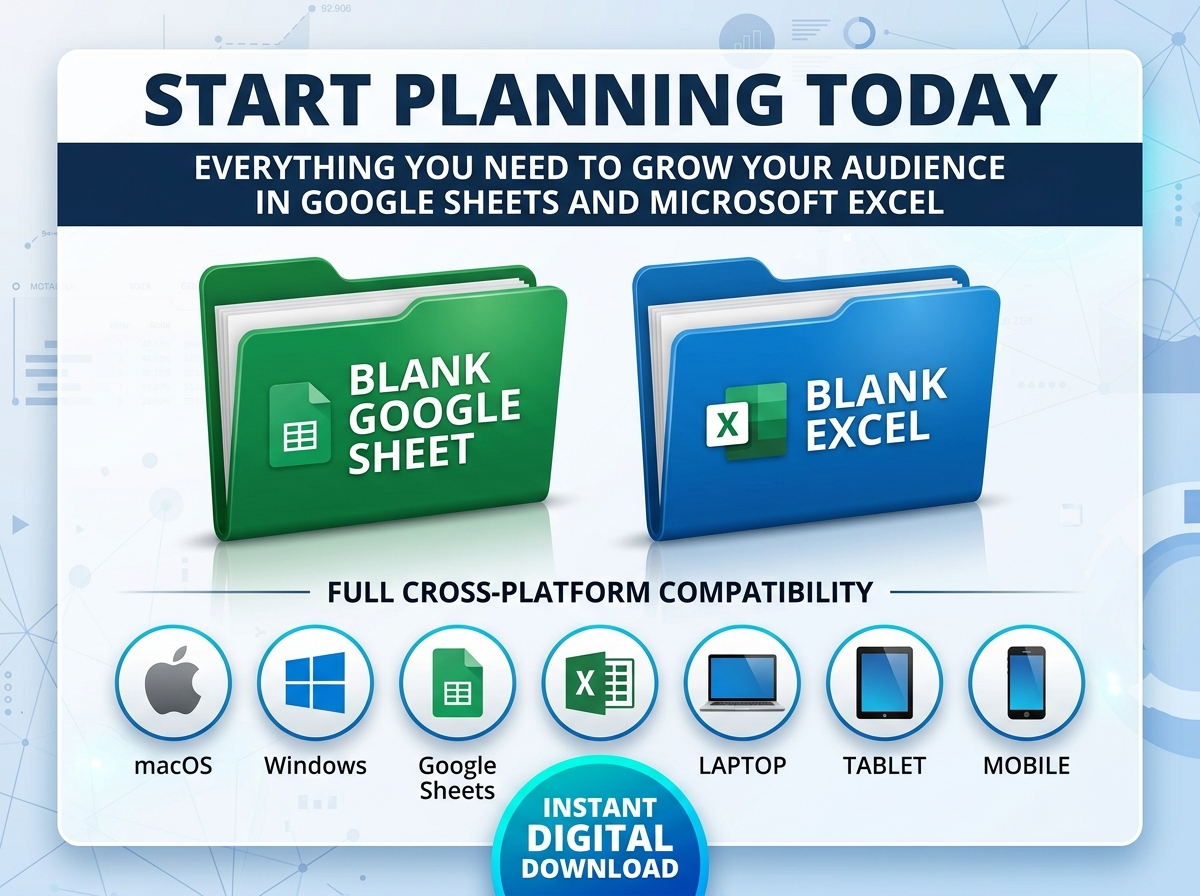
Designed for both Google Sheets and Excel, this ready-to-use tool is the perfect command center for individuals, digital marketers, and growing businesses. Stop stressing over what to post and when. This highly visual, structured layout allows you to effortlessly organize and schedule your entire content strategy by platform, date, time, and content type.
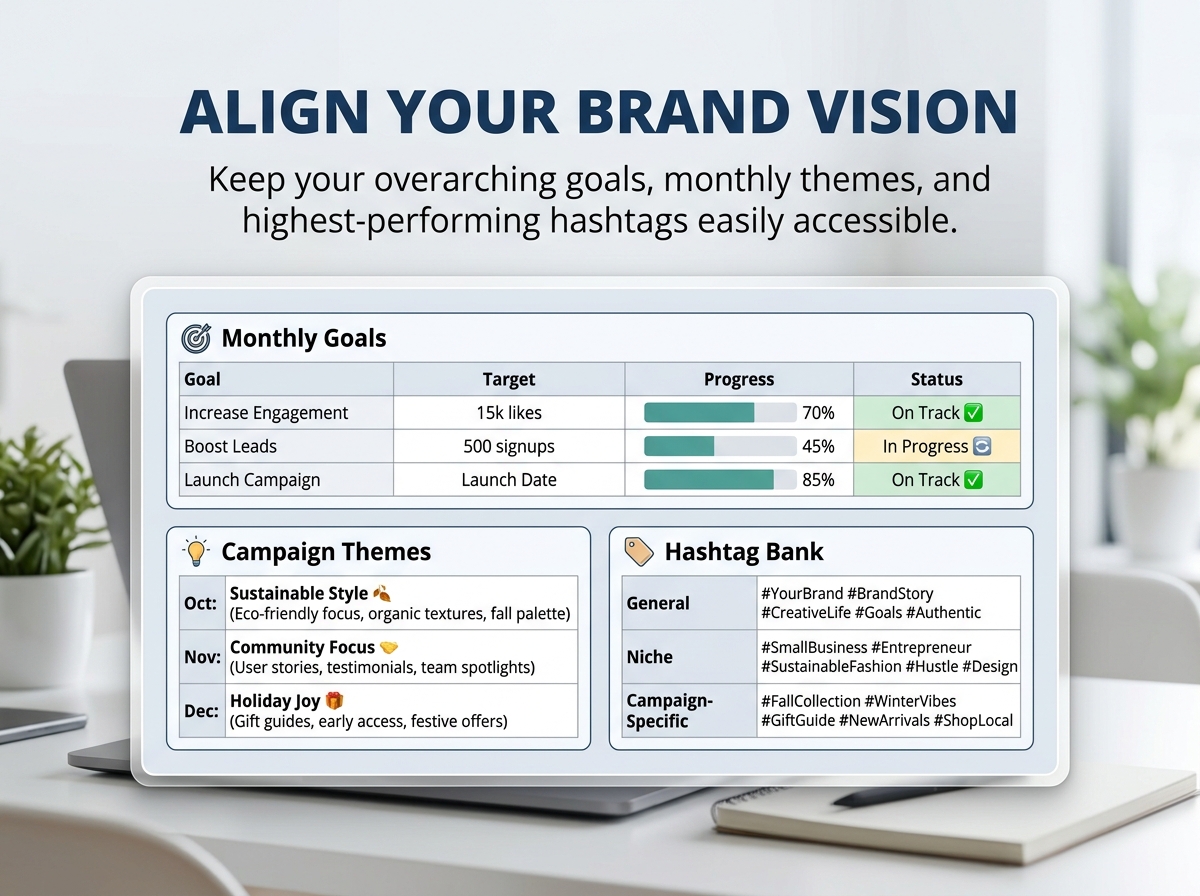
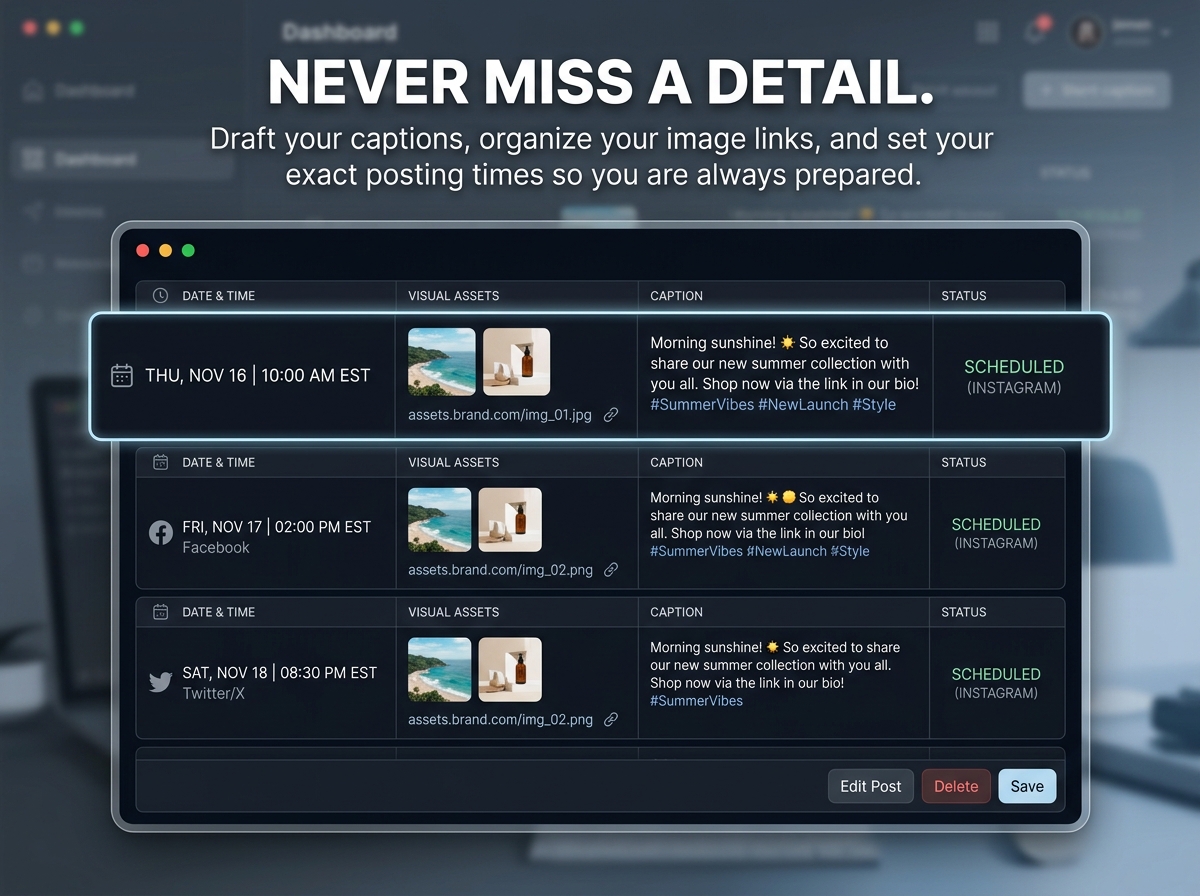
By centralizing your campaigns, tracking performance, and managing your creative assets in one clean dashboard, you will save hours of valuable time and ensure your online presence remains stunningly consistent.
🔑 Key Features:
💡 Perfect For:
Plan smarter, post consistently, and watch your digital community grow.
📦 What’s Included?
💻 How It Works & Requirements: You Will Need:
How It Works:
⚠️ Important to Know:
Q1: Does this tool automatically publish posts to my social media accounts? A: No, this is a strategic planning and organizational dashboard, not an auto-posting software. It is designed to help you map out your content, write your captions, and plan your visual strategy before you manually post or load them into a publishing tool.
Q2: Which social media platforms does this cover? A: All of them! The template is fully customizable. You can easily edit the dropdown menus and platform columns to track Instagram, TikTok, LinkedIn, Facebook, X (Twitter), Pinterest, YouTube, or any other platform you use.
Q3: Can I share this planner with my marketing team or clients? A: Absolutely. If you use the Google Sheets version, you can easily use the “Share” button to grant your team members, freelancers, or clients access to collaborate on the content calendar in real-time.
Q4: Do I need to buy a new calendar next year? A: No! This template is completely evergreen. You can simply duplicate the blank template tab whenever a new month or year begins, giving you endless usability without any recurring fees.
Q5: I’m not an Excel expert. Is this hard to use? A: Not at all. We specifically designed this with a clean, intuitive interface. All the formatting is done for you—you just need to type in your content ideas and select your dates!
Take the chaos out of content creation and elevate your brand’s online presence with the Ultimate Social Media Planning Calendar. 📱🚀
Designed for both Google Sheets and Excel, this ready-to-use tool is the perfect command center for individuals, digital marketers, and growing businesses. Stop stressing over what to post and when. This highly visual, structured layout allows you to effortlessly organize and schedule your entire content strategy by platform, date, time, and content type.
By centralizing your campaigns, tracking performance, and managing your creative assets in one clean dashboard, you will save hours of valuable time and ensure your online presence remains stunningly consistent.
🔑 Key Features:
💡 Perfect For:
Plan smarter, post consistently, and watch your digital community grow.
📦 What’s Included?
💻 How It Works & Requirements: You Will Need:
How It Works:
⚠️ Important to Know:
Q1: Does this tool automatically publish posts to my social media accounts? A: No, this is a strategic planning and organizational dashboard, not an auto-posting software. It is designed to help you map out your content, write your captions, and plan your visual strategy before you manually post or load them into a publishing tool.
Q2: Which social media platforms does this cover? A: All of them! The template is fully customizable. You can easily edit the dropdown menus and platform columns to track Instagram, TikTok, LinkedIn, Facebook, X (Twitter), Pinterest, YouTube, or any other platform you use.
Q3: Can I share this planner with my marketing team or clients? A: Absolutely. If you use the Google Sheets version, you can easily use the “Share” button to grant your team members, freelancers, or clients access to collaborate on the content calendar in real-time.
Q4: Do I need to buy a new calendar next year? A: No! This template is completely evergreen. You can simply duplicate the blank template tab whenever a new month or year begins, giving you endless usability without any recurring fees.
Q5: I’m not an Excel expert. Is this hard to use? A: Not at all. We specifically designed this with a clean, intuitive interface. All the formatting is done for you—you just need to type in your content ideas and select your dates!
With our extensive collection of elements, creating and customizing layouts becomes
second nature. Forget about coding and enjoy our themes.
 Discount of up to