
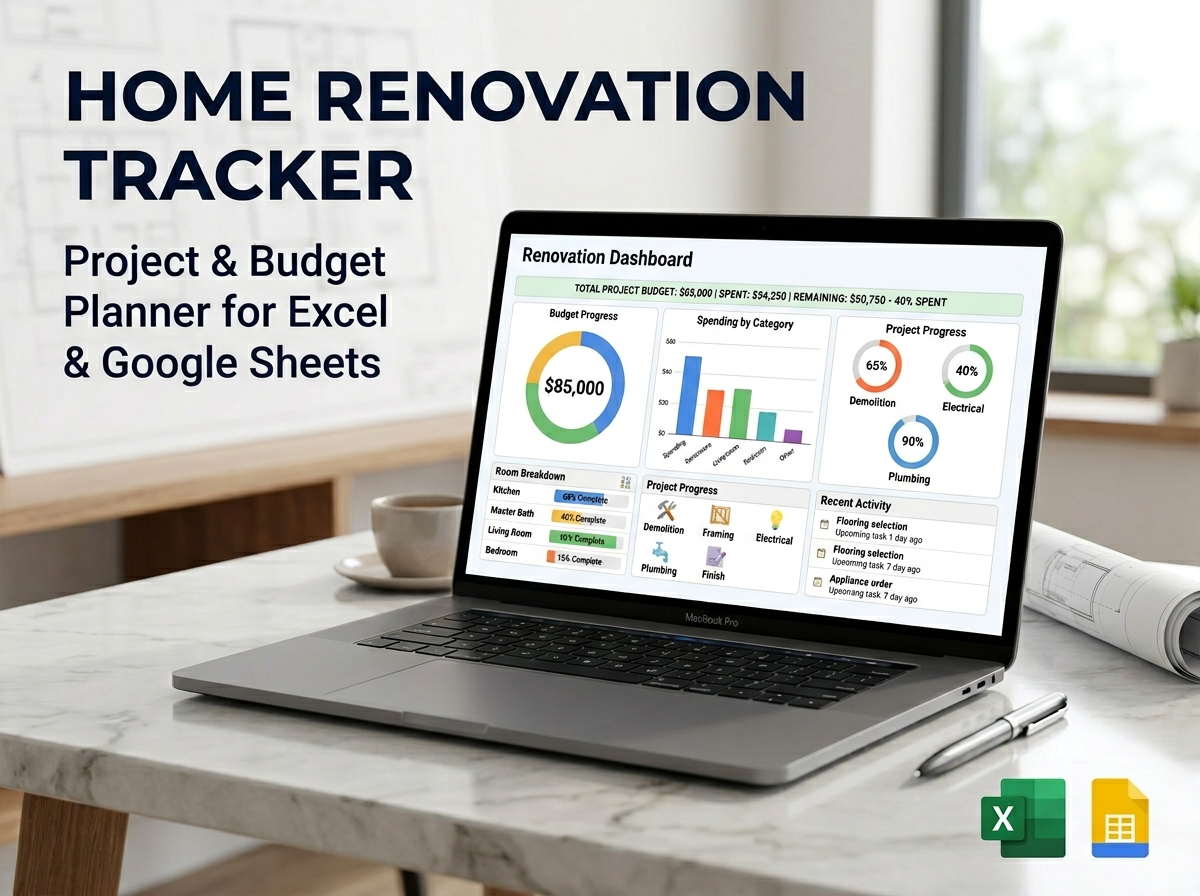
Take the stress out of your remodel and bring absolute clarity to every detail with the Ultimate Home Renovation Tracker Spreadsheet. 🏡🔨
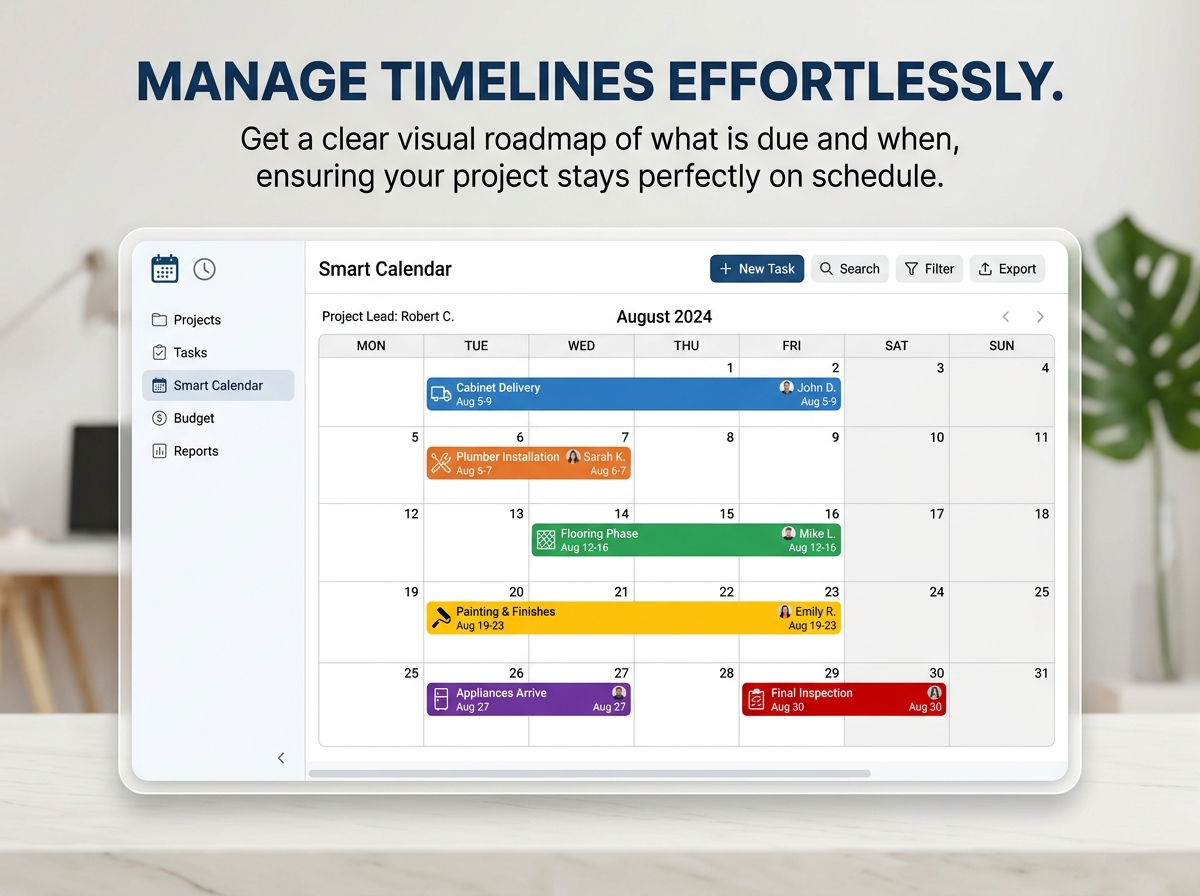
Whether you are a homeowner tackling a dream kitchen upgrade, a real estate flipper, or a professional contractor managing multiple job sites, this powerful, all-in-one project management tool puts you in complete control. Designed for both Google Sheets and Excel, this template ensures your renovation stays meticulously organized, strictly within budget, and perfectly on schedule—no matter the size or scope of the project.
🔑 Main Features:
Why You’ll Love It:
Stop feeling overwhelmed by construction chaos and manage your renovation like a true professional.
📦 What’s Included?
💻 How It Works & Requirements: You Will Need:
How It Works:
⚠️ Important to Know:
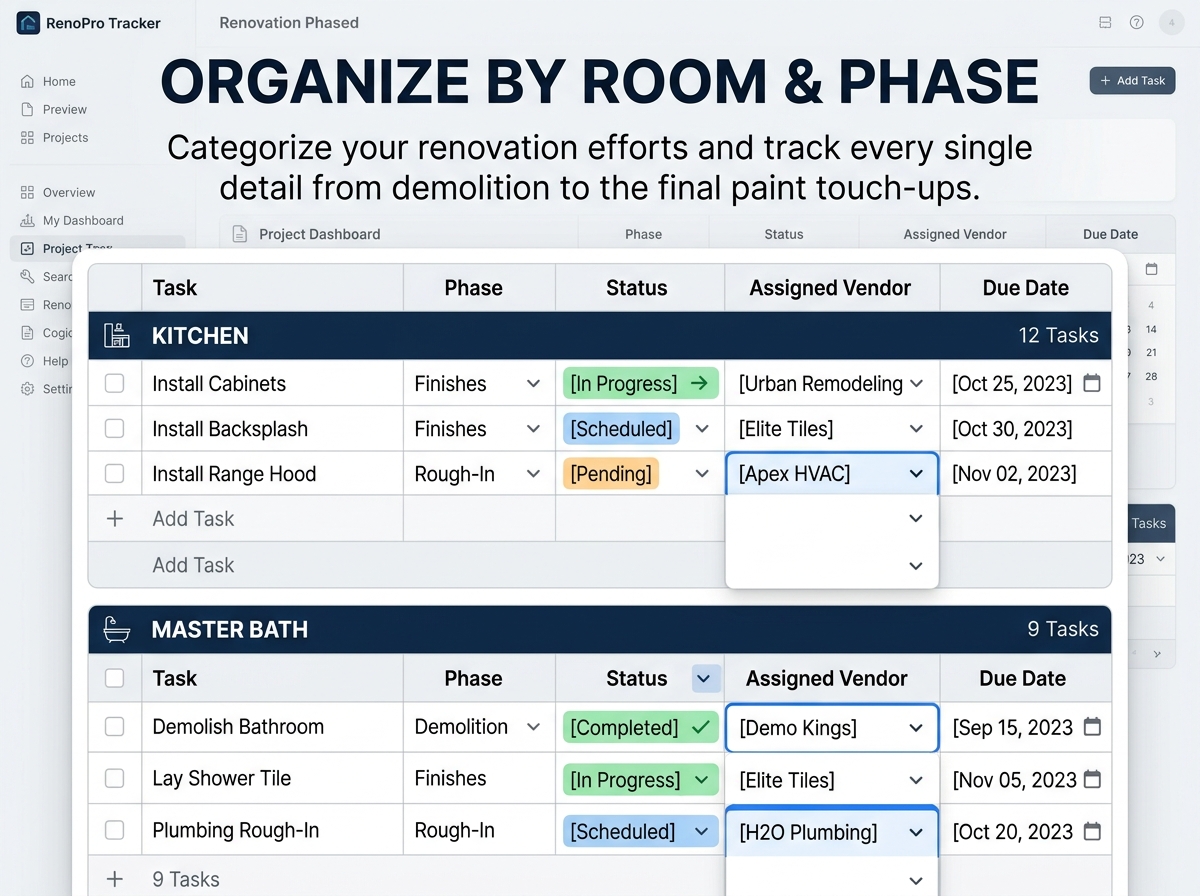
Q1: Can I track multiple rooms or projects at the same time? A: Yes! The “Structured Project Organization” feature allows you to categorize expenses, tasks, and timelines by specific rooms (e.g., Kitchen, Guest Bathroom, Exterior), keeping everything neatly separated but summarized on your main dashboard.
Q2: Can I share this with my general contractor? A: Absolutely. If you use the Google Sheets version, you can easily use the “Share” button to give your contractor, designer, or spouse access. It is a fantastic way to keep everyone on the exact same page in real-time.
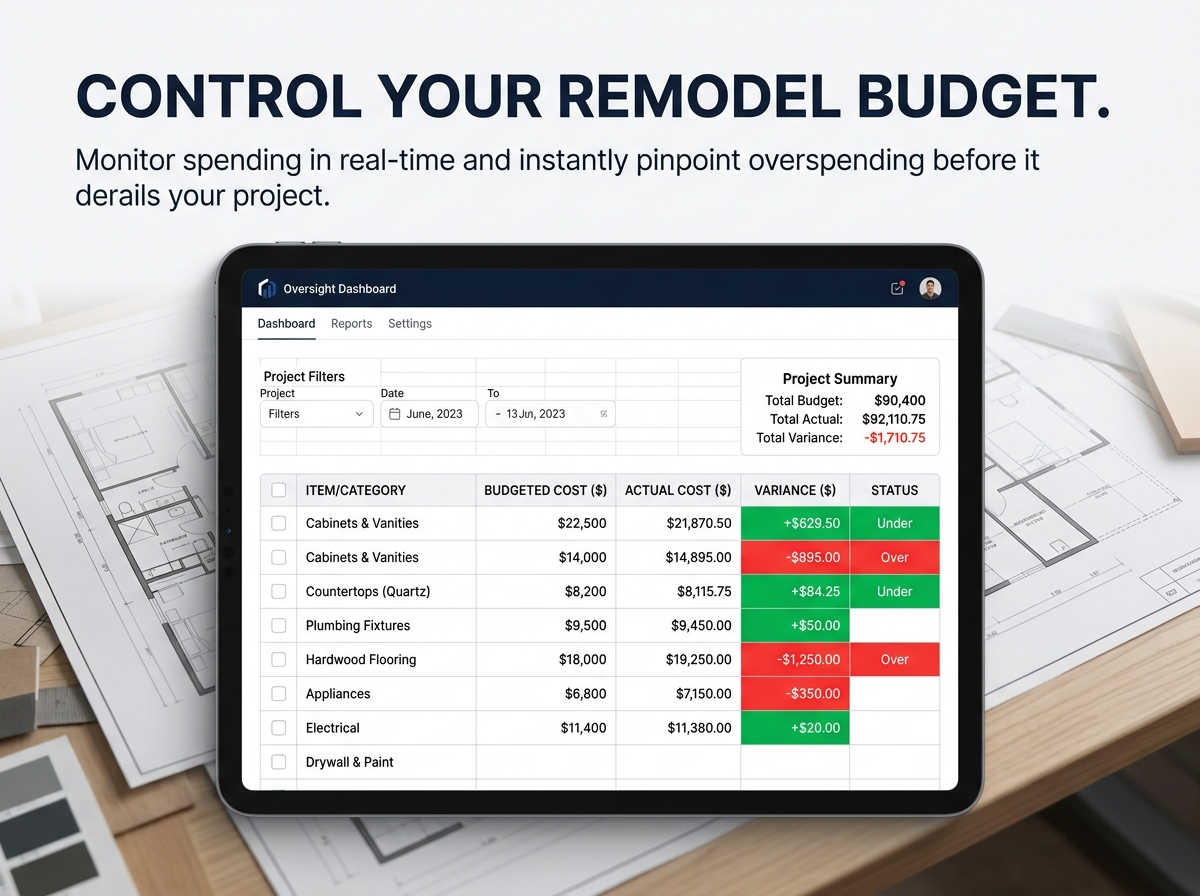
Q3: I’m terrible at math. Will this calculate my overages? A: You won’t need to do any math! The spreadsheet features “Real-Time Budget Oversight.” You simply enter your initial budget and your actual costs, and the built-in formulas will automatically calculate the exact differences and highlight if you are over or under budget.
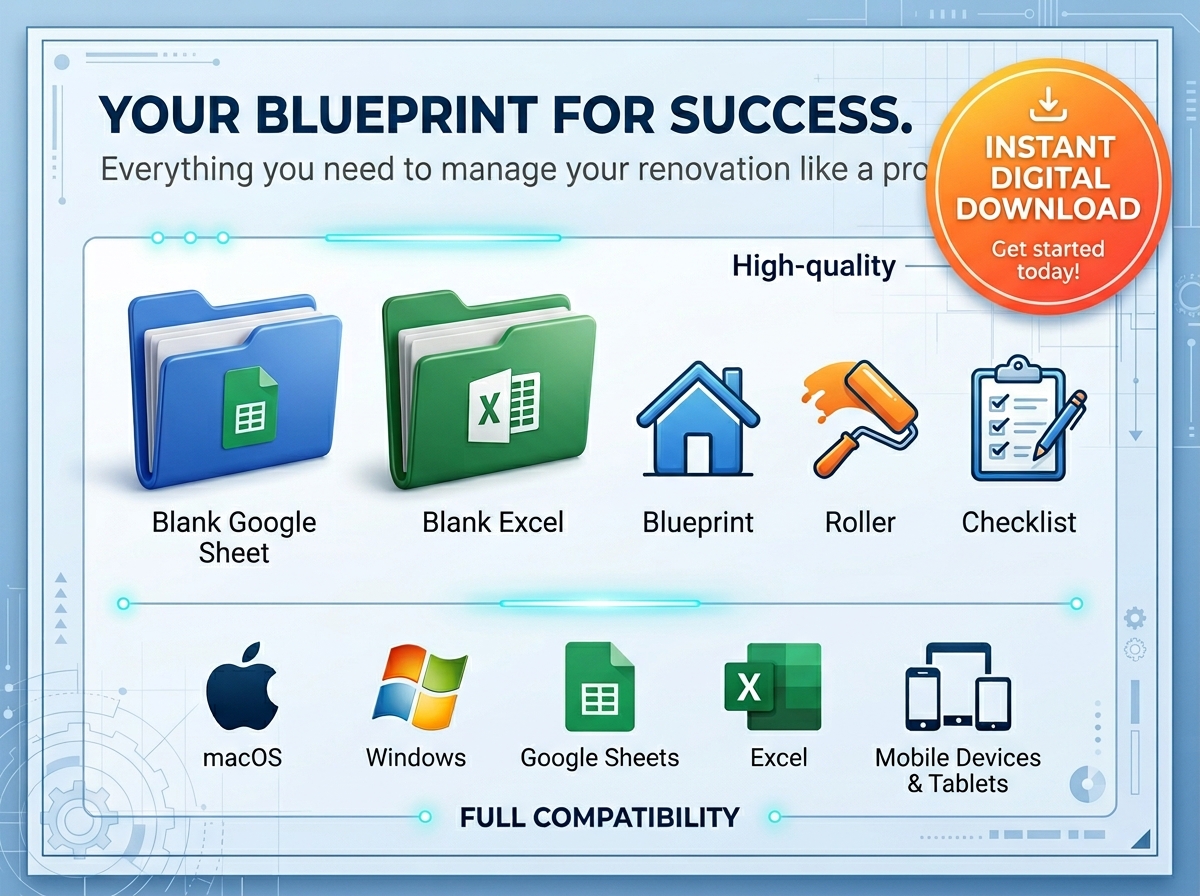
Q4: Can I access this on my phone while I’m at the hardware store? A: Yes! Both Google Sheets and Microsoft Excel have free mobile apps. You can easily open your tracker on your smartphone while shopping to check your material quantities, budget limits, or contractor notes on the go.
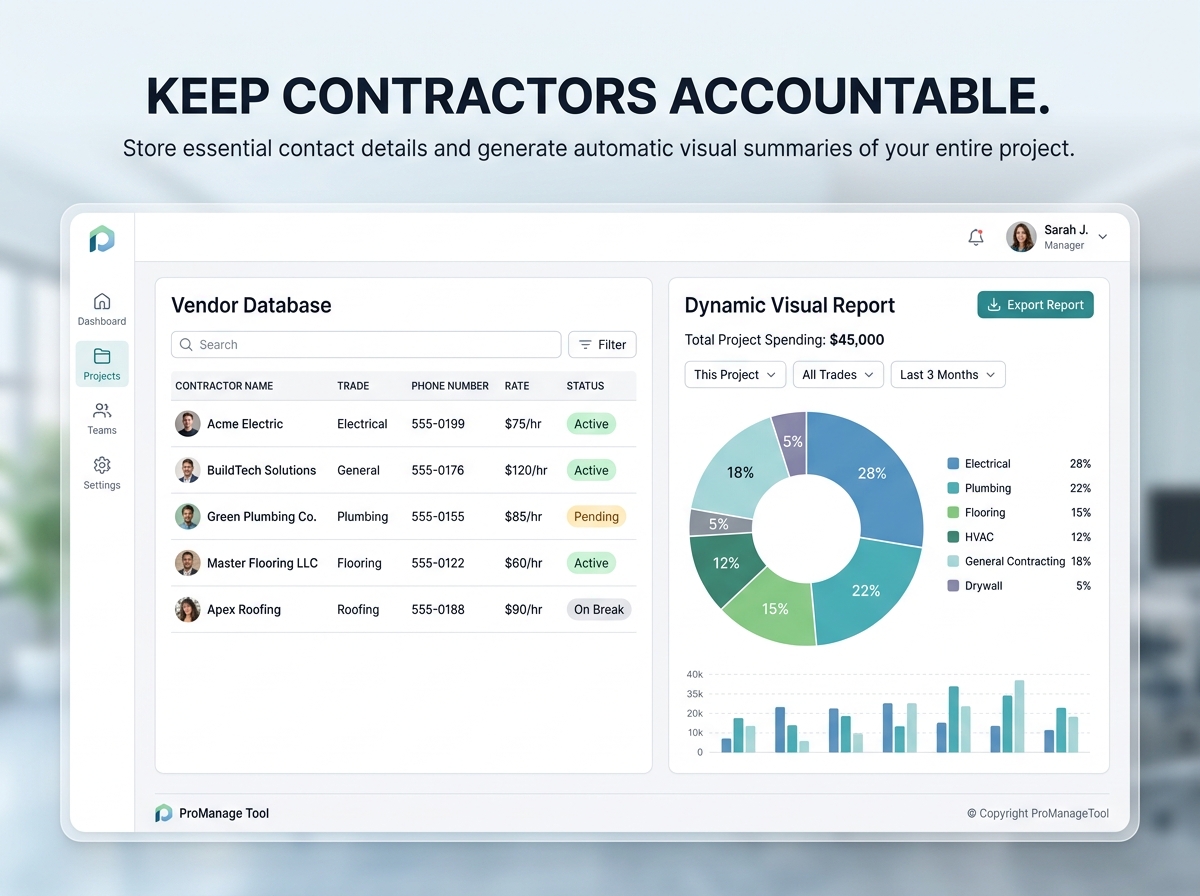
Q5: Is this template suitable for professional house flippers? A: Definitely. With the inclusion of the Vendor Database, Dynamic Reports, and Comprehensive Expense Logging, it is robust enough for professionals managing multiple jobs, while still being user-friendly enough for a first-time DIY homeowner.
Take the stress out of your remodel and bring absolute clarity to every detail with the Ultimate Home Renovation Tracker Spreadsheet. 🏡🔨
Whether you are a homeowner tackling a dream kitchen upgrade, a real estate flipper, or a professional contractor managing multiple job sites, this powerful, all-in-one project management tool puts you in complete control. Designed for both Google Sheets and Excel, this template ensures your renovation stays meticulously organized, strictly within budget, and perfectly on schedule—no matter the size or scope of the project.
🔑 Main Features:
Why You’ll Love It:
Stop feeling overwhelmed by construction chaos and manage your renovation like a true professional.
📦 What’s Included?
💻 How It Works & Requirements: You Will Need:
How It Works:
⚠️ Important to Know:
Q1: Can I track multiple rooms or projects at the same time? A: Yes! The “Structured Project Organization” feature allows you to categorize expenses, tasks, and timelines by specific rooms (e.g., Kitchen, Guest Bathroom, Exterior), keeping everything neatly separated but summarized on your main dashboard.
Q2: Can I share this with my general contractor? A: Absolutely. If you use the Google Sheets version, you can easily use the “Share” button to give your contractor, designer, or spouse access. It is a fantastic way to keep everyone on the exact same page in real-time.
Q3: I’m terrible at math. Will this calculate my overages? A: You won’t need to do any math! The spreadsheet features “Real-Time Budget Oversight.” You simply enter your initial budget and your actual costs, and the built-in formulas will automatically calculate the exact differences and highlight if you are over or under budget.
Q4: Can I access this on my phone while I’m at the hardware store? A: Yes! Both Google Sheets and Microsoft Excel have free mobile apps. You can easily open your tracker on your smartphone while shopping to check your material quantities, budget limits, or contractor notes on the go.
Q5: Is this template suitable for professional house flippers? A: Definitely. With the inclusion of the Vendor Database, Dynamic Reports, and Comprehensive Expense Logging, it is robust enough for professionals managing multiple jobs, while still being user-friendly enough for a first-time DIY homeowner.

With our extensive collection of elements, creating and customizing layouts becomes
second nature. Forget about coding and enjoy our themes.
 Discount of up to