
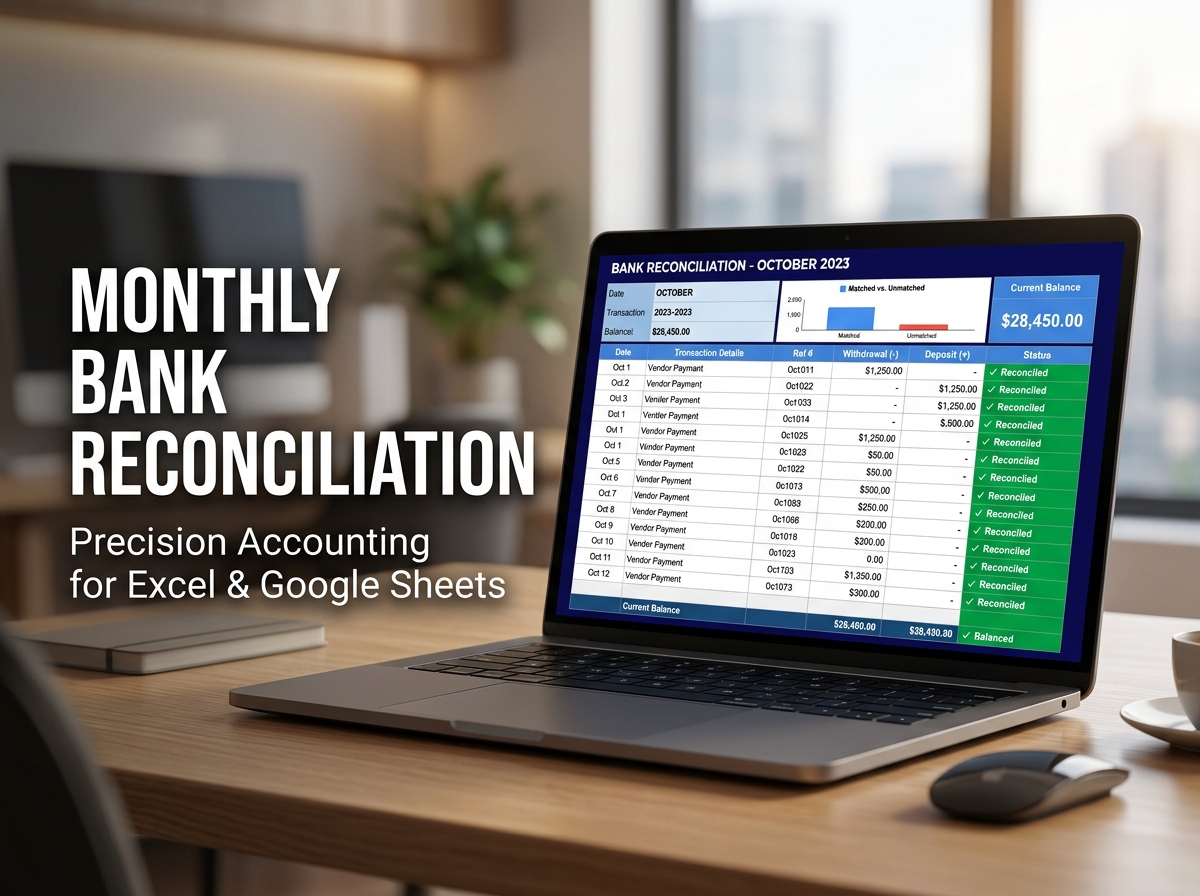
Bridge the gap between your records and your bank statements with the Professional Monthly Bank Reconciliation Template. 🏦🔍
Financial accuracy is the backbone of any successful venture. Designed for businesses, freelancers, and organized individuals, this practical tool helps you effortlessly match internal financial records with monthly bank statements. Eliminate guesswork, identify discrepancies instantly, and ensure your accounts are perfectly balanced every month. No more “where did this $10 go?”—just clean, audit-ready financial records.
🔑 Key Features:
💡 Who Is This For?
📦 What’s Included?
💻 How It Works & Requirements: You Will Need:
How It Works:
⚠️ Important to Know:
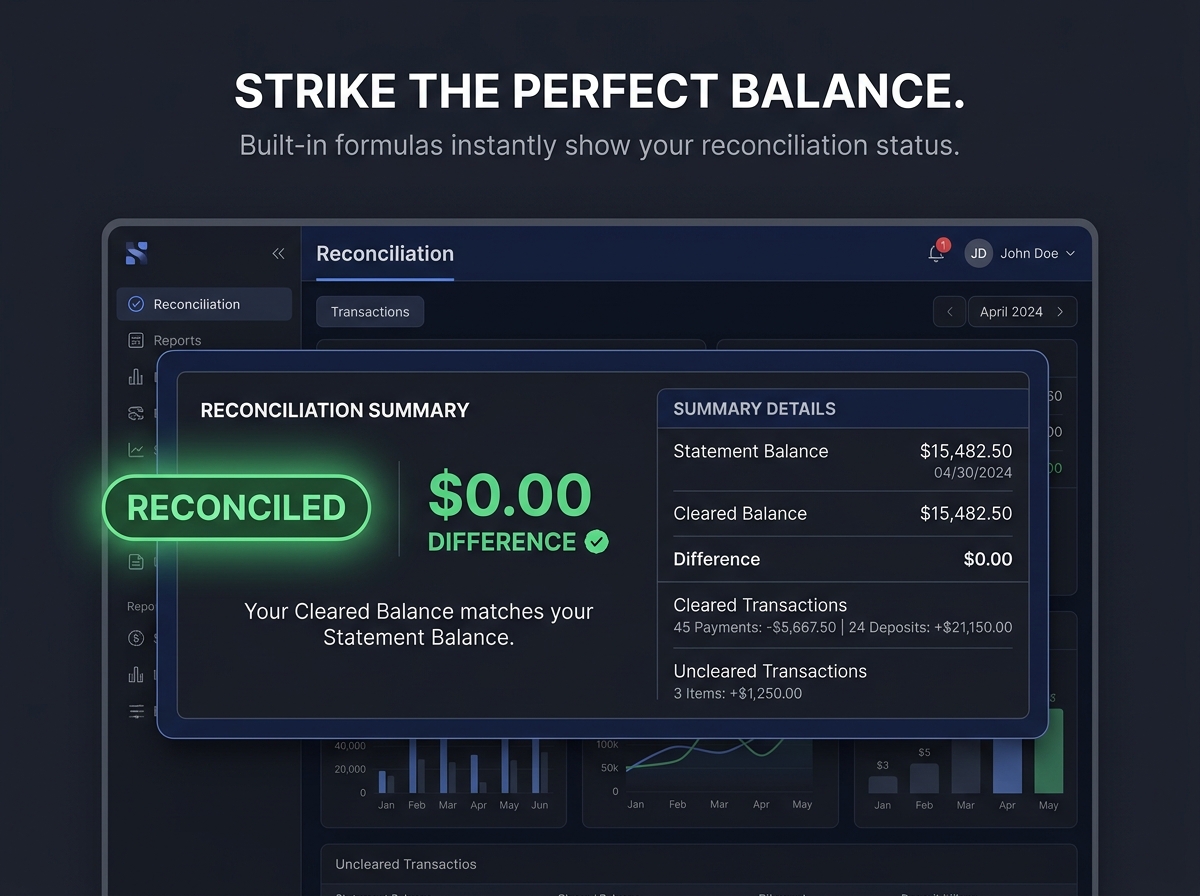
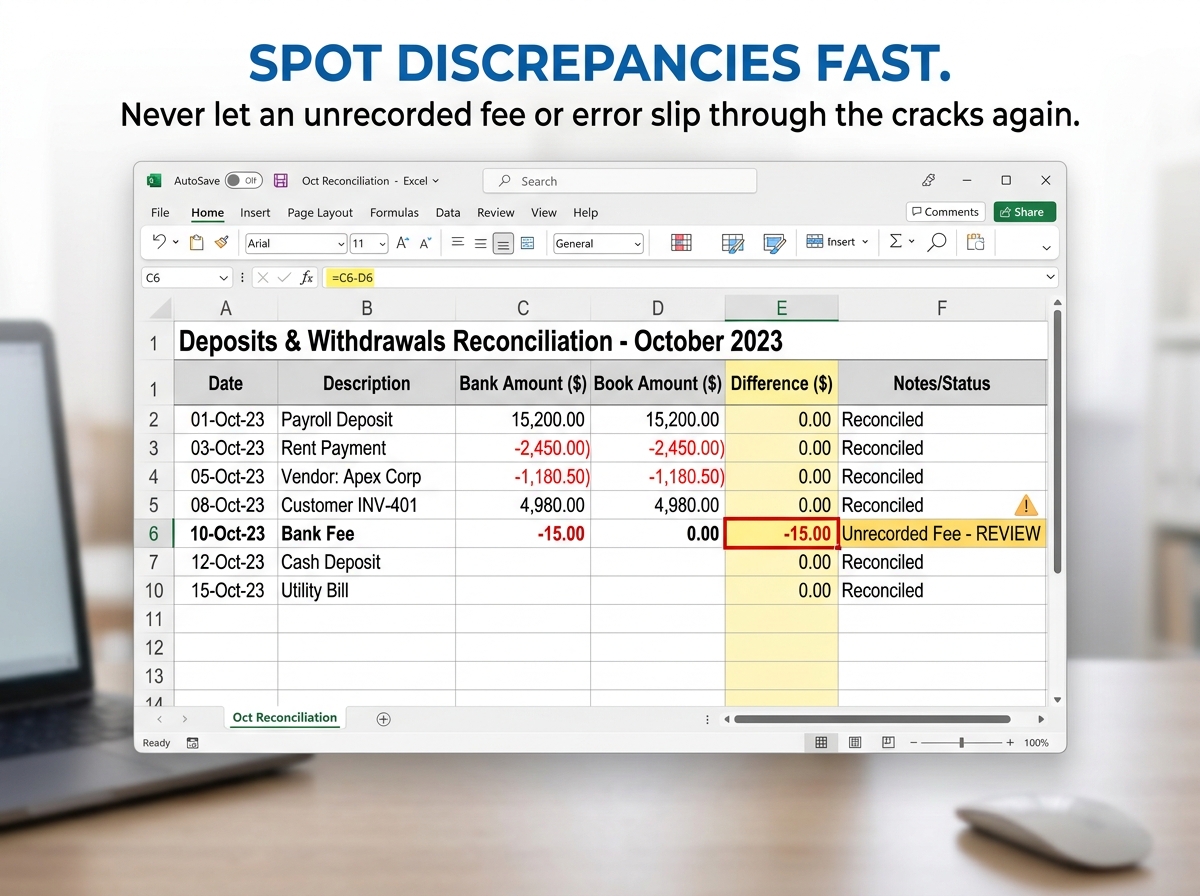
Q1: What happens if my account doesn’t balance? A: The template includes a built-in “Difference” indicator. If the amount isn’t zero, you can quickly scan the deposits and withdrawals sections to find the specific transaction that hasn’t been cleared yet.
Q2: Can I use this for multiple bank accounts? A: Yes! You can simply duplicate the main tab for each bank account you manage (e.g., Checking, Savings, Business Credit Card).
Q3: Do I need to be an accountant to use this? A: Not at all. The template is designed with a “Simple Flow” logic. If you can read a bank statement and type numbers, the formulas will do the heavy lifting for you.
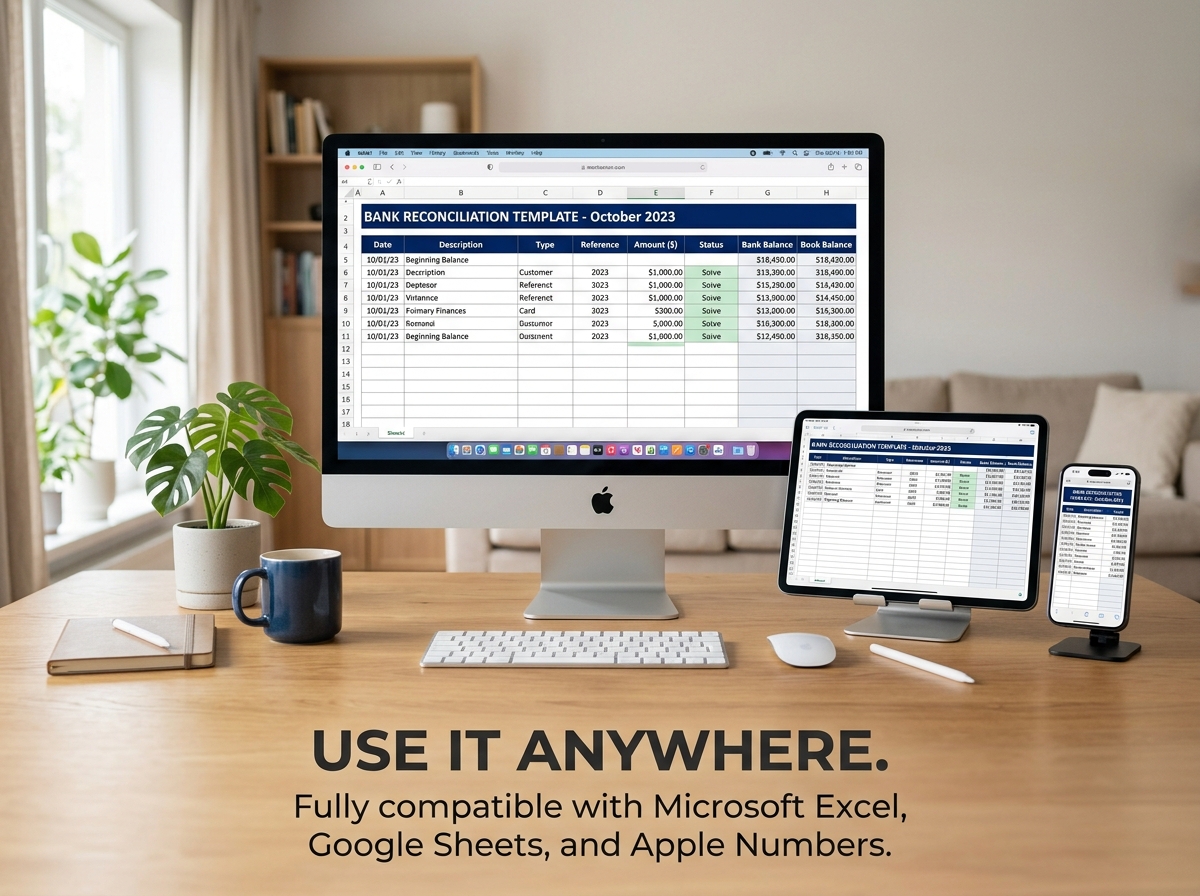
Q4: Is this compatible with Apple Numbers? A: Yes, the Excel file (.xlsx) can be opened and used natively within Apple Numbers on Mac and iPad.
Q5: How many transactions can I record per month? A: The template is built to handle high-volume data, supporting hundreds of entries while maintaining fast calculation speeds.
Bridge the gap between your records and your bank statements with the Professional Monthly Bank Reconciliation Template. 🏦🔍
Financial accuracy is the backbone of any successful venture. Designed for businesses, freelancers, and organized individuals, this practical tool helps you effortlessly match internal financial records with monthly bank statements. Eliminate guesswork, identify discrepancies instantly, and ensure your accounts are perfectly balanced every month. No more “where did this $10 go?”—just clean, audit-ready financial records.
🔑 Key Features:
💡 Who Is This For?
📦 What’s Included?
💻 How It Works & Requirements: You Will Need:
How It Works:
⚠️ Important to Know:
Q1: What happens if my account doesn’t balance? A: The template includes a built-in “Difference” indicator. If the amount isn’t zero, you can quickly scan the deposits and withdrawals sections to find the specific transaction that hasn’t been cleared yet.
Q2: Can I use this for multiple bank accounts? A: Yes! You can simply duplicate the main tab for each bank account you manage (e.g., Checking, Savings, Business Credit Card).
Q3: Do I need to be an accountant to use this? A: Not at all. The template is designed with a “Simple Flow” logic. If you can read a bank statement and type numbers, the formulas will do the heavy lifting for you.
Q4: Is this compatible with Apple Numbers? A: Yes, the Excel file (.xlsx) can be opened and used natively within Apple Numbers on Mac and iPad.
Q5: How many transactions can I record per month? A: The template is built to handle high-volume data, supporting hundreds of entries while maintaining fast calculation speeds.

With our extensive collection of elements, creating and customizing layouts becomes
second nature. Forget about coding and enjoy our themes.
 Discount of up to