
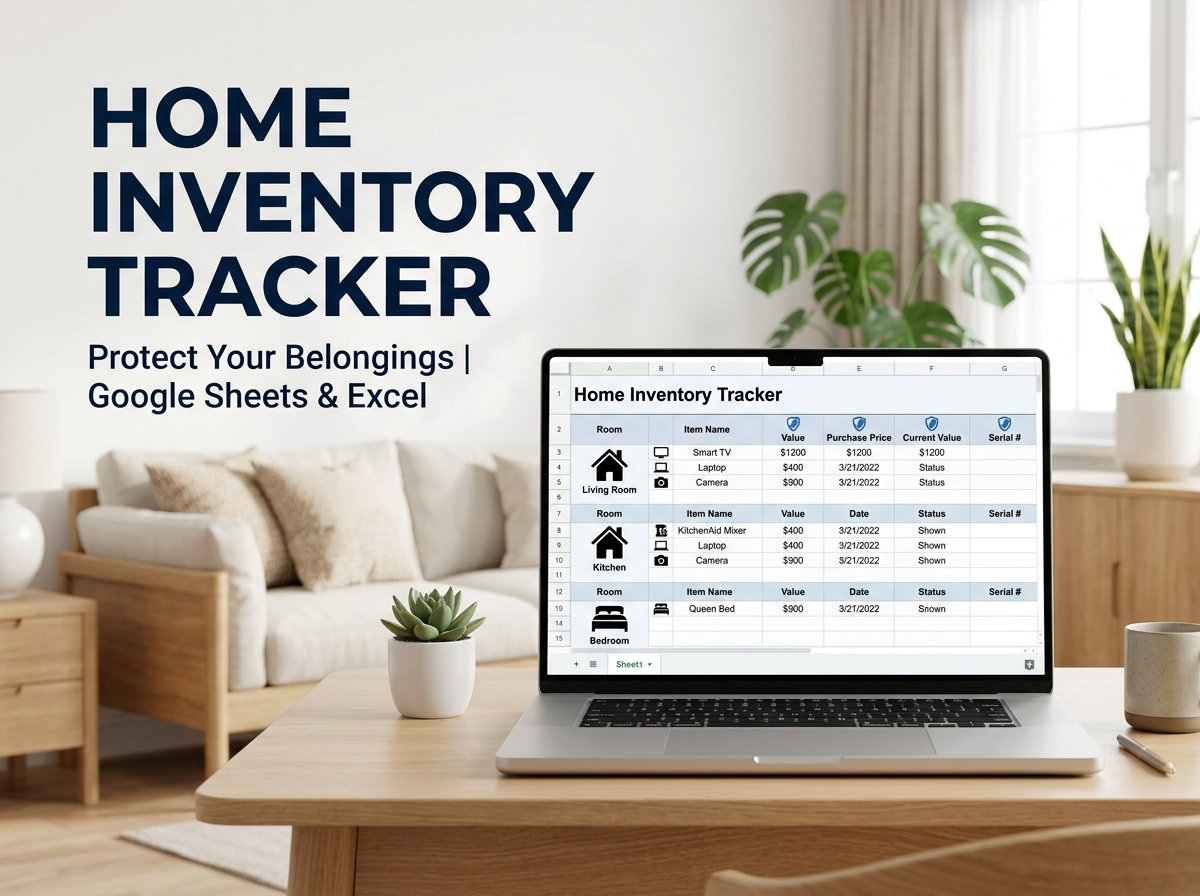

Protect your assets and gain peace of mind with the most organized Home Inventory Template for Google Sheets and Excel. 🏠📋
Whether you are documenting your valuables for homeowners’ insurance, preparing for estate planning, or simply moving to a new home, this template is your ultimate command center. Stop relying on memory or scattered receipts—catalog every personal belonging in one secure, professional, and easy-to-manage spreadsheet.
🔑 Key Features:
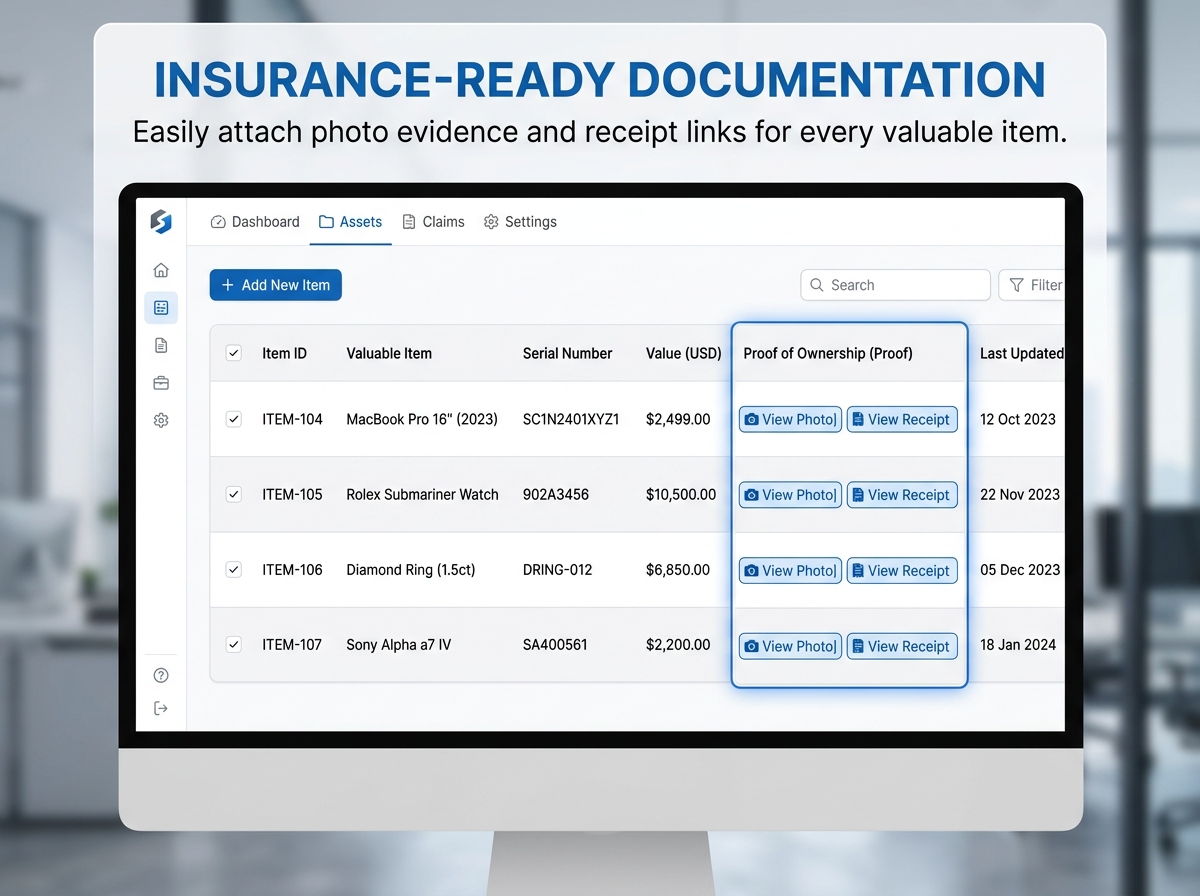
Why You Need It: In the event of an emergency, fire, or theft, having a detailed inventory is the difference between a rejected claim and a full recovery. This template makes the daunting task of cataloging your home simple, fast, and remarkably effective.
📦 What’s Included?
💻 How It Works & Requirements: You Will Need:
How It Works:
⚠️ Important to Know:
Q1: Is this specifically for insurance claims? A: While it is perfect for providing proof to insurance companies, it’s also excellent for estate planning, moving house, or simply keeping track of warranty information for your electronics and appliances.
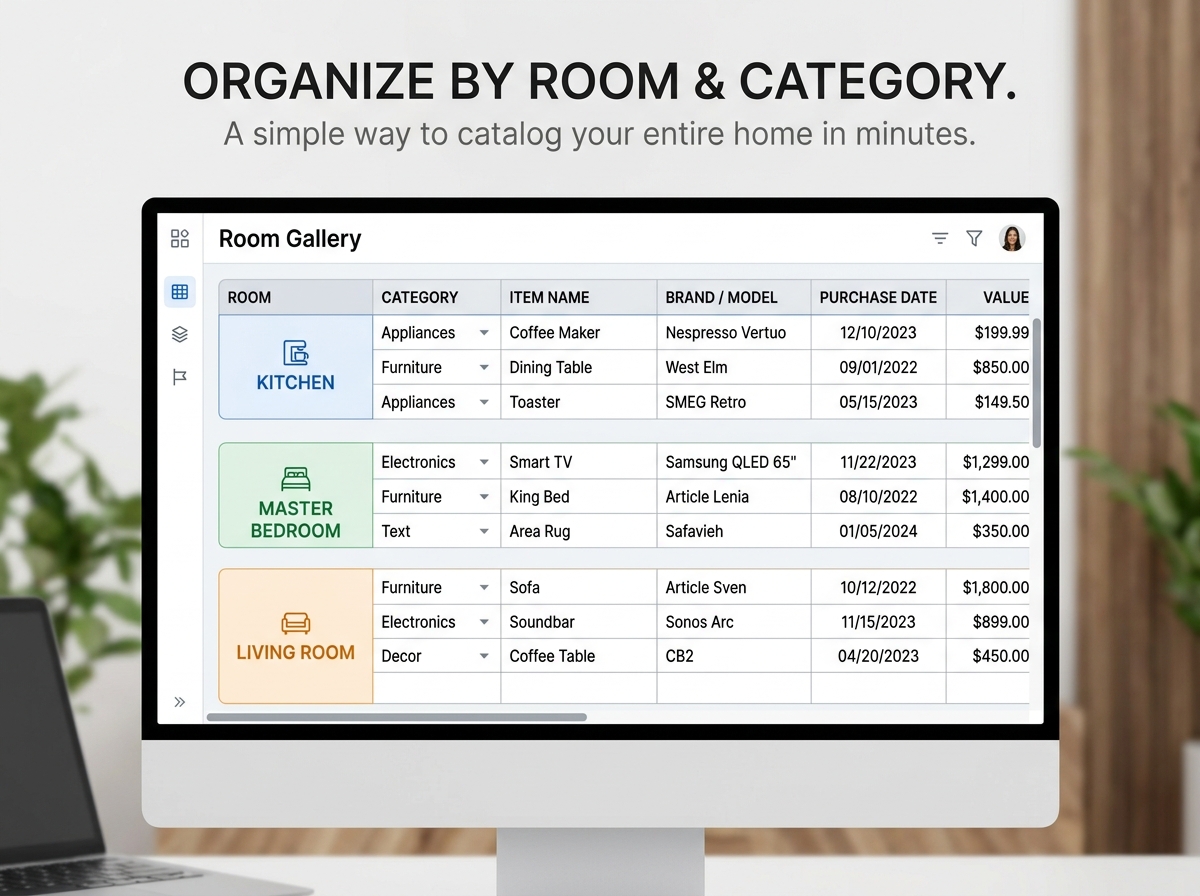
Q2: Can I add my own rooms or categories? A: Absolutely! The template is fully unlocked. You can easily add, rename, or delete rooms and categories to match your specific home layout.
Q3: How do I “add photos” to a spreadsheet? A: The template includes a dedicated column for “Photo/Receipt Links.” We recommend uploading your photos to a private folder (like Google Drive or Dropbox) and pasting the link directly into the sheet for instant access.
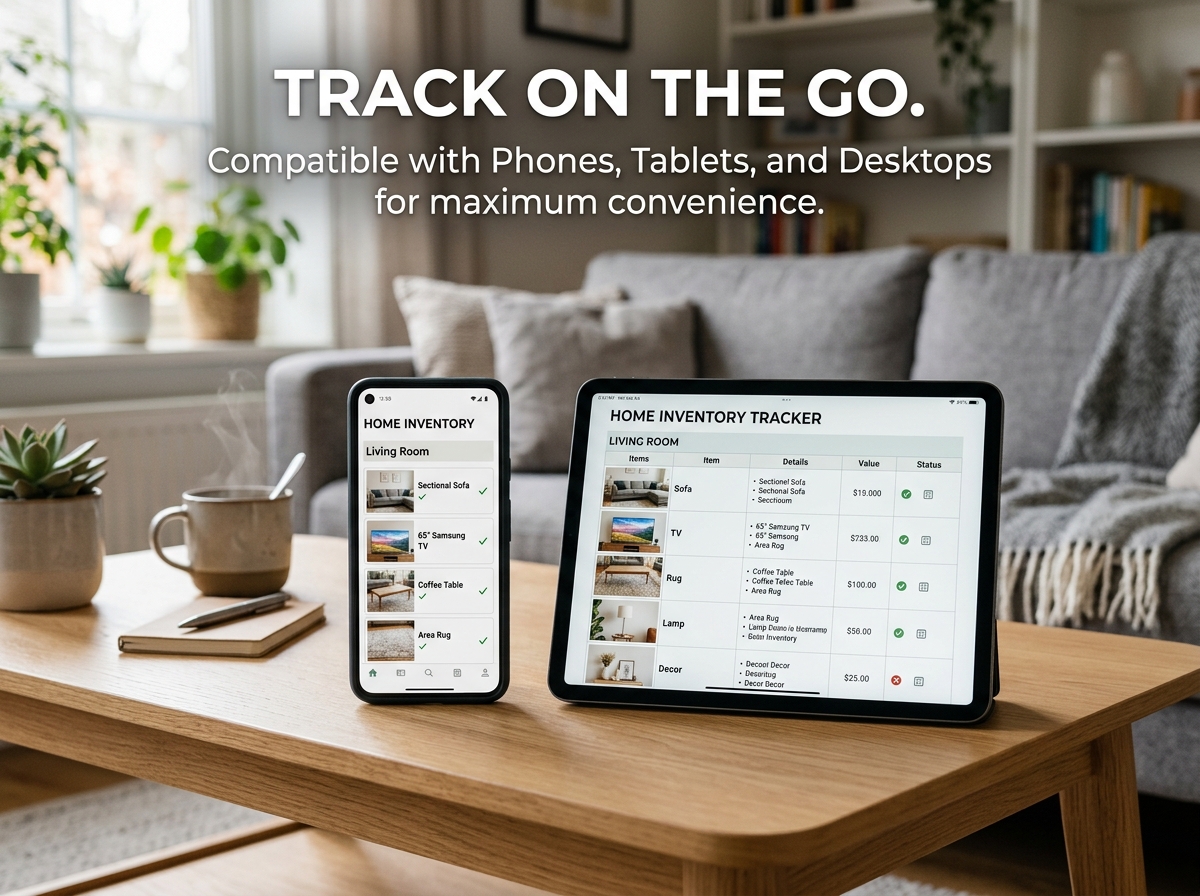
Q4: Will this work on my iPad? A: Yes! You can use the Google Sheets app or Excel app on your tablet to walk through your house and log items in real-time.
Q5: Is there a limit to how many items I can track? A: There is no hard limit. You can add hundreds or even thousands of rows as your collection of belongings grows.
Protect your assets and gain peace of mind with the most organized Home Inventory Template for Google Sheets and Excel. 🏠📋
Whether you are documenting your valuables for homeowners’ insurance, preparing for estate planning, or simply moving to a new home, this template is your ultimate command center. Stop relying on memory or scattered receipts—catalog every personal belonging in one secure, professional, and easy-to-manage spreadsheet.
🔑 Key Features:
Why You Need It: In the event of an emergency, fire, or theft, having a detailed inventory is the difference between a rejected claim and a full recovery. This template makes the daunting task of cataloging your home simple, fast, and remarkably effective.
📦 What’s Included?
💻 How It Works & Requirements: You Will Need:
How It Works:
⚠️ Important to Know:
Q1: Is this specifically for insurance claims? A: While it is perfect for providing proof to insurance companies, it’s also excellent for estate planning, moving house, or simply keeping track of warranty information for your electronics and appliances.
Q2: Can I add my own rooms or categories? A: Absolutely! The template is fully unlocked. You can easily add, rename, or delete rooms and categories to match your specific home layout.
Q3: How do I “add photos” to a spreadsheet? A: The template includes a dedicated column for “Photo/Receipt Links.” We recommend uploading your photos to a private folder (like Google Drive or Dropbox) and pasting the link directly into the sheet for instant access.
Q4: Will this work on my iPad? A: Yes! You can use the Google Sheets app or Excel app on your tablet to walk through your house and log items in real-time.
Q5: Is there a limit to how many items I can track? A: There is no hard limit. You can add hundreds or even thousands of rows as your collection of belongings grows.

With our extensive collection of elements, creating and customizing layouts becomes
second nature. Forget about coding and enjoy our themes.
 Discount of up to