
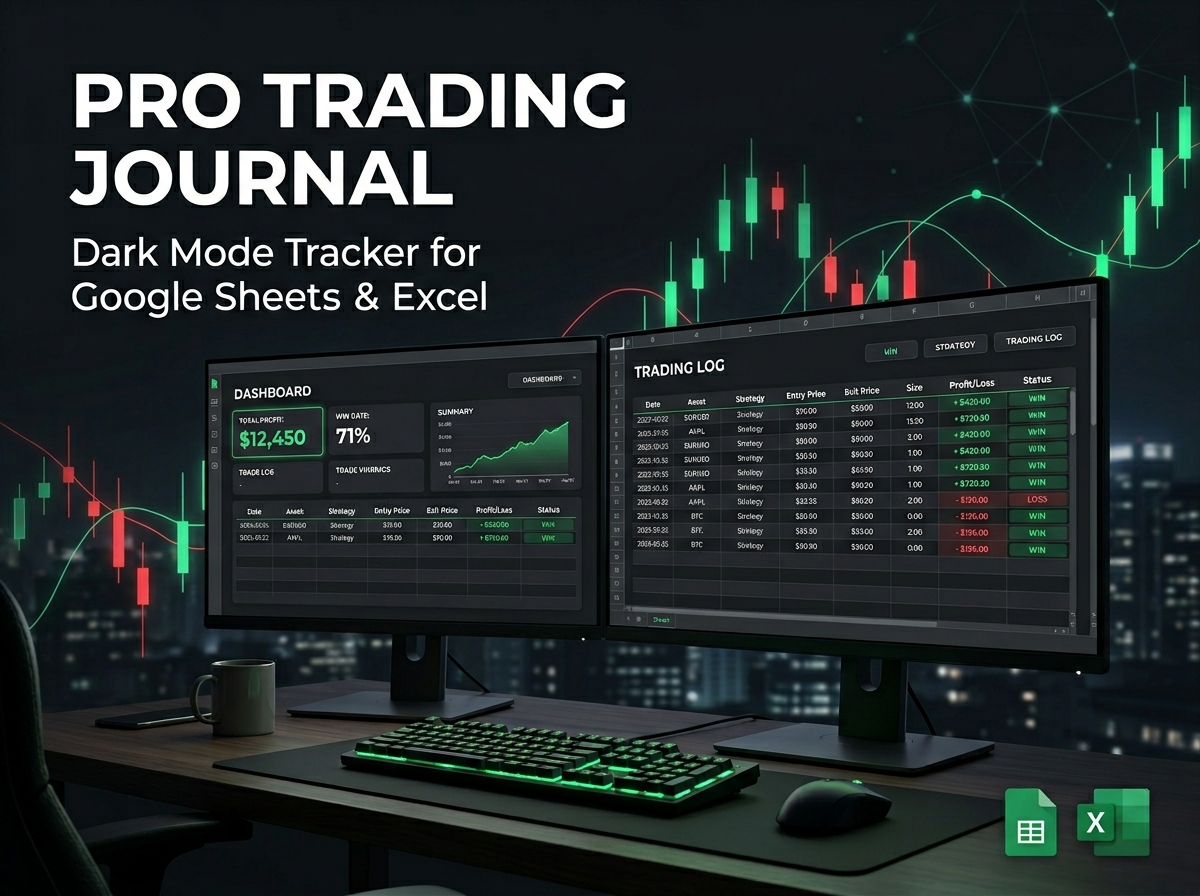
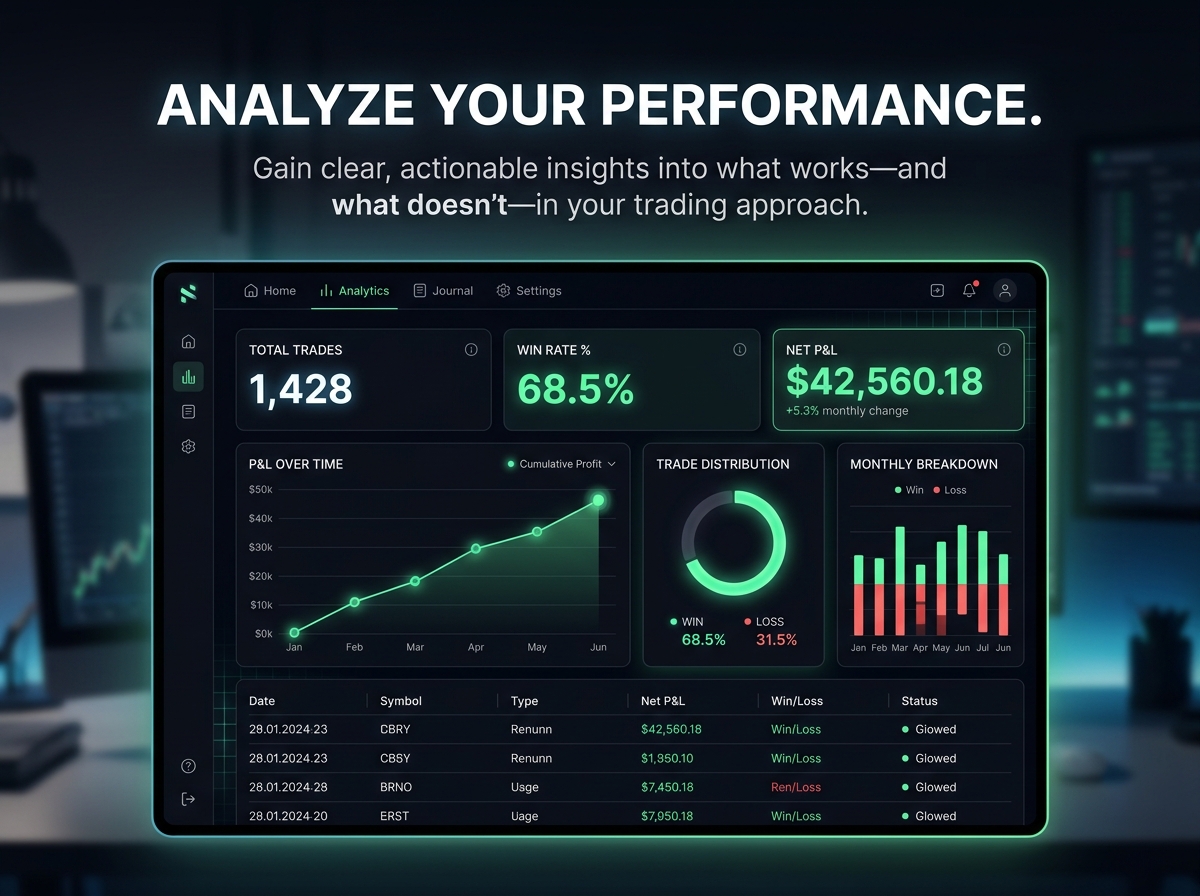
Analyze your performance, refine your strategy, and trade with absolute discipline using the Stock Trading Journal — Dark Mode. 📈🌙
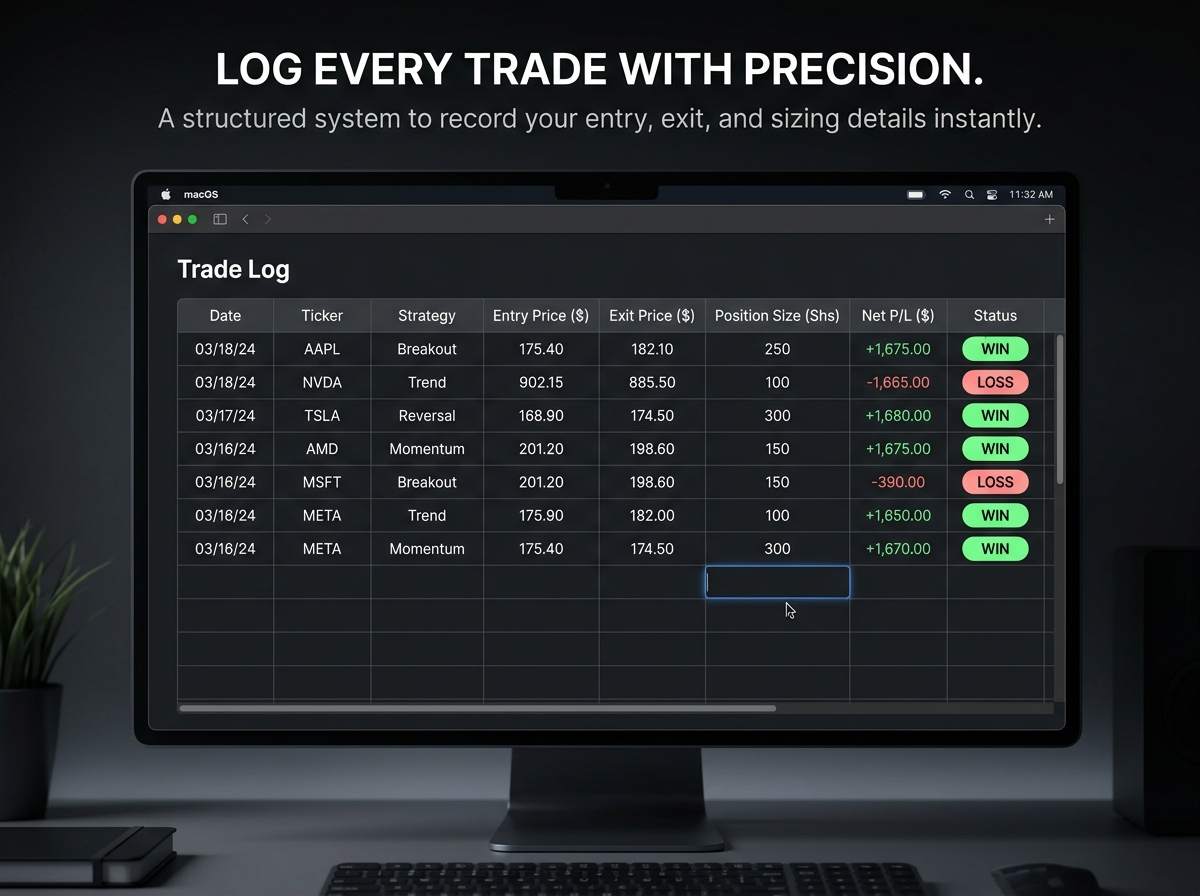
A strong, consistently profitable trading routine isn’t complete without disciplined tracking. This sleek and powerful trading tracker is designed specifically to help stock traders log, analyze, and dramatically improve their market performance with clarity and precision.
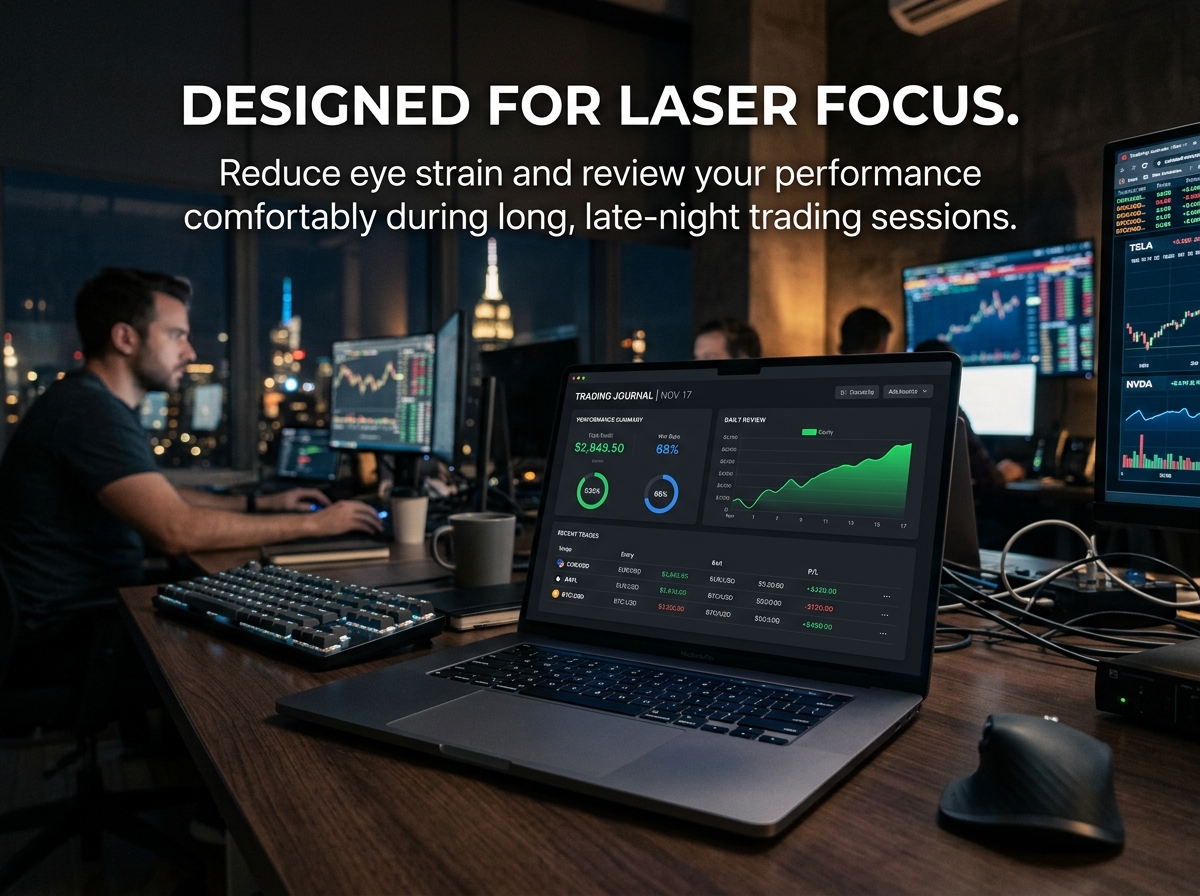
Say goodbye to eye strain. The beautifully crafted dark theme layout provides a highly comfortable, focused environment for long review sessions and daily use. It minimizes screen glare and keeps your absolute attention on the data that matters most—your trades.
🔑 Key Benefits:
Ideal For:
A highly practical, professional journal for traders who value absolute clarity, consistency, and relentless improvement.
📦 What’s Included?
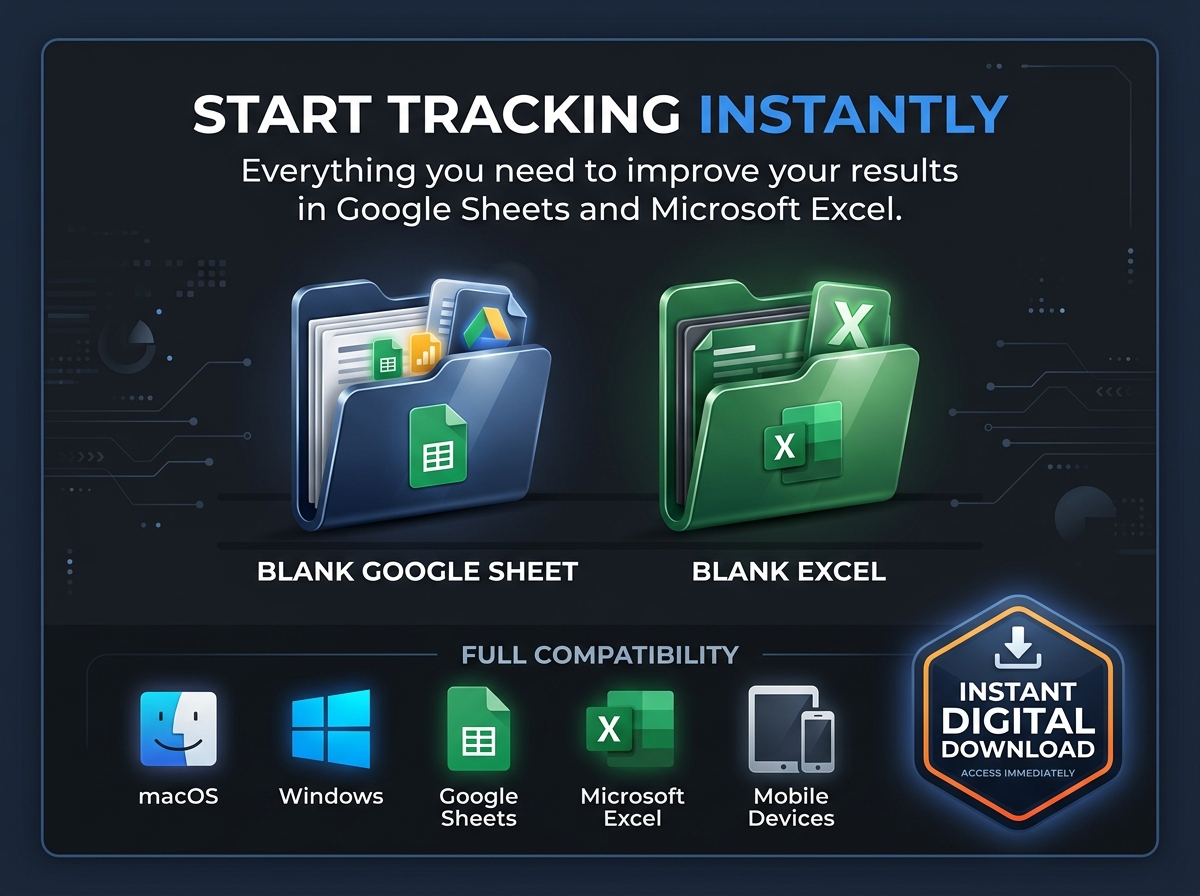
💻 How It Works & Requirements: You Will Need:
How It Works:
⚠️ Important to Know:
Q1: Is this journal only for day traders? A: Not at all! While day traders love it for its quick-entry format, it is equally powerful for swing traders and long-term investors tracking ETFs or individual stock positions over months or years.
Q2: Can I use this for trading options or crypto? A: This specific layout is optimized for stock and ETF trading. However, because the spreadsheet is fully editable, you can easily adapt the column headers to suit crypto or options tracking if you wish!
Q3: Why is Dark Mode important for a trading journal? A: Traders spend countless hours staring at bright, flashing charts. A dark mode journal drastically reduces screen glare and eye fatigue, allowing you to review your end-of-day data in a highly comfortable, focused environment.
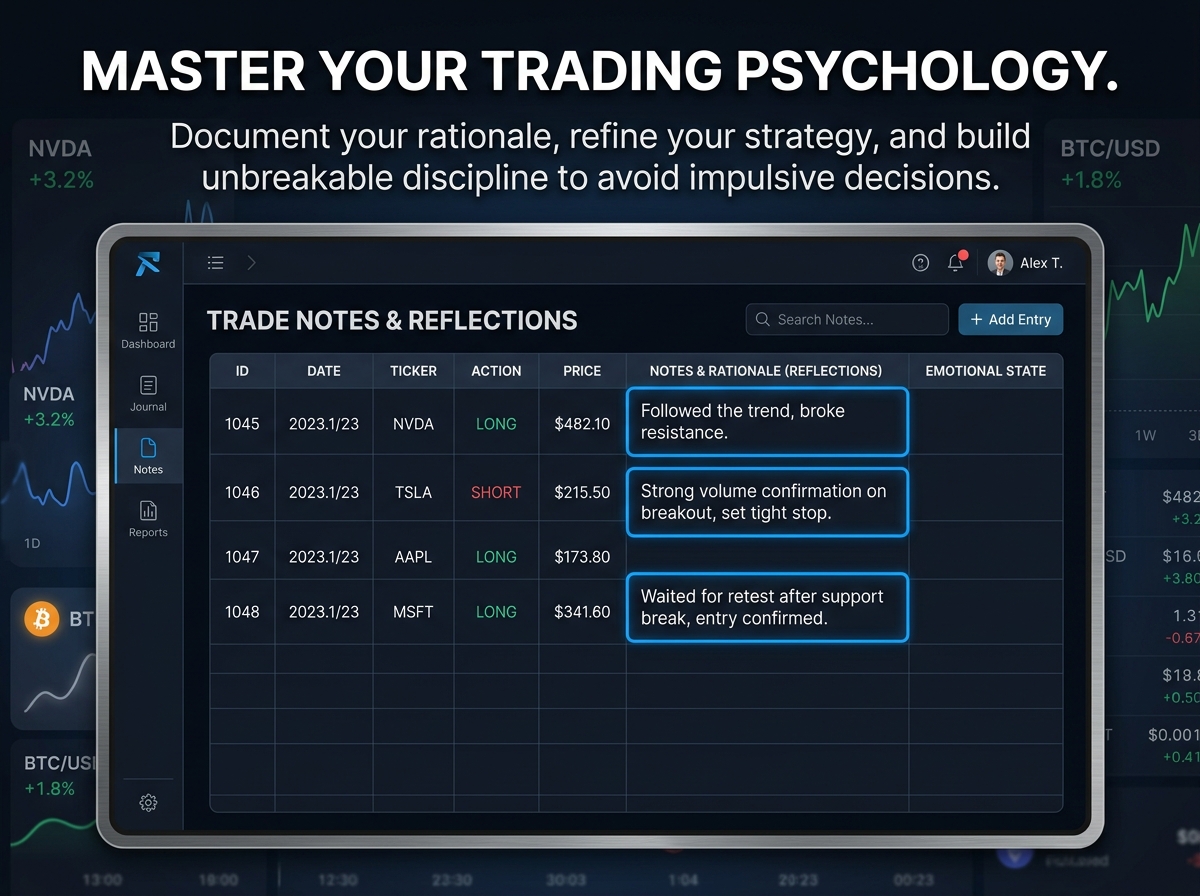
Q4: Will this automatically pull live stock prices? A: To keep the spreadsheet lightweight, fast, and completely secure without requiring complex third-party API connections, this is a manual entry journal focused on logging your executed trades and personal reflections.
Q5: Is my financial data private? A: Absolutely. This is a standalone digital file. If you use Excel, it lives entirely on your hard drive. If you use Google Sheets, it is protected securely within your personal Google account.
Analyze your performance, refine your strategy, and trade with absolute discipline using the Stock Trading Journal — Dark Mode. 📈🌙
A strong, consistently profitable trading routine isn’t complete without disciplined tracking. This sleek and powerful trading tracker is designed specifically to help stock traders log, analyze, and dramatically improve their market performance with clarity and precision.
Say goodbye to eye strain. The beautifully crafted dark theme layout provides a highly comfortable, focused environment for long review sessions and daily use. It minimizes screen glare and keeps your absolute attention on the data that matters most—your trades.
🔑 Key Benefits:
Ideal For:
A highly practical, professional journal for traders who value absolute clarity, consistency, and relentless improvement.
📦 What’s Included?
💻 How It Works & Requirements: You Will Need:
How It Works:
⚠️ Important to Know:
Q1: Is this journal only for day traders? A: Not at all! While day traders love it for its quick-entry format, it is equally powerful for swing traders and long-term investors tracking ETFs or individual stock positions over months or years.
Q2: Can I use this for trading options or crypto? A: This specific layout is optimized for stock and ETF trading. However, because the spreadsheet is fully editable, you can easily adapt the column headers to suit crypto or options tracking if you wish!
Q3: Why is Dark Mode important for a trading journal? A: Traders spend countless hours staring at bright, flashing charts. A dark mode journal drastically reduces screen glare and eye fatigue, allowing you to review your end-of-day data in a highly comfortable, focused environment.
Q4: Will this automatically pull live stock prices? A: To keep the spreadsheet lightweight, fast, and completely secure without requiring complex third-party API connections, this is a manual entry journal focused on logging your executed trades and personal reflections.
Q5: Is my financial data private? A: Absolutely. This is a standalone digital file. If you use Excel, it lives entirely on your hard drive. If you use Google Sheets, it is protected securely within your personal Google account.
With our extensive collection of elements, creating and customizing layouts becomes
second nature. Forget about coding and enjoy our themes.
 Discount of up to