

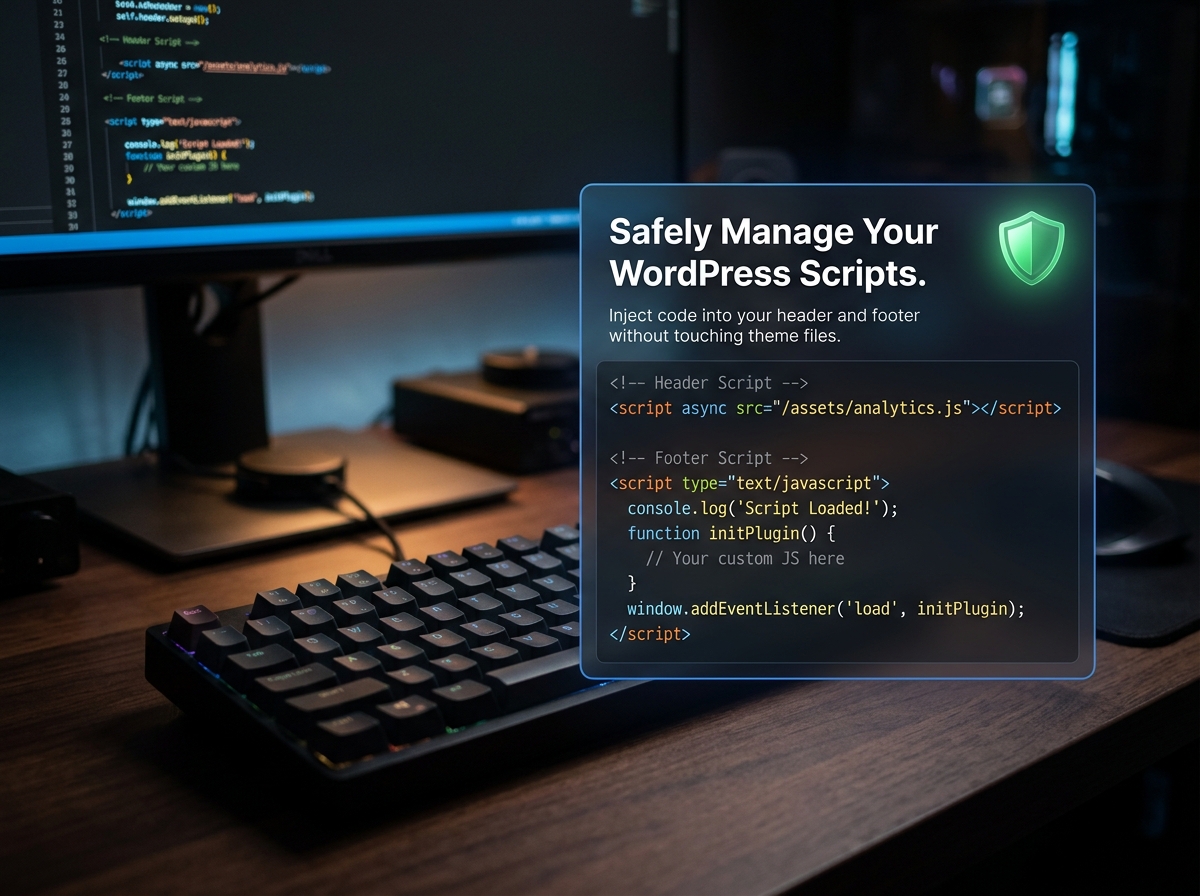
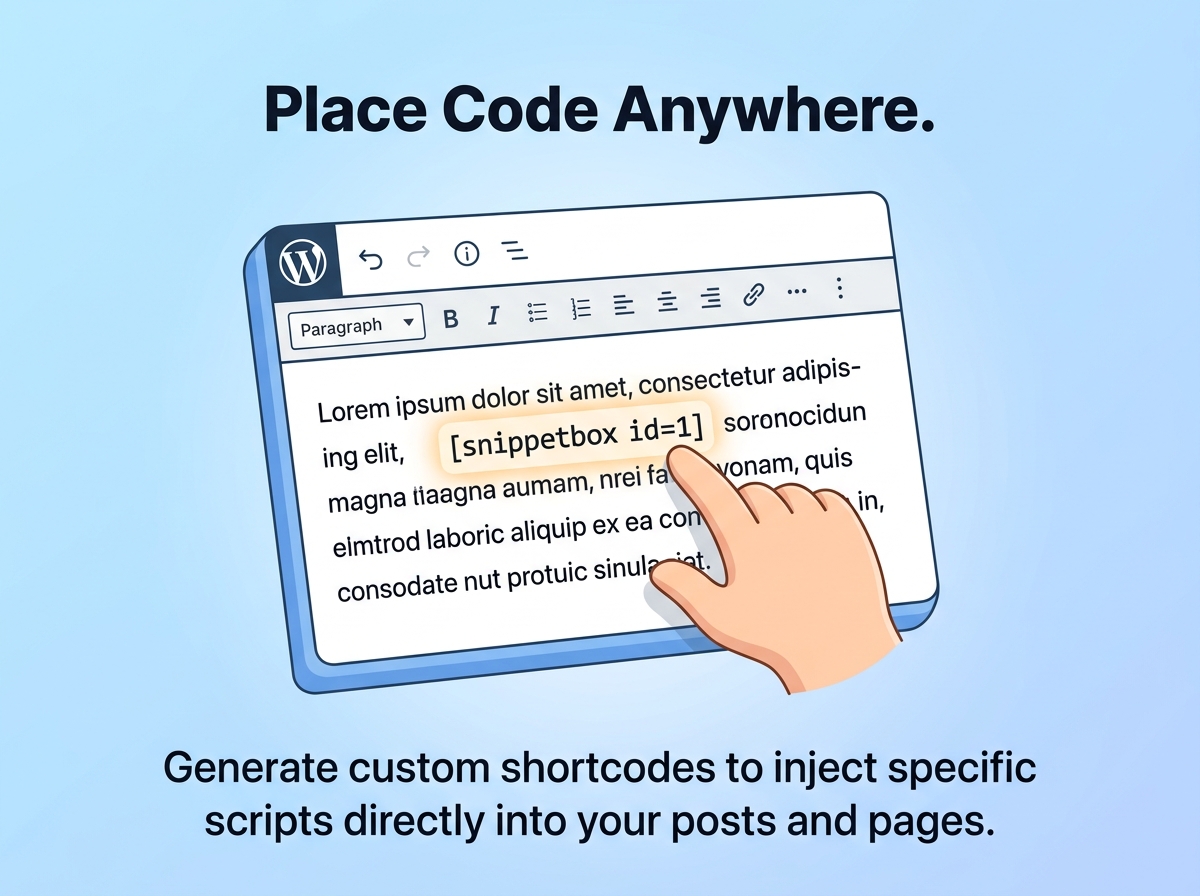
Take full control of your WordPress scripts with SnippetBox. Whether you need to add Google Analytics, Meta tracking pixels, custom CSS, or third-party chat widgets, SnippetBox lets you inject code safely and securely without ever touching your header.php or footer.php files.
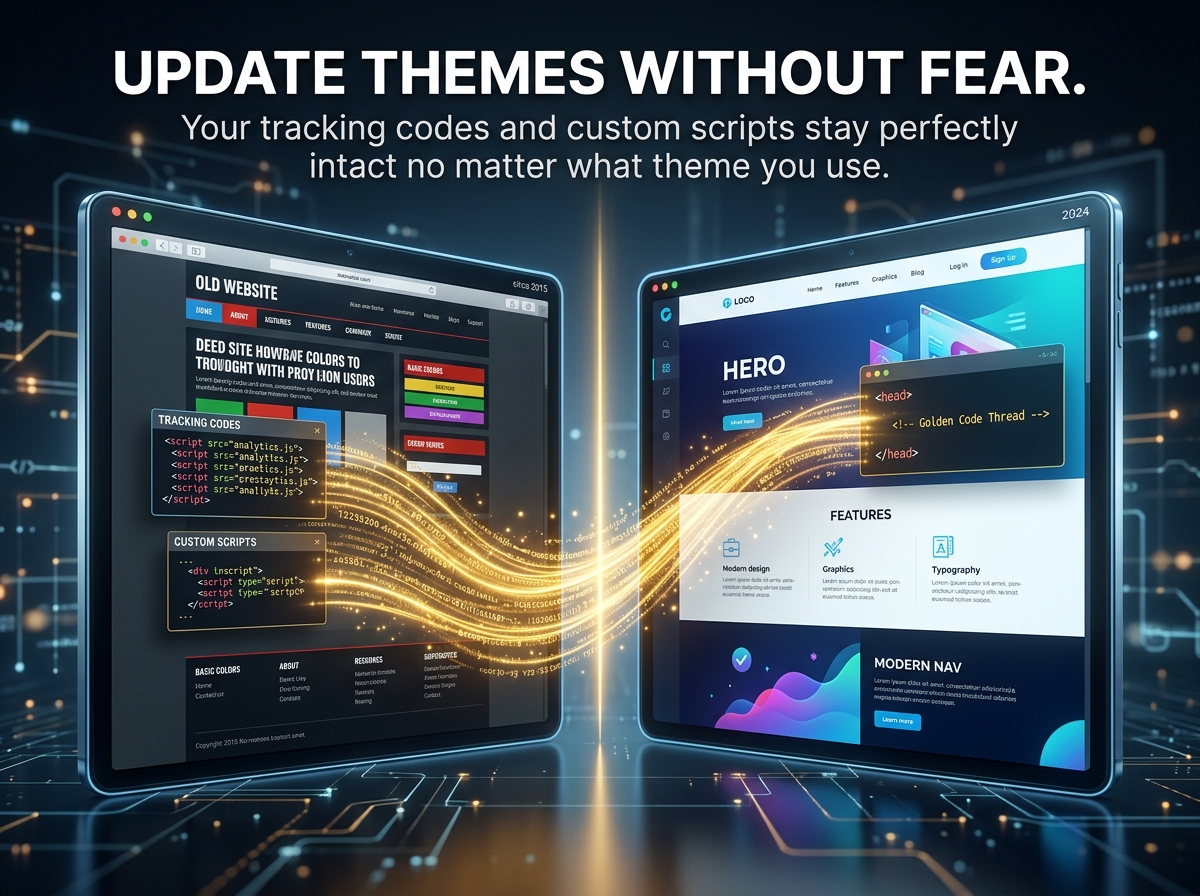
Built by Sattive Dev Labs, SnippetBox is designed for site owners and developers who need a reliable, bloat-free way to manage custom snippets. The best part? When you update or change your WordPress theme, all your critical tracking codes and custom scripts stay perfectly intact.
Q: Will I lose my tracking codes if I change my WordPress theme? A: No! That is the primary benefit of SnippetBox. Because your code is saved within the plugin rather than your theme files, your Google Analytics and Meta pixels remain active regardless of theme updates or changes.
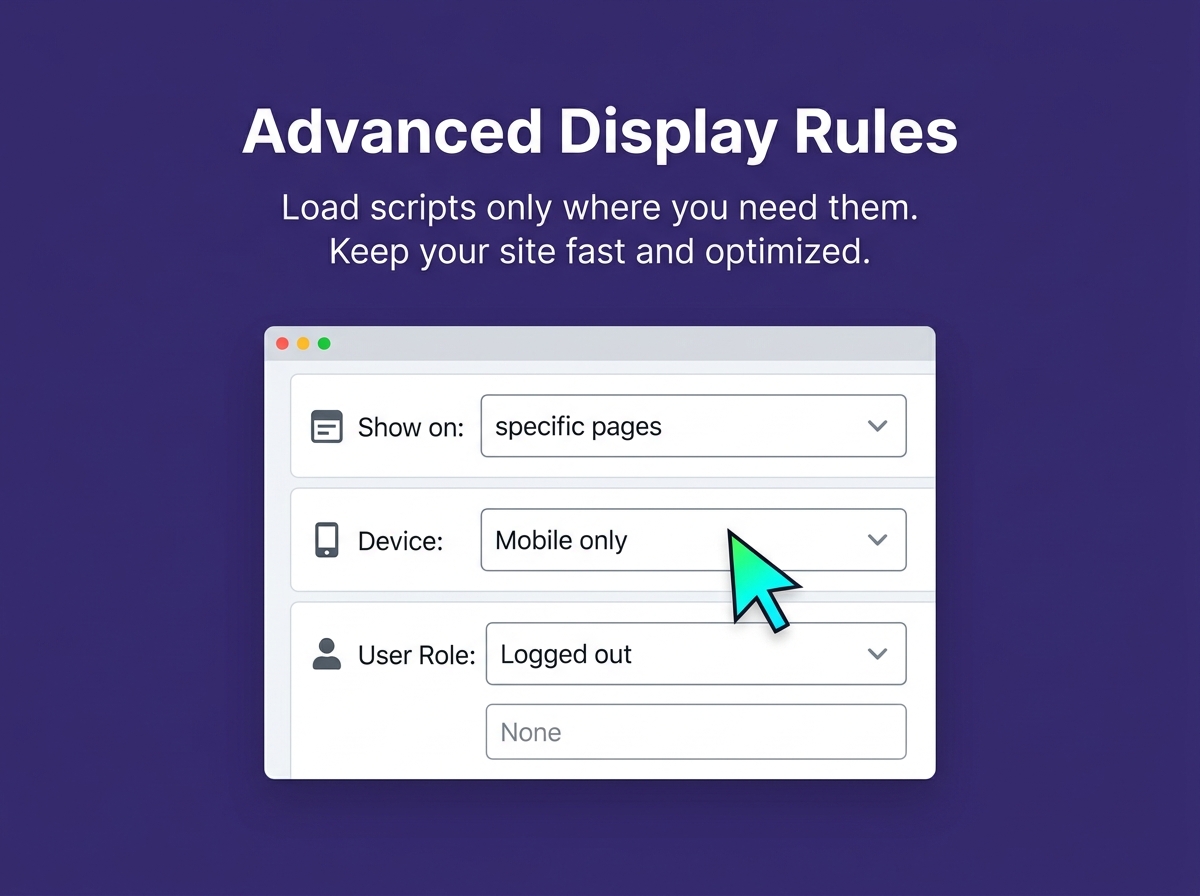
Q: Can I use SnippetBox to add custom CSS? A: Absolutely. You can easily inject custom CSS to override theme styles, and use the targeting rules to apply that CSS only to specific pages if needed.
Q: Does this plugin slow down my website? A: Not at all. SnippetBox is incredibly lightweight and only loads the exact scripts you tell it to, exactly where you tell it to.
Q: Can I control where the code is placed? A: Yes. You can choose to inject your snippets into the <head>, right after the opening <body> tag, or in the <footer> of your site.
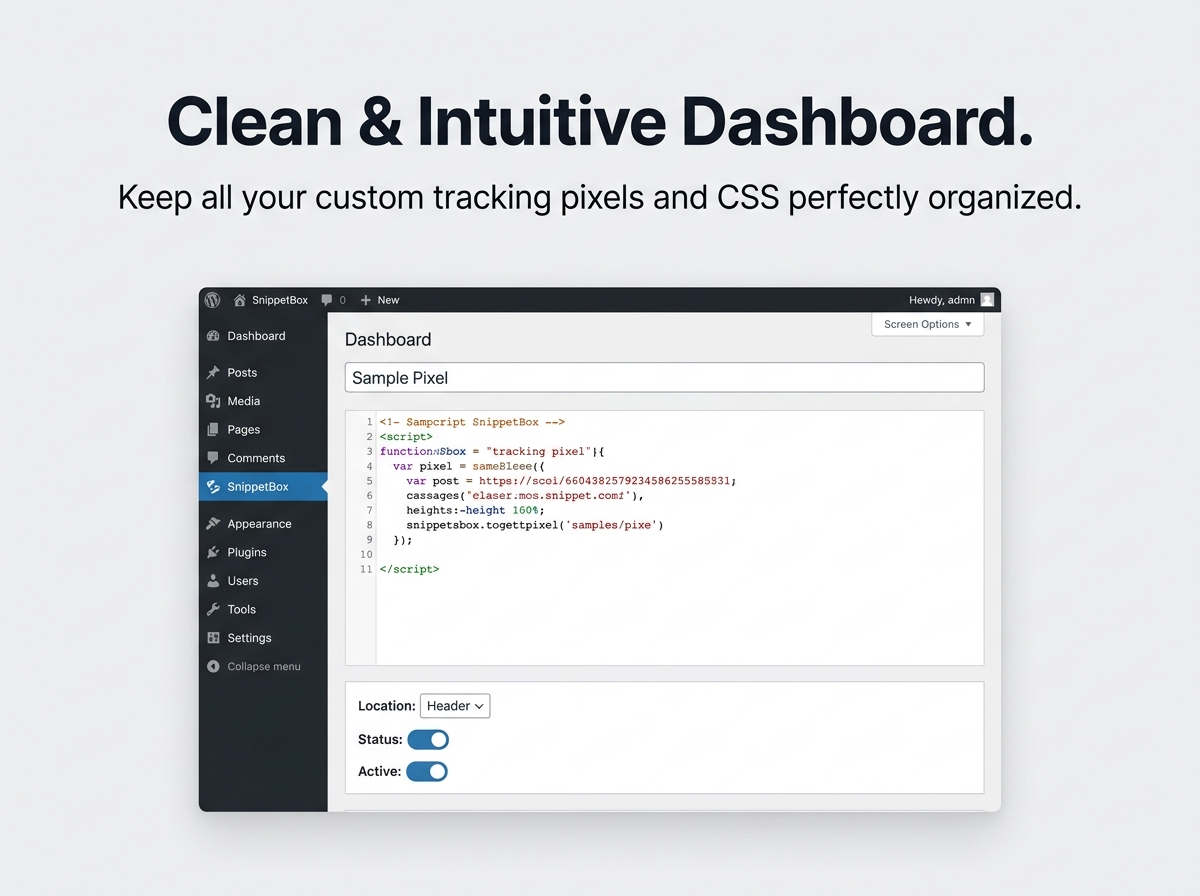
Q: Do I need to be a developer to use this? A: No coding degree required! While it’s a powerful tool for developers, the clean admin interface makes it easy for beginners to copy and paste tracking codes provided by platforms like Google or Facebook.
Take full control of your WordPress scripts with SnippetBox. Whether you need to add Google Analytics, Meta tracking pixels, custom CSS, or third-party chat widgets, SnippetBox lets you inject code safely and securely without ever touching your header.php or footer.php files.
Built by Sattive Dev Labs, SnippetBox is designed for site owners and developers who need a reliable, bloat-free way to manage custom snippets. The best part? When you update or change your WordPress theme, all your critical tracking codes and custom scripts stay perfectly intact.
Q: Will I lose my tracking codes if I change my WordPress theme? A: No! That is the primary benefit of SnippetBox. Because your code is saved within the plugin rather than your theme files, your Google Analytics and Meta pixels remain active regardless of theme updates or changes.
Q: Can I use SnippetBox to add custom CSS? A: Absolutely. You can easily inject custom CSS to override theme styles, and use the targeting rules to apply that CSS only to specific pages if needed.
Q: Does this plugin slow down my website? A: Not at all. SnippetBox is incredibly lightweight and only loads the exact scripts you tell it to, exactly where you tell it to.
Q: Can I control where the code is placed? A: Yes. You can choose to inject your snippets into the <head>, right after the opening <body> tag, or in the <footer> of your site.
Q: Do I need to be a developer to use this? A: No coding degree required! While it’s a powerful tool for developers, the clean admin interface makes it easy for beginners to copy and paste tracking codes provided by platforms like Google or Facebook.

With our extensive collection of elements, creating and customizing layouts becomes
second nature. Forget about coding and enjoy our themes.
 Discount of up to