
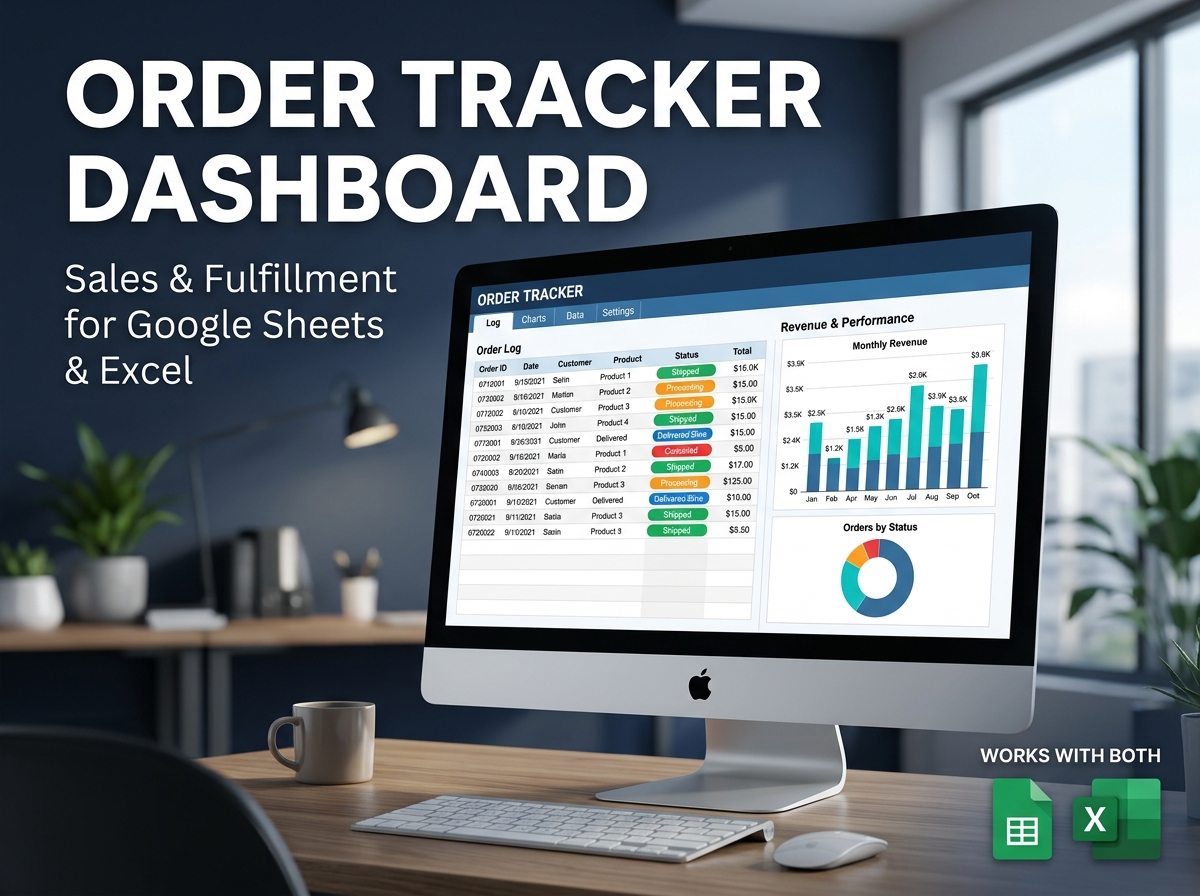
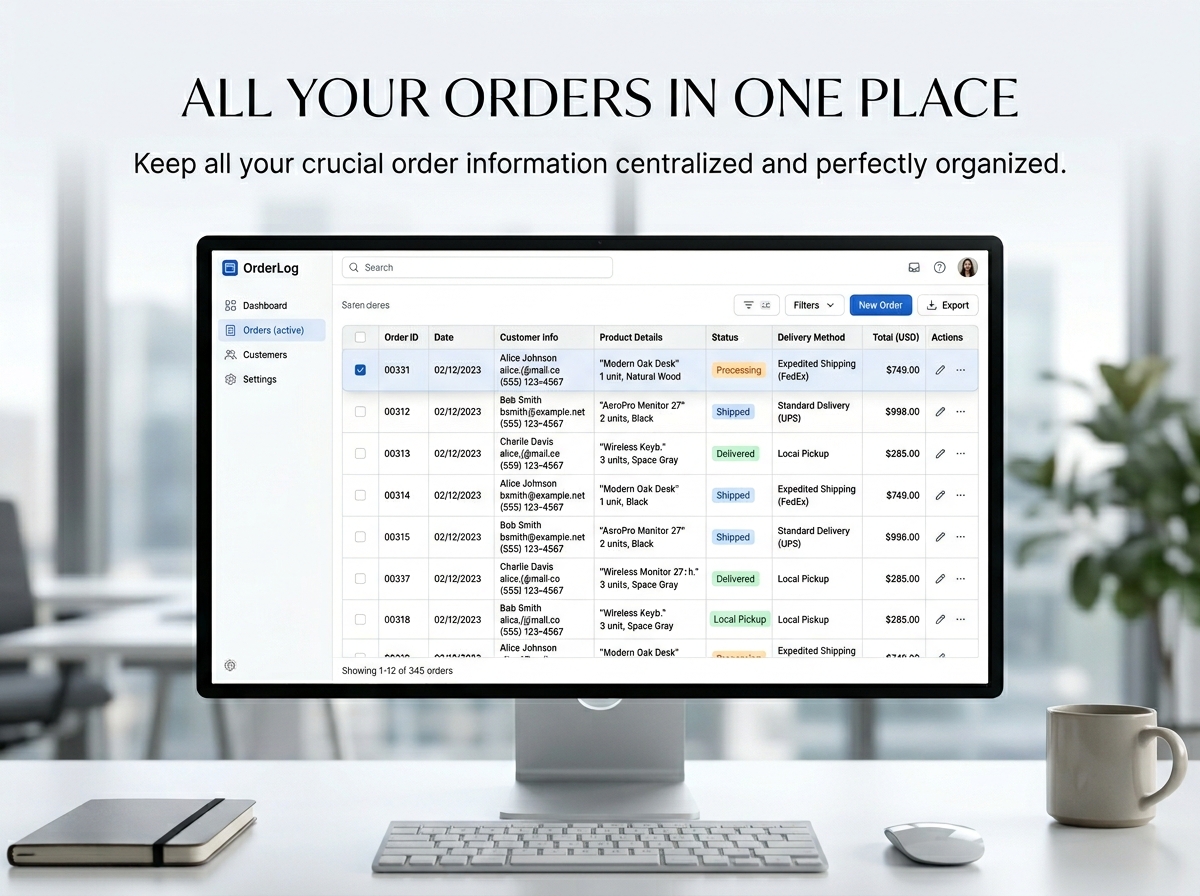
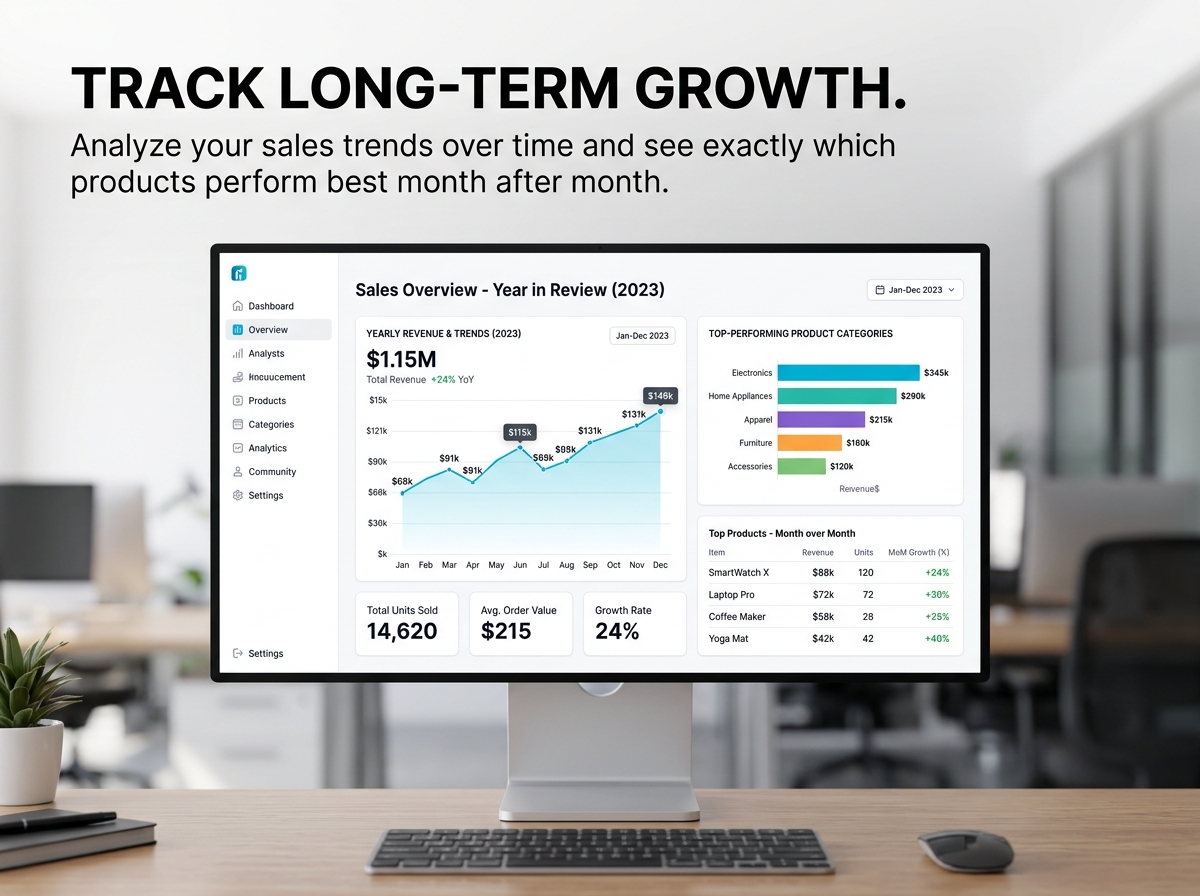
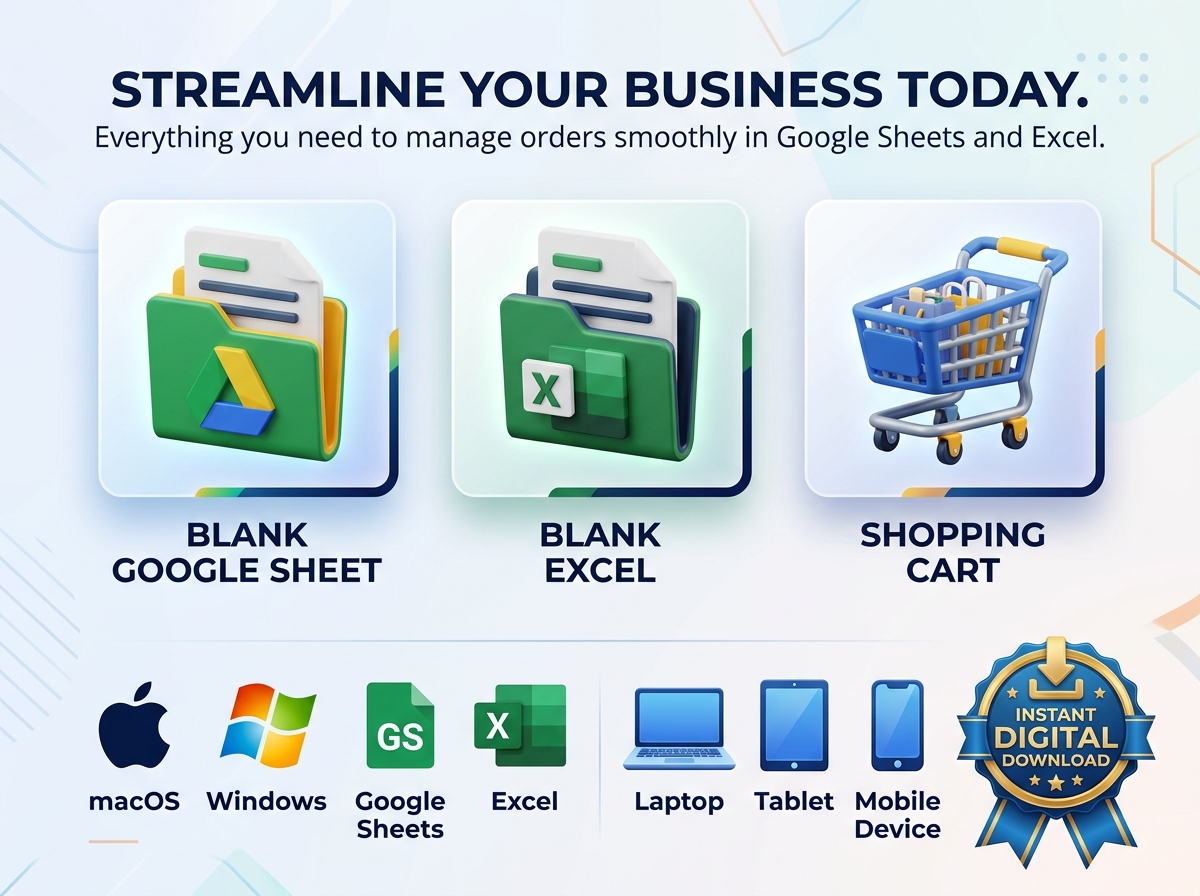
Streamline your entire order management process with the all-in-one Order Tracker Template. 📦📊
Built specifically for small business owners, online sellers, freelancers, and fulfillment teams, this powerful tool provides a highly reliable system to monitor your sales, track revenue, and update fulfillment statuses in real time.
Whether you are handling a few bespoke orders a week or managing a rapidly growing customer base, this spreadsheet helps you stay completely on track, avoid shipping confusion, and make informed, data-driven decisions with absolute ease. Say goodbye to scattered notes and disorganized software—manage your business with confidence and clarity.
🔑 Key Features:
🎯 Ideal For:
❤️ Why You’ll Appreciate It:
📦 What’s Included?
💻 How It Works & Requirements: You Will Need:
How It Works:
⚠️ Important to Know:
Q1: Will this work if I sell digital products or freelance services? A: Yes! The template is fully customizable. You can adjust the “Delivery Method” and “Status” options to reflect digital delivery, client revisions, or service milestones instead of physical shipping.
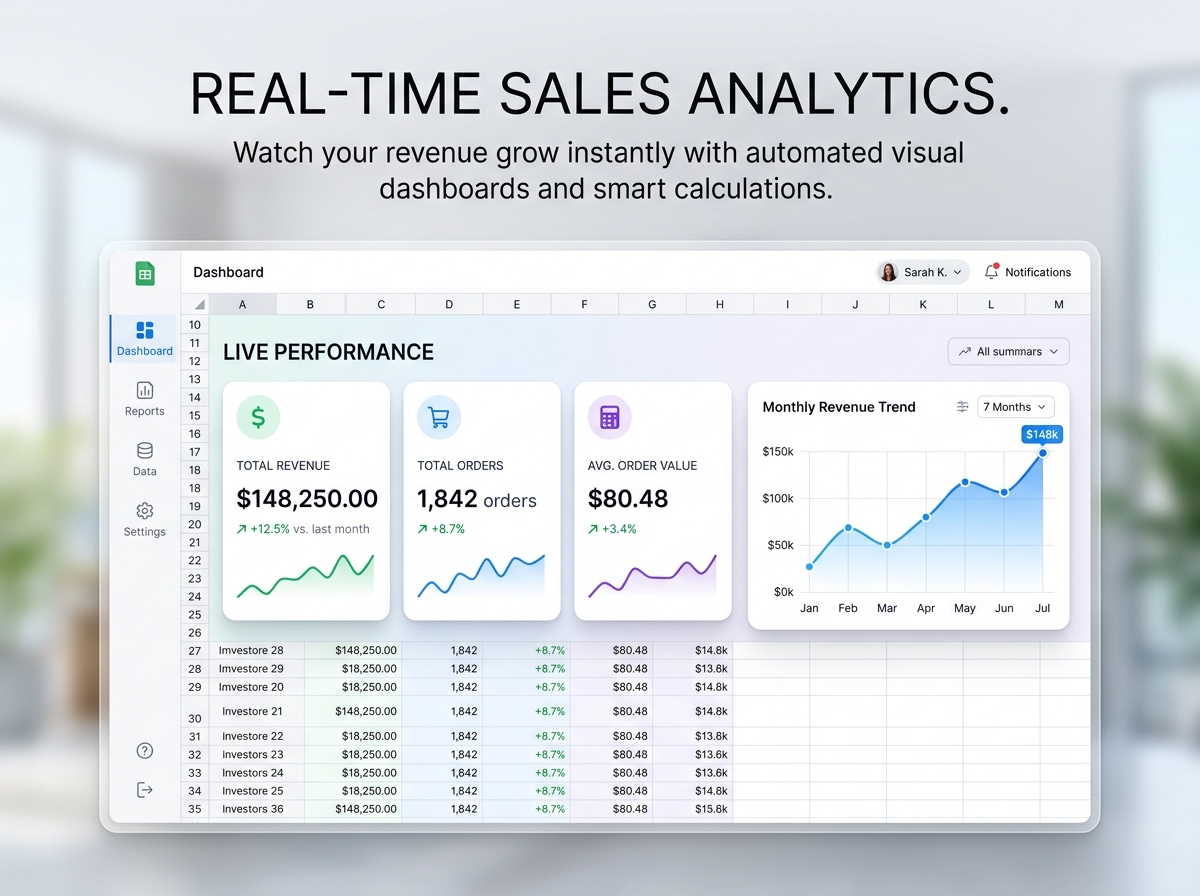
Q2: Do I have to manually calculate discounts and totals for each order? A: Not at all. The spreadsheet features “Instant Calculations.” Once you enter the item price, quantity, and any discount, the smart formulas automatically calculate the final order total and update your revenue dashboard.
Q3: Can I change the currency to match my country? A: Absolutely. The spreadsheet is designed for global use. You can easily set your preferred currency, and all the financial dashboards and order logs will update to reflect it.
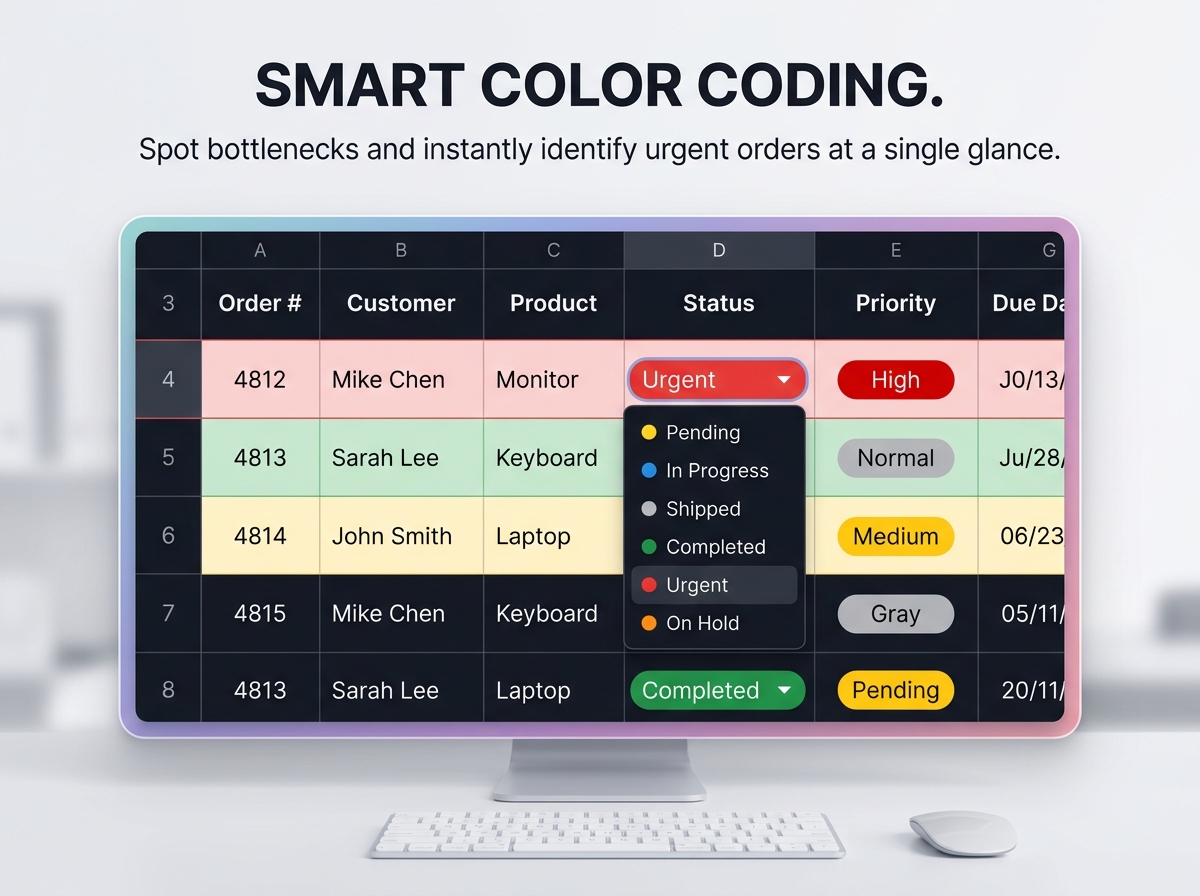
Q4: How does the Smart Color Coding work? A: When you select an order status (like “Urgent” or “Completed”) from the dropdown menu, the row automatically changes color. This allows you to quickly scan your massive order list and instantly see what needs your attention today.
Q5: Can I share this with my fulfillment team? A: Yes! If you use the Google Sheets version, you can simply click the “Share” button and invite your team members. Everyone can view or edit the live order tracker at the same time, keeping the whole team synced.
Streamline your entire order management process with the all-in-one Order Tracker Template. 📦📊
Built specifically for small business owners, online sellers, freelancers, and fulfillment teams, this powerful tool provides a highly reliable system to monitor your sales, track revenue, and update fulfillment statuses in real time.
Whether you are handling a few bespoke orders a week or managing a rapidly growing customer base, this spreadsheet helps you stay completely on track, avoid shipping confusion, and make informed, data-driven decisions with absolute ease. Say goodbye to scattered notes and disorganized software—manage your business with confidence and clarity.
🔑 Key Features:
🎯 Ideal For:
❤️ Why You’ll Appreciate It:
📦 What’s Included?
💻 How It Works & Requirements: You Will Need:
How It Works:
⚠️ Important to Know:
Q1: Will this work if I sell digital products or freelance services? A: Yes! The template is fully customizable. You can adjust the “Delivery Method” and “Status” options to reflect digital delivery, client revisions, or service milestones instead of physical shipping.
Q2: Do I have to manually calculate discounts and totals for each order? A: Not at all. The spreadsheet features “Instant Calculations.” Once you enter the item price, quantity, and any discount, the smart formulas automatically calculate the final order total and update your revenue dashboard.
Q3: Can I change the currency to match my country? A: Absolutely. The spreadsheet is designed for global use. You can easily set your preferred currency, and all the financial dashboards and order logs will update to reflect it.
Q4: How does the Smart Color Coding work? A: When you select an order status (like “Urgent” or “Completed”) from the dropdown menu, the row automatically changes color. This allows you to quickly scan your massive order list and instantly see what needs your attention today.
Q5: Can I share this with my fulfillment team? A: Yes! If you use the Google Sheets version, you can simply click the “Share” button and invite your team members. Everyone can view or edit the live order tracker at the same time, keeping the whole team synced.

With our extensive collection of elements, creating and customizing layouts becomes
second nature. Forget about coding and enjoy our themes.
 Discount of up to